Student Training Center Template



Edit Template Offline
2. Create new page and search for id 1278233
Edit Template Online
Create Awesome Websites


Free Nicepage Builder
Keywords
Course Categories Meet Human Proof in One Education Design
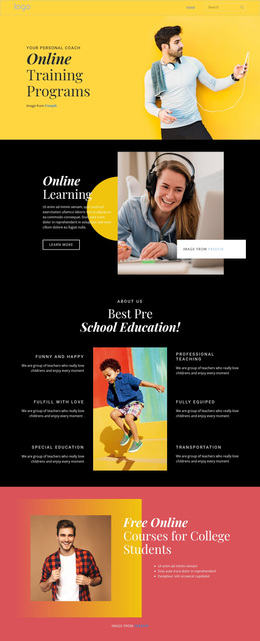
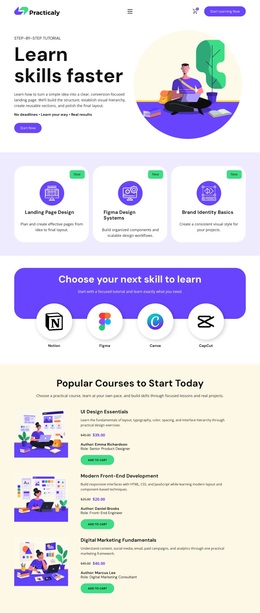
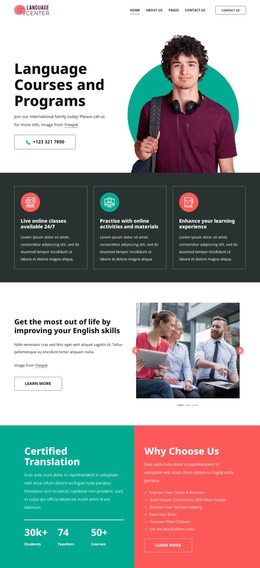
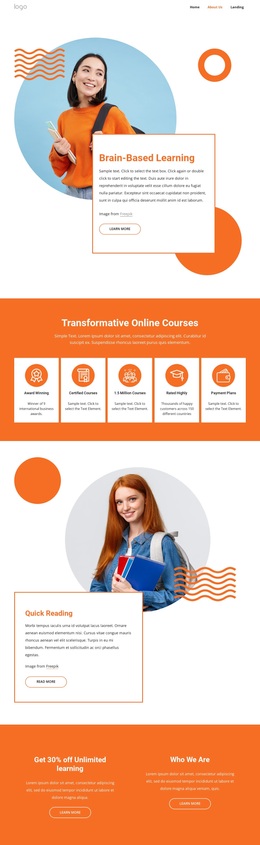
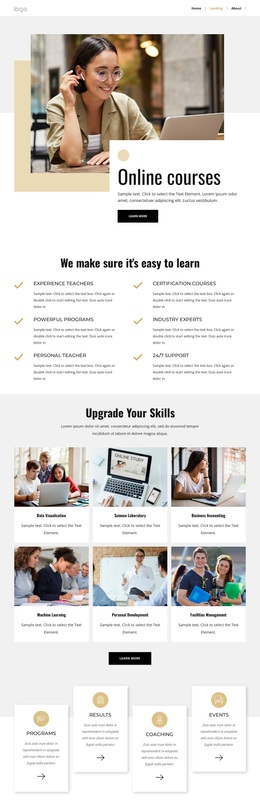
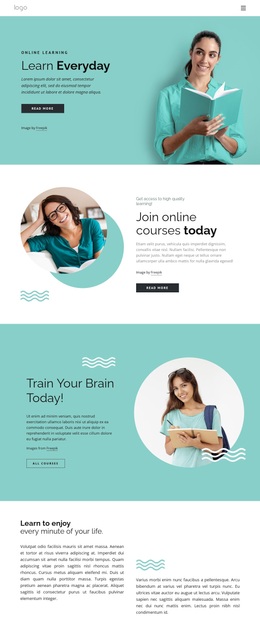
The page combines several kinds of educational content without reducing the design to a generic course listing. Its photographic hero establishes an energetic learning direction, then three category buttons introduce design, programming, and marketing. The benefit cards shift from subject matter to reasons for interest by presenting industry leaders, teachers, and national awards. Six image cards extend the offer into English learning, with labeled topics such as Statements, Infinitive, FREE lessons, and Vocabulary.
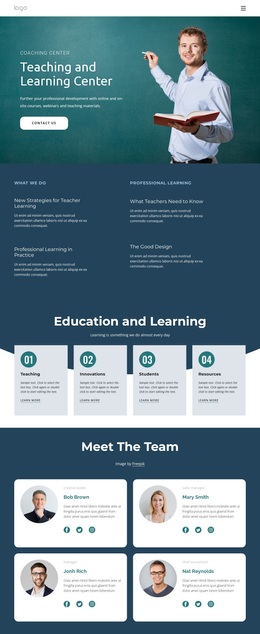
The three course category panels are especially useful for distinguishing this design from layouts centered on one service or one product. Web development, Information technology, and Web design appear as separate groups with vertically stacked course names, giving the page practical content coverage. Four team profiles and a two-slide testimonial presentation add a human layer, while the about and mission panels provide room for institutional explanation rather than only promotional claims.
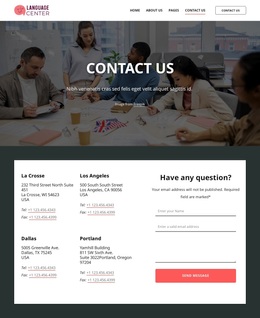
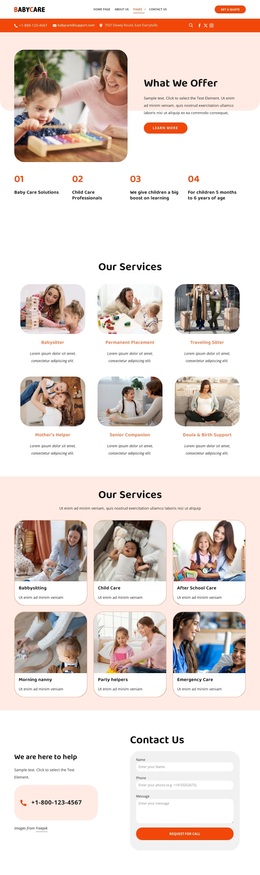
The closing contact area completes the selection case. It combines a form for name, email, phone, and message information with phone, location, service labels, and photography, so the design covers introduction, learning themes, course detail, people, feedback, and inquiry in one coordinated page. Its strongest reason to choose it is this range: the template can communicate an education offer through categories, visual examples, structured information, and human context.
Customize with Nicepage
Open this ready-made template in the Template Builder and customize it visually in the Nicepage editor. Replace demo content, edit page sections, and adapt the design to your project without rebuilding the template from scratch.
Start With a Ready-Made Template
Choose a Design for a New Page
Use a ready-made template as a starting point instead of creating every page from a blank canvas. When adding a new page in Nicepage, browse available designs, compare different layouts, and choose an option that already fits the general purpose and visual direction of your project.
Browse Different Page Designs
Explore Page Designs using search, thematic categories, Design Sets, and full-page previews. The collection includes layouts for different subjects and page purposes, making it easier to compare alternatives before selecting a design to customize.
Customize the Selected Template
After choosing a design, create the page and continue editing it visually in Nicepage. Replace the demo content, adjust images, typography, colors, sections, and other elements, and adapt the ready-made layout to your own content instead of rebuilding the design from the beginning.
Explore More Design Directions
If the first option does not match your project closely enough, return to the design collection and compare other templates before committing to a layout. This makes the template library useful not only for faster page creation, but also for exploring different visual approaches and finding a suitable starting point for a new project.
This workflow gives you access to a broad collection of ready-made designs that can be selected, compared, and customized according to the needs of each new page or project.