African charity Template



Edit Template Offline
2. Create new page and search for id 6324497
Edit Template Online
Create Awesome Websites


Free Nicepage Builder
Keywords
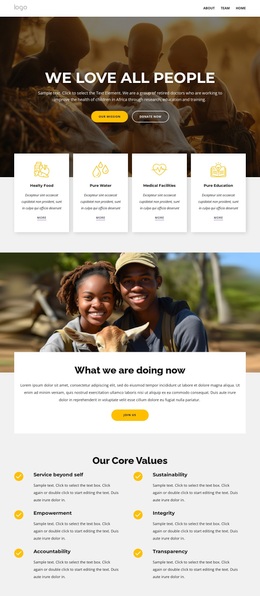
Children’s Programs and Participation Paths Give the Design Clear Purpose
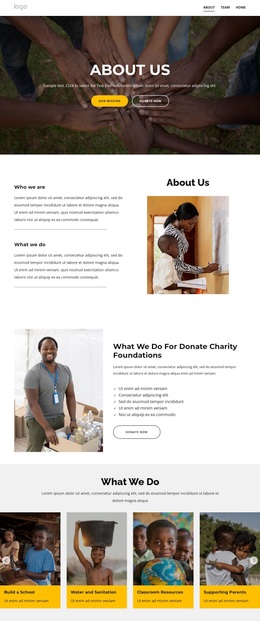
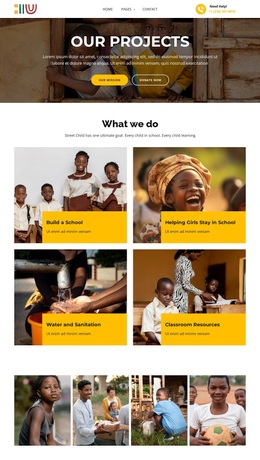
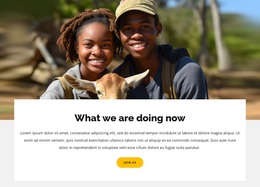
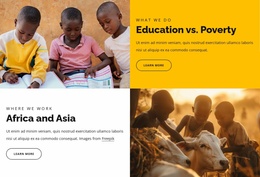
Large photographs carry the first emotional impression, but the page quickly adds practical detail through four support cards for healthy food, pure water, medical facilities, and pure education. That combination makes the design suitable for projects that need to communicate both human context and recognizable areas of assistance. The later program cards strengthen the distinction by showing school building, helping girls stay in school, water and sanitation, and classroom resources as separate areas of work.
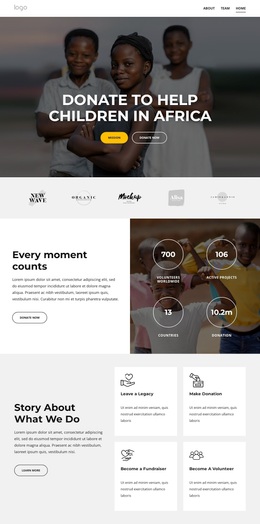
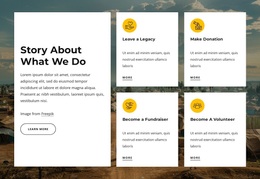
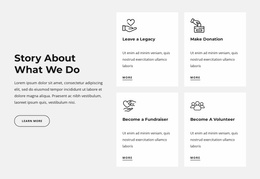
The country section adds geographic direction through Sudan, Burkina Faso, Kenya, and Somalia, while the core values and vision-and-strategy sections explain how the organization presents its principles. Visitors can then choose among four participation routes—leaving a legacy, making a donation, becoming a fundraiser, or becoming a volunteer. The page does not depend on one type of content: it combines program explanation, organizational identity, visual storytelling, and direct involvement.
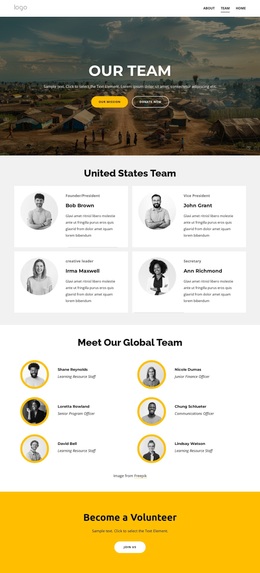
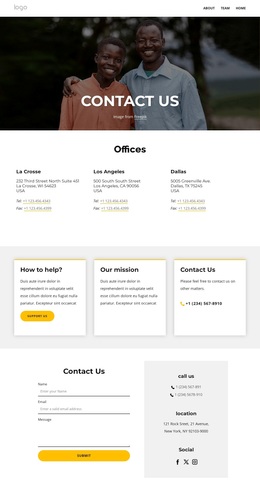
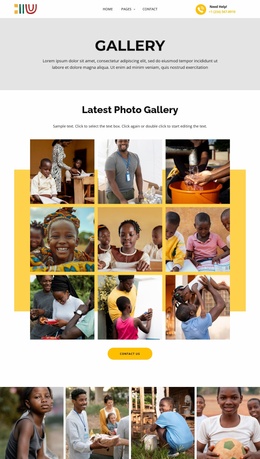
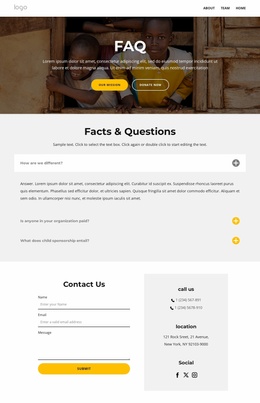
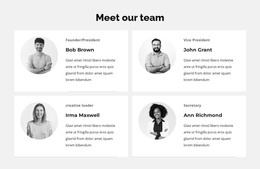
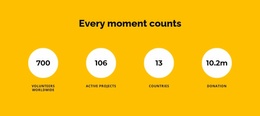
A six-image gallery, four team profiles, partner marks, two testimonial slides, and four impact counters provide additional ways to understand the organization, although the displayed names and figures should be replaced or verified for a real charity. FAQs, newsletter signup, a donation appeal, and a map beside a contact form complete the coverage. Among ready-made designs, this option is worth choosing when a project needs one page to connect charitable purpose, program detail, public trust, and several forms of participation without reducing the story to a single appeal.
Customize with Nicepage
Open this ready-made template in the Template Builder and customize it visually in the Nicepage editor. Replace demo content, edit page sections, and adapt the design to your project without rebuilding the template from scratch.
Start With a Ready-Made Template
Choose a Design for a New Page
Use a ready-made template as a starting point instead of creating every page from a blank canvas. When adding a new page in Nicepage, browse available designs, compare different layouts, and choose an option that already fits the general purpose and visual direction of your project.
Browse Different Page Designs
Explore Page Designs using search, thematic categories, Design Sets, and full-page previews. The collection includes layouts for different subjects and page purposes, making it easier to compare alternatives before selecting a design to customize.
Customize the Selected Template
After choosing a design, create the page and continue editing it visually in Nicepage. Replace the demo content, adjust images, typography, colors, sections, and other elements, and adapt the ready-made layout to your own content instead of rebuilding the design from the beginning.
Explore More Design Directions
If the first option does not match your project closely enough, return to the design collection and compare other templates before committing to a layout. This makes the template library useful not only for faster page creation, but also for exploring different visual approaches and finding a suitable starting point for a new project.
This workflow gives you access to a broad collection of ready-made designs that can be selected, compared, and customized according to the needs of each new page or project.