Interior solutions Template


Edit Template Offline
2. Create new page and search for id 247670
Edit Template Online
Create Awesome Websites


Free Nicepage Builder
Keywords
Nordic Style, Furniture, and Gallery Content Define the Design Choice
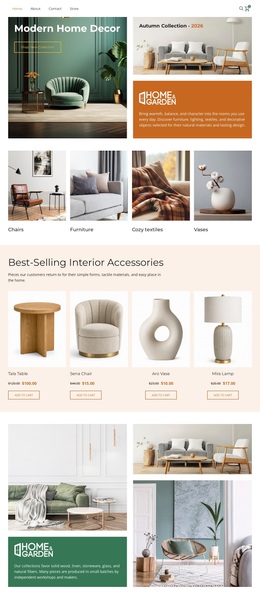
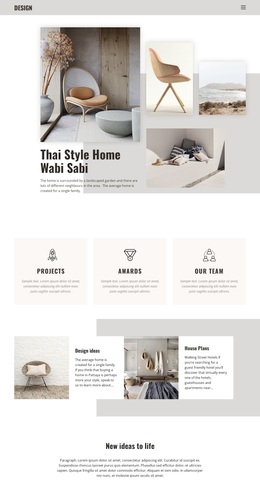
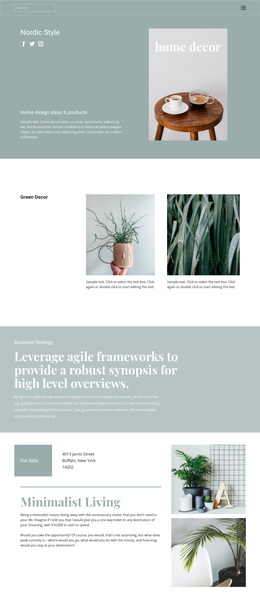
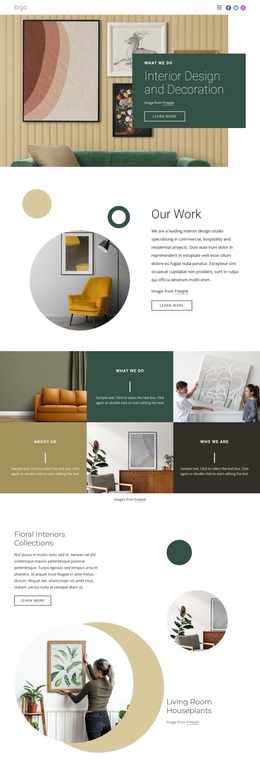
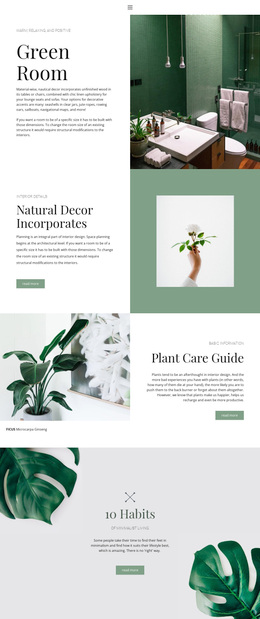
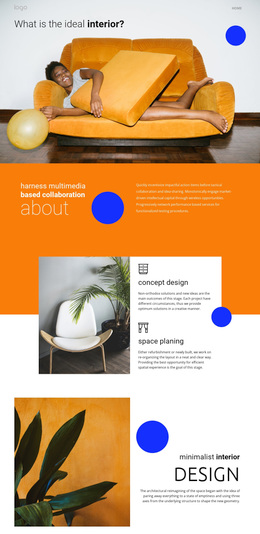
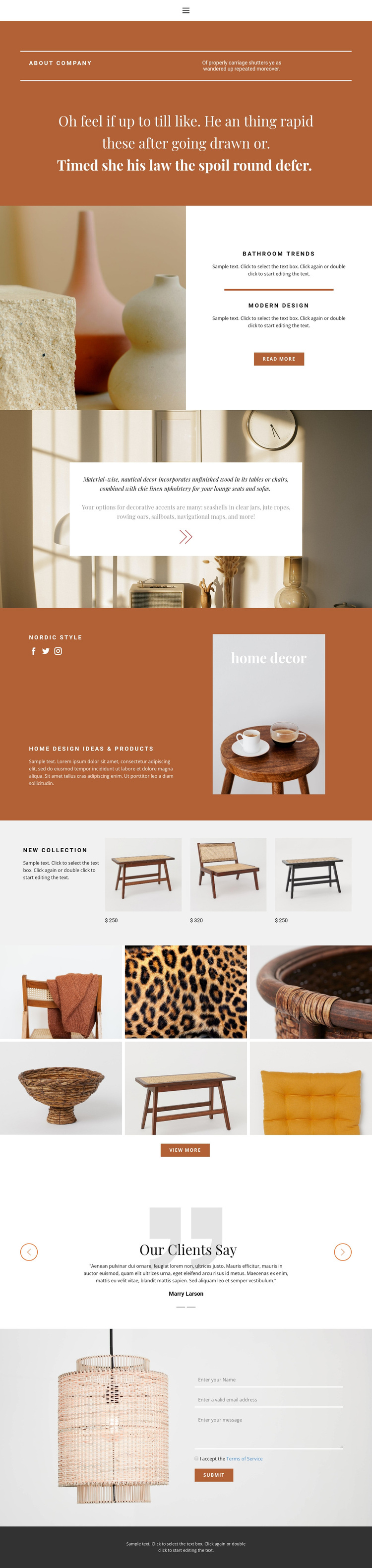
The design places home decor imagery at the center of its communication. The warm terracotta opening panel gives the About company statement a strong editorial setting, while the Bathroom Trends split section pairs a large interior photograph with two highlighted topics and a Read more action. The Nordic Style block continues that direction by joining brand copy, social links, and a framed home decor image rather than relying on dense explanatory text.
The New Collection section makes the design more useful for projects that need product visibility alongside inspiration. Three furniture items with displayed prices create a compact catalog-like moment, and the six-image gallery expands the range of visual examples through a View more action. Two testimonial slides add a client-oriented layer, balancing the image-led presentation with social proof before the contact area. These relationships distinguish the design from a layout focused only on services, long-form articles, or a single promotional statement.
The page is therefore a practical option for home decor, interior styling, furniture, or related visual projects where photographs carry much of the message. The sample prices, client names, and placeholder copy are structural demonstrations rather than verified business claims. Replacing them with real collection details and approved testimonials would preserve the existing balance between editorial atmosphere, product coverage, image browsing, and contact communication.
Customize with Nicepage
Open this ready-made template in the Template Builder and customize it visually in the Nicepage editor. Replace demo content, edit page sections, and adapt the design to your project without rebuilding the template from scratch.
Start With a Ready-Made Template
Choose a Design for a New Page
Use a ready-made template as a starting point instead of creating every page from a blank canvas. When adding a new page in Nicepage, browse available designs, compare different layouts, and choose an option that already fits the general purpose and visual direction of your project.
Browse Different Page Designs
Explore Page Designs using search, thematic categories, Design Sets, and full-page previews. The collection includes layouts for different subjects and page purposes, making it easier to compare alternatives before selecting a design to customize.
Customize the Selected Template
After choosing a design, create the page and continue editing it visually in Nicepage. Replace the demo content, adjust images, typography, colors, sections, and other elements, and adapt the ready-made layout to your own content instead of rebuilding the design from the beginning.
Explore More Design Directions
If the first option does not match your project closely enough, return to the design collection and compare other templates before committing to a layout. This makes the template library useful not only for faster page creation, but also for exploring different visual approaches and finding a suitable starting point for a new project.
This workflow gives you access to a broad collection of ready-made designs that can be selected, compared, and customized according to the needs of each new page or project.