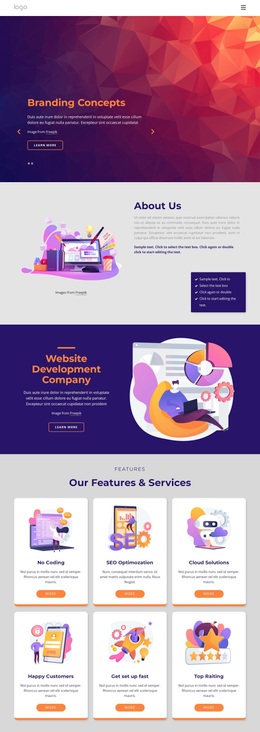
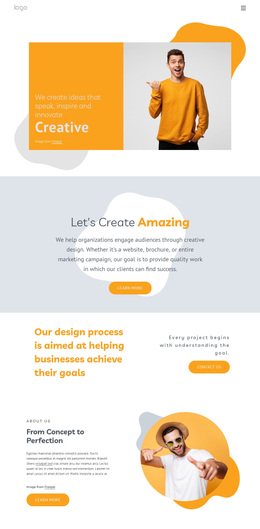
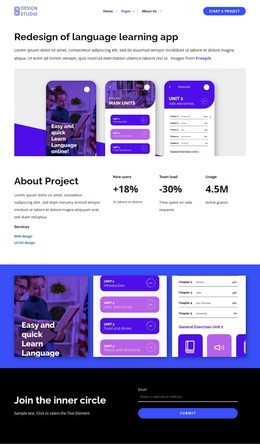
Branding, strategy and multidisciplinary design studio Template



Edit Template Offline
2. Create new page and search for id 5871533
Edit Template Online
Create Awesome Websites


Free Nicepage Builder
Keywords
Six Service Categories Connect Creative Work With Client Response
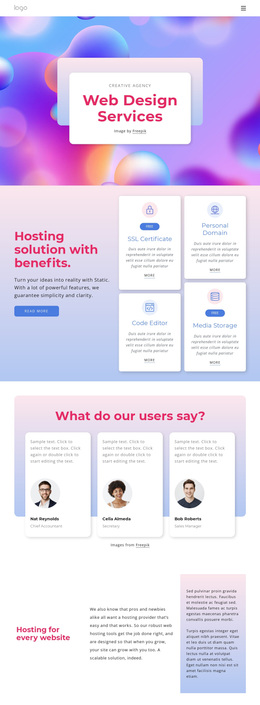
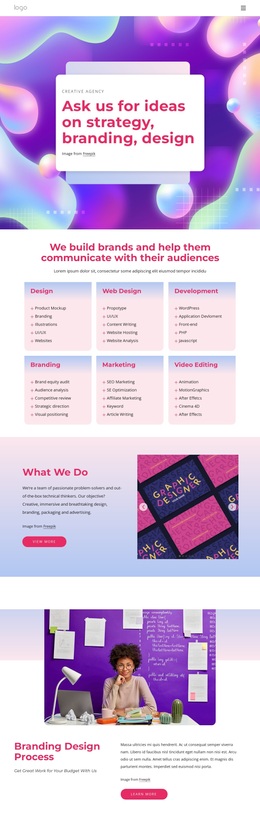
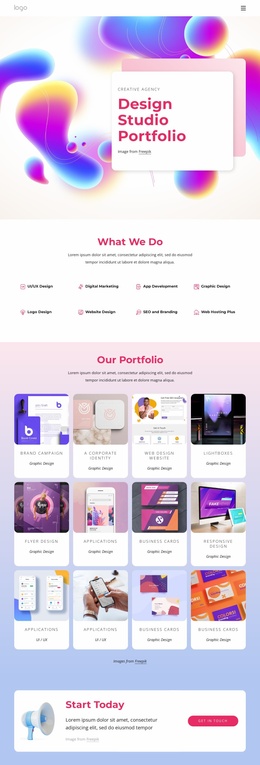
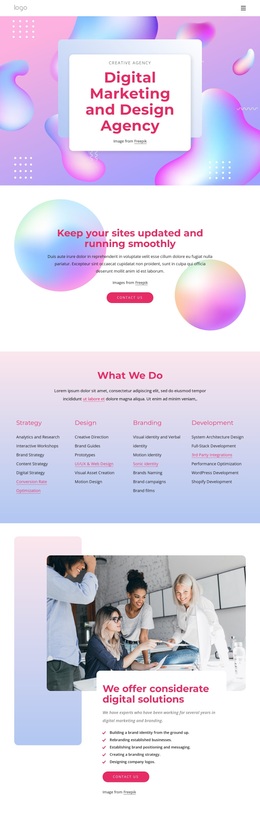
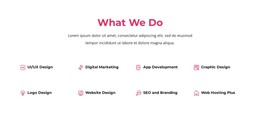
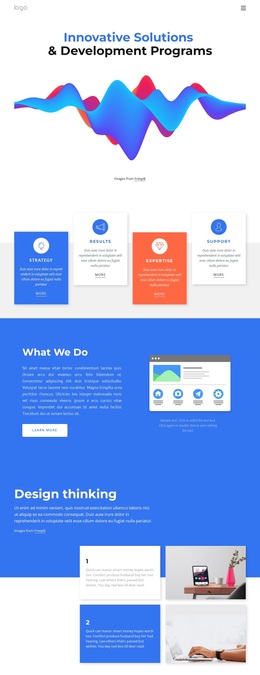
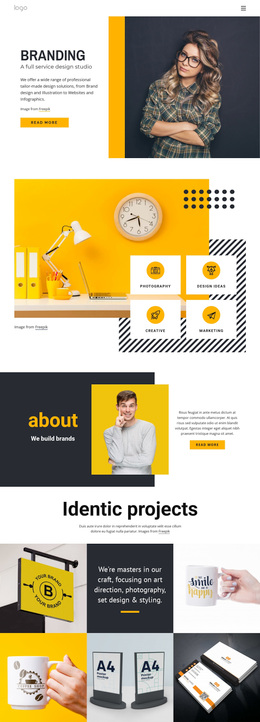
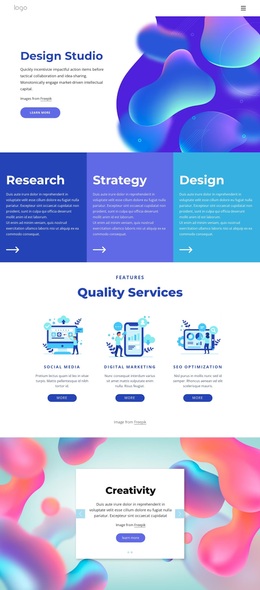
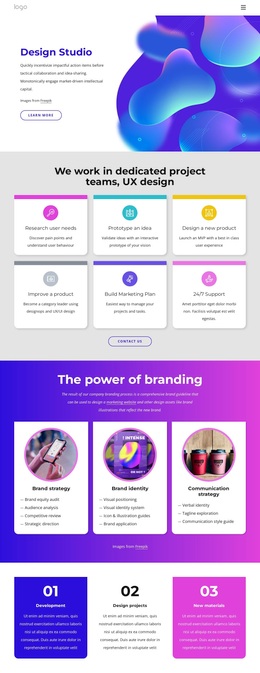
The six pastel service cards make this design a distinctive option for projects that need to communicate several creative capabilities without reducing them to a single generic statement. Design, Web Design, Development, Branding, Marketing, and Video Editing are separated into repeated content units, so visitors can quickly understand the range of work while the page keeps a consistent visual rhythm. The “What We Do” section develops that offer through explanatory copy and a multi-image creative work carousel, giving the service claims a visual context rather than leaving them as text alone.
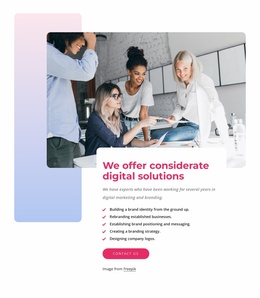
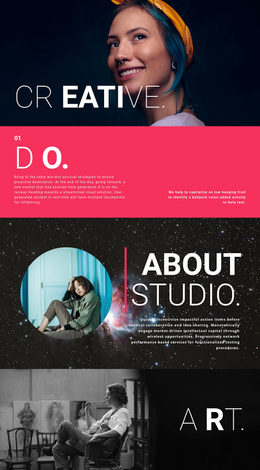
The branding design process section adds a more focused story, pairing a large portrait-oriented image with supporting copy and a Learn More action. That contrast between broad service coverage and one detailed process makes the layout suitable for a studio that wants to show both versatility and a defined method. The three eCommerce cards introduce another useful direction through hosting, online store, and selling online content, expanding the possible project focus without changing the underlying agency character.
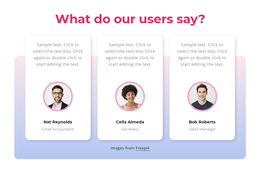
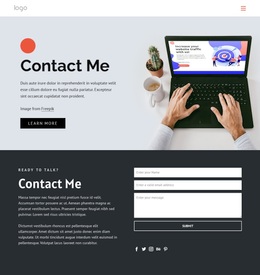
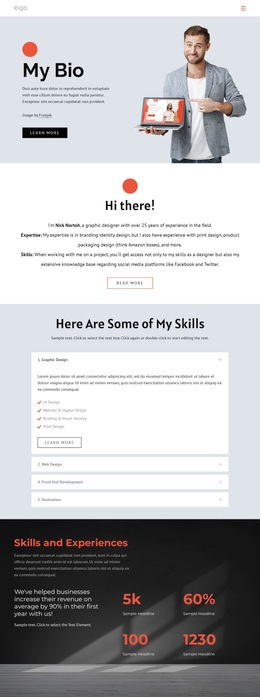
Testimonials, social links, newsletter messaging, and contact forms complete the content picture. They create recognizable trust and communication areas while leaving the design open to more specific client examples and service explanations. As a ready-made design choice, its strongest value lies in how creative breadth, visual proof, process information, and response opportunities are connected in one coherent presentation.
Customize with Nicepage
Open this ready-made template in the Template Builder and customize it visually in the Nicepage editor. Replace demo content, edit page sections, and adapt the design to your project without rebuilding the template from scratch.
Start With a Ready-Made Template
Choose a Design for a New Page
Use a ready-made template as a starting point instead of creating every page from a blank canvas. When adding a new page in Nicepage, browse available designs, compare different layouts, and choose an option that already fits the general purpose and visual direction of your project.
Browse Different Page Designs
Explore Page Designs using search, thematic categories, Design Sets, and full-page previews. The collection includes layouts for different subjects and page purposes, making it easier to compare alternatives before selecting a design to customize.
Customize the Selected Template
After choosing a design, create the page and continue editing it visually in Nicepage. Replace the demo content, adjust images, typography, colors, sections, and other elements, and adapt the ready-made layout to your own content instead of rebuilding the design from the beginning.
Explore More Design Directions
If the first option does not match your project closely enough, return to the design collection and compare other templates before committing to a layout. This makes the template library useful not only for faster page creation, but also for exploring different visual approaches and finding a suitable starting point for a new project.
This workflow gives you access to a broad collection of ready-made designs that can be selected, compared, and customized according to the needs of each new page or project.