Better audiences Template


Edit Template Offline
2. Create new page and search for id 6284250
Edit Template Online
Create Awesome Websites


Free Nicepage Builder
Keywords
Three Capability Cards Connect Agency Expertise With a Free Audit
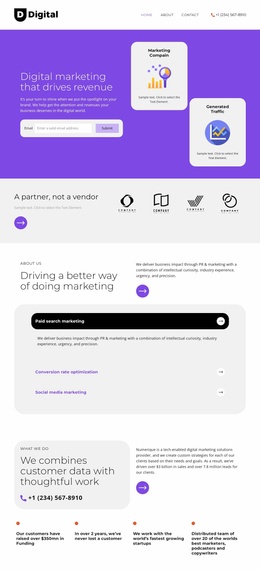
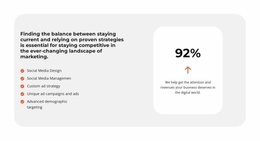
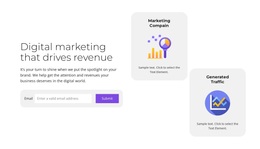
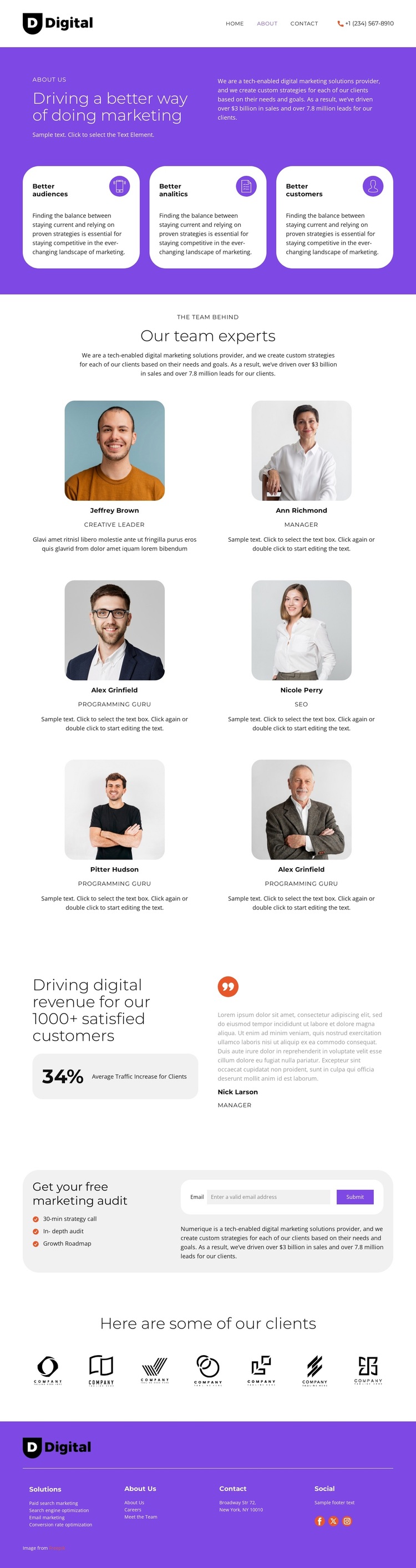
The design is worth considering when a marketing provider needs to explain more than a list of services. Its opening purple section establishes an agency position, while the three rounded capability cards quickly frame the promise around better audiences, analytics, and customers. That combination gives the page a recognizable starting point: a concise strategic message supported by visual summaries rather than a long block of introductory text.
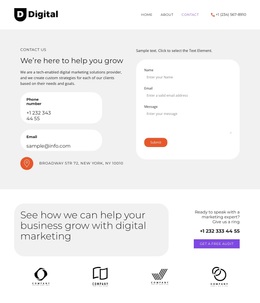
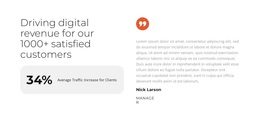
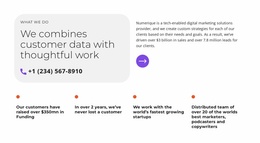
The template then adds two kinds of credibility that work together. Six portrait profiles show the people behind the work, and the results area shifts toward client-facing evidence by pairing a displayed traffic metric with testimonial content. The metric, customer count, and other sample values should be treated as structural demo content unless replaced with verified data, but the layout clearly supports a provider that wants to connect team expertise with outcomes. Seven client logo marks extend that proof in a compact, highly scannable form.
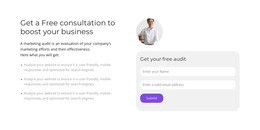
The closing audit offer gives the design a practical point of distinction. A strategy call, in-depth audit, growth roadmap, and email submission form turn the informational story into a defined introductory service. This makes the template a useful option for agencies that need one page to present capabilities, team credibility, client context, and a low-friction first engagement. Its value comes from the relationships among those sections, not from any unsupported claim that the displayed results belong to a real business.
Customize with Nicepage
Open this ready-made template in the Template Builder and customize it visually in the Nicepage editor. Replace demo content, edit page sections, and adapt the design to your project without rebuilding the template from scratch.
Start With a Ready-Made Template
Choose a Design for a New Page
Use a ready-made template as a starting point instead of creating every page from a blank canvas. When adding a new page in Nicepage, browse available designs, compare different layouts, and choose an option that already fits the general purpose and visual direction of your project.
Browse Different Page Designs
Explore Page Designs using search, thematic categories, Design Sets, and full-page previews. The collection includes layouts for different subjects and page purposes, making it easier to compare alternatives before selecting a design to customize.
Customize the Selected Template
After choosing a design, create the page and continue editing it visually in Nicepage. Replace the demo content, adjust images, typography, colors, sections, and other elements, and adapt the ready-made layout to your own content instead of rebuilding the design from the beginning.
Explore More Design Directions
If the first option does not match your project closely enough, return to the design collection and compare other templates before committing to a layout. This makes the template library useful not only for faster page creation, but also for exploring different visual approaches and finding a suitable starting point for a new project.
This workflow gives you access to a broad collection of ready-made designs that can be selected, compared, and customized according to the needs of each new page or project.