Ignite Your Brand's Success Template


Edit Template Offline
2. Create new page and search for id 6257880
Edit Template Online
Create Awesome Websites


Free Nicepage Builder
Keywords
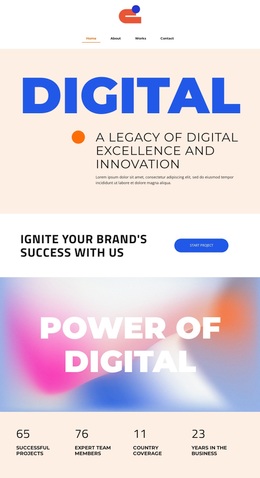
Four Alternating Projects Give This Portfolio a Distinct Direction
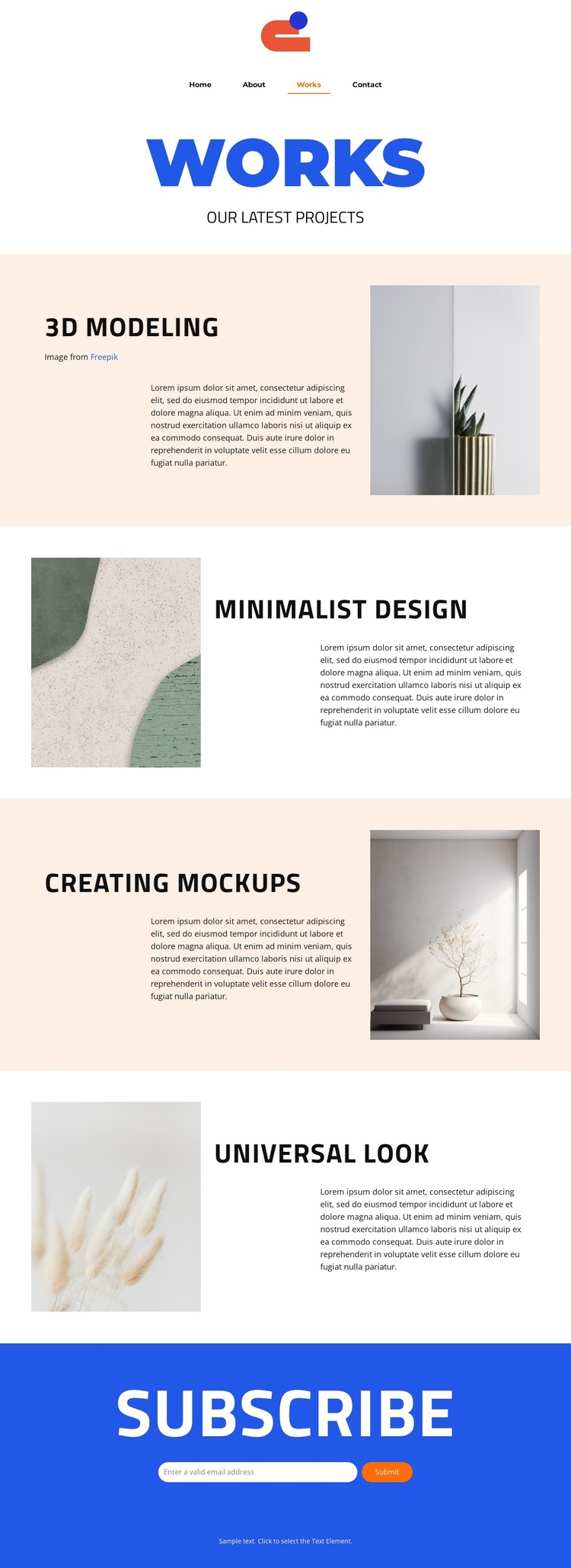
The design is defined by the way it combines a restrained portfolio format with clear variation between project entries. The Works introduction is brief and centered, allowing the page to move quickly into its main evidence: four project topics covering 3D modeling, Minimalist design, Creating mockups, and Universal look. That range makes the layout suitable for presenting creative capabilities without relying on a dense service catalogue or a long explanatory article.
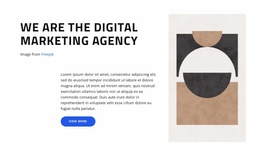
Each project uses an image-and-text pairing, but the sides alternate from one section to the next. This creates a measured editorial rhythm: the content remains comparable across entries, while the changing alignment keeps the page from feeling mechanically repeated. Pale peach bands and generous white space separate the visual units, and bold blue headings provide a recognizable accent against the neutral imagery and light backgrounds.
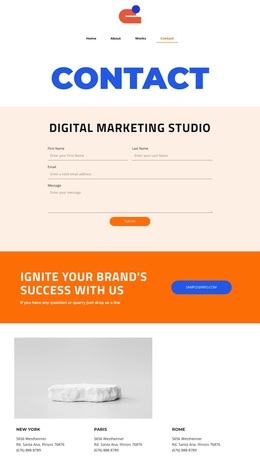
The page also includes a practical closing interaction rather than ending after the portfolio. A bright subscribe area with an email form and Submit action gives the design a clear way to continue contact after the work has been viewed. The compact navigation connects the page to Home, About, Works, and Contact, while the centered footer remains visually quiet. As a ready-made option, this template suits projects that want selected visual work, controlled whitespace, and one simple audience-building response.
Customize with Nicepage
Open this ready-made template in the Template Builder and customize it visually in the Nicepage editor. Replace demo content, edit page sections, and adapt the design to your project without rebuilding the template from scratch.
Start With a Ready-Made Template
Choose a Design for a New Page
Use a ready-made template as a starting point instead of creating every page from a blank canvas. When adding a new page in Nicepage, browse available designs, compare different layouts, and choose an option that already fits the general purpose and visual direction of your project.
Browse Different Page Designs
Explore Page Designs using search, thematic categories, Design Sets, and full-page previews. The collection includes layouts for different subjects and page purposes, making it easier to compare alternatives before selecting a design to customize.
Customize the Selected Template
After choosing a design, create the page and continue editing it visually in Nicepage. Replace the demo content, adjust images, typography, colors, sections, and other elements, and adapt the ready-made layout to your own content instead of rebuilding the design from the beginning.
Explore More Design Directions
If the first option does not match your project closely enough, return to the design collection and compare other templates before committing to a layout. This makes the template library useful not only for faster page creation, but also for exploring different visual approaches and finding a suitable starting point for a new project.
This workflow gives you access to a broad collection of ready-made designs that can be selected, compared, and customized according to the needs of each new page or project.