Quick online consultation Template


Edit Template Offline
2. Create new page and search for id 6453073
Edit Template Online
Create Awesome Websites


Free Nicepage Builder
Keywords
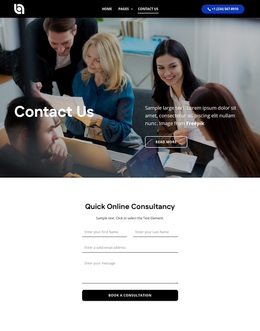
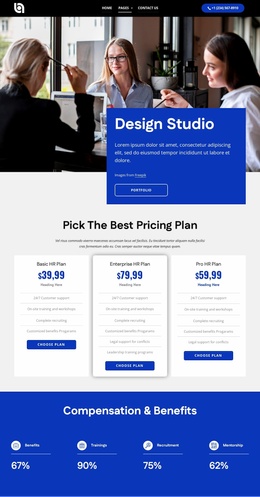
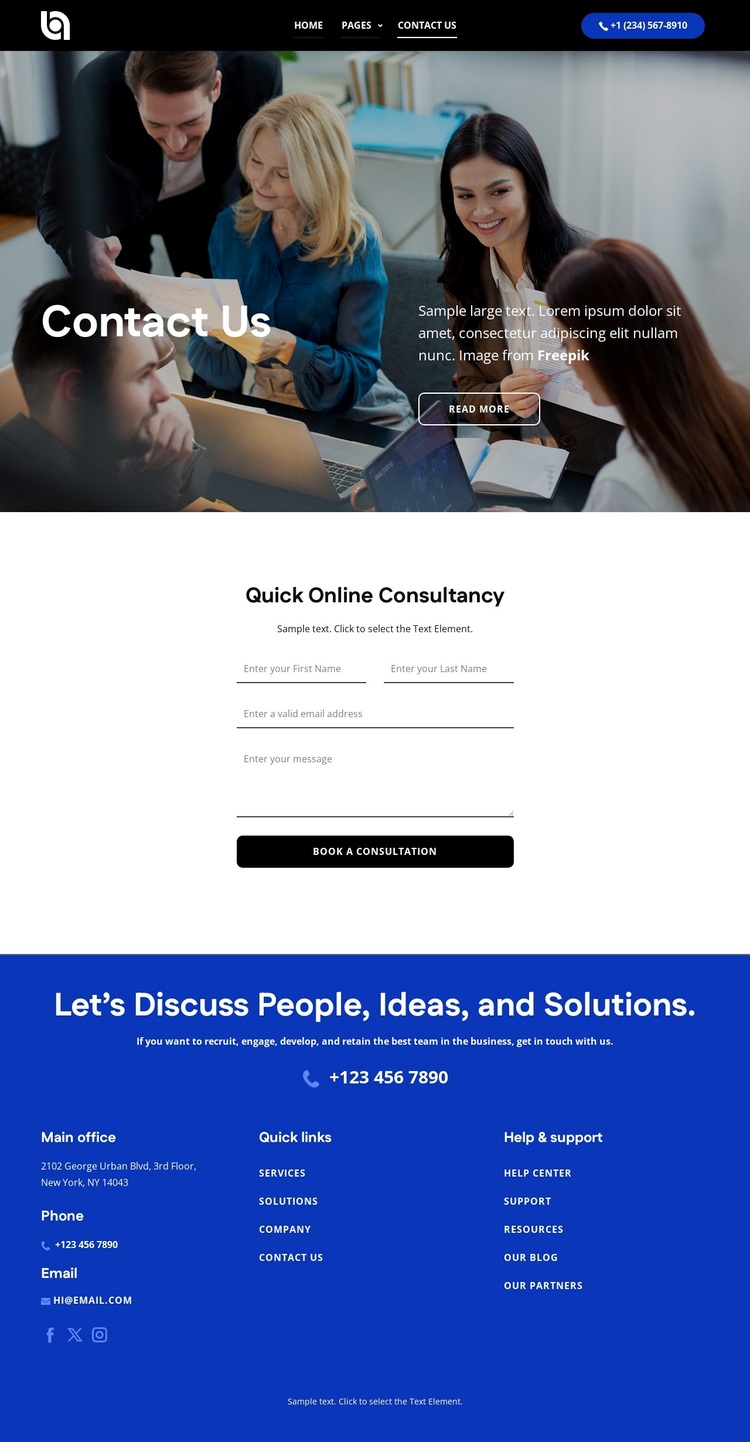
A photo-led introduction and focused inquiry panel define the design choice
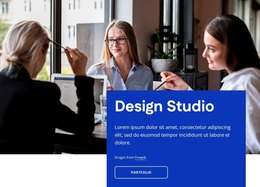
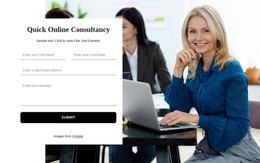
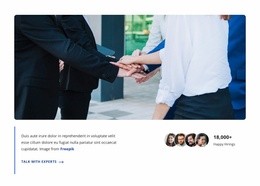
The strongest reason to choose this design is its concentration on a single, recognizable contact scenario. Instead of distributing attention across many unrelated content types, the page opens with a Contact Us hero that pairs a team photograph with a title, supporting copy, and Read more action. The visual treatment gives the introduction a human setting while leaving the main body available for a more direct response.
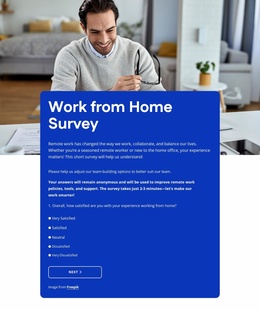
That response is carried by the Quick Online Consultancy section. Its centered panel, supporting line, inquiry form, and Book a Consultation action give the page a clear practical purpose for consultancy-oriented projects. The footer broadens the presentation without changing its focus: phone, email, Facebook, Twitter, and Instagram links sit alongside office information and grouped quick-link and support navigation. This combination makes the design useful when visitors may want either to submit an inquiry or choose a direct contact channel. The dark header and photographic hero create a strong opening contrast, the bright form area makes the response section easy to distinguish, and the solid blue footer supplies a consistent close. Compared with a layout built around services, pricing, or a large portfolio, this option is better suited to projects where consultation access and human contact should remain the central message.
Customize with Nicepage
Open this ready-made template in the Template Builder and customize it visually in the Nicepage editor. Replace demo content, edit page sections, and adapt the design to your project without rebuilding the template from scratch.
Start With a Ready-Made Template
Choose a Design for a New Page
Use a ready-made template as a starting point instead of creating every page from a blank canvas. When adding a new page in Nicepage, browse available designs, compare different layouts, and choose an option that already fits the general purpose and visual direction of your project.
Browse Different Page Designs
Explore Page Designs using search, thematic categories, Design Sets, and full-page previews. The collection includes layouts for different subjects and page purposes, making it easier to compare alternatives before selecting a design to customize.
Customize the Selected Template
After choosing a design, create the page and continue editing it visually in Nicepage. Replace the demo content, adjust images, typography, colors, sections, and other elements, and adapt the ready-made layout to your own content instead of rebuilding the design from the beginning.
Explore More Design Directions
If the first option does not match your project closely enough, return to the design collection and compare other templates before committing to a layout. This makes the template library useful not only for faster page creation, but also for exploring different visual approaches and finding a suitable starting point for a new project.
This workflow gives you access to a broad collection of ready-made designs that can be selected, compared, and customized according to the needs of each new page or project.

Design Set (24)
-

-
-
-
-
-
-
-
-
-
-
-
Free Website Builder SoftwareDownload
-
-
-
-