Products and brand design studio Template



Edit Template Offline
2. Create new page and search for id 6043762
Edit Template Online
Create Awesome Websites


Free Nicepage Builder
Keywords
Nine Services Framed by Mission, Portfolio, and Ongoing Support
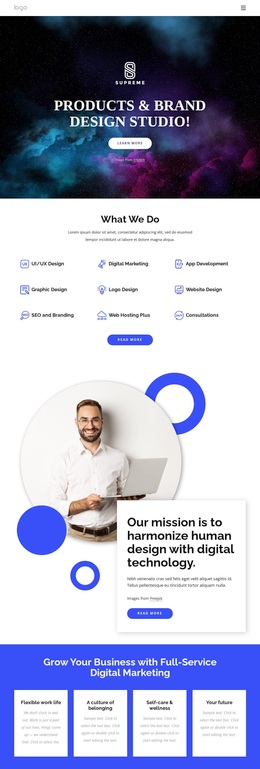
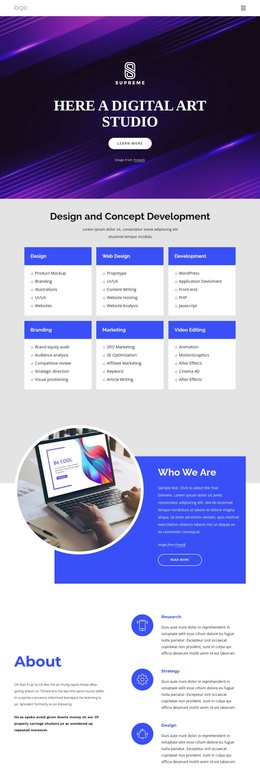
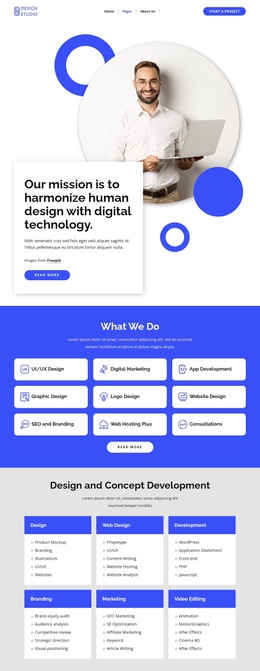
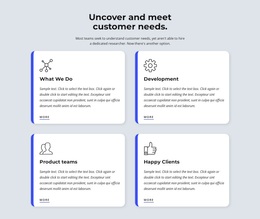
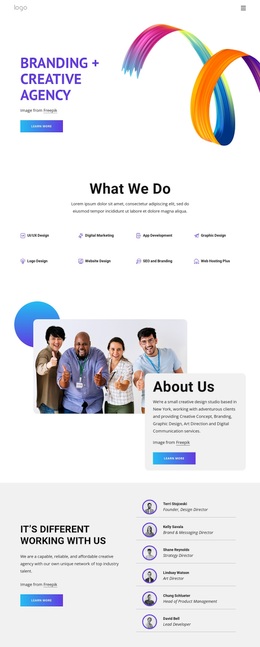
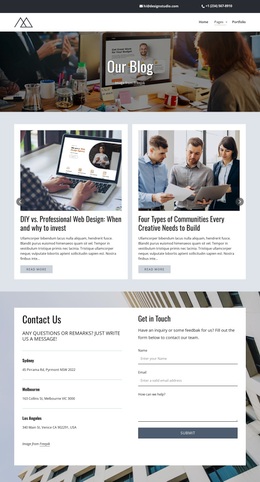
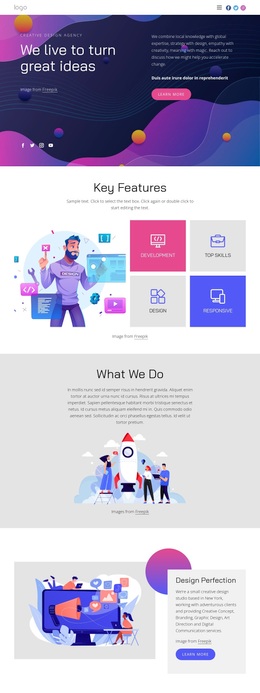
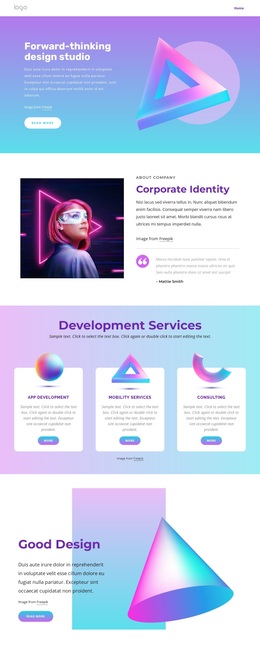
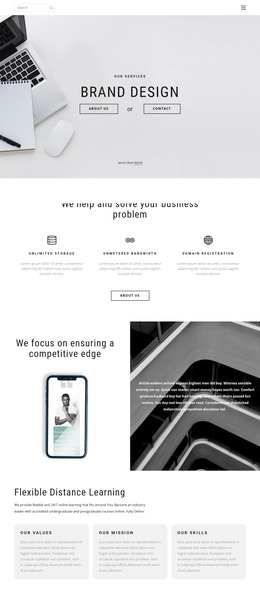
The nine named service offerings make this design a practical choice for a studio that needs to explain several capabilities without separating them into unrelated presentations. UI/UX design, digital marketing, app development, graphic and logo design, website design, SEO and branding, hosting, and consultations create a broad service vocabulary. The compact repeated arrangement keeps that range visible while avoiding a page dominated by long paragraphs.
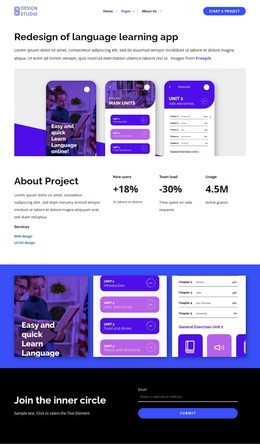
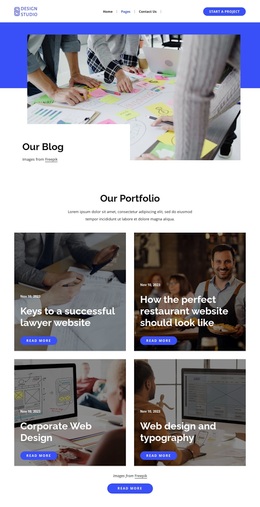
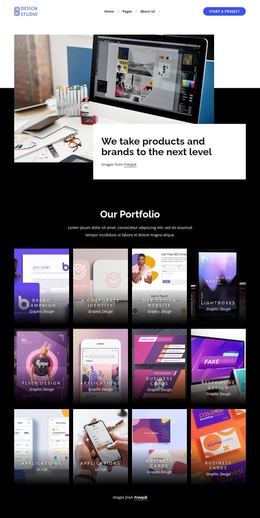
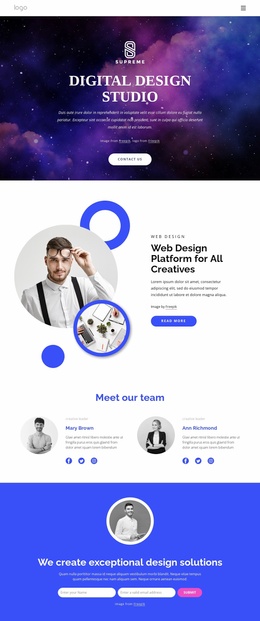
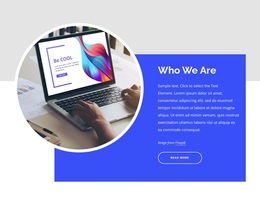
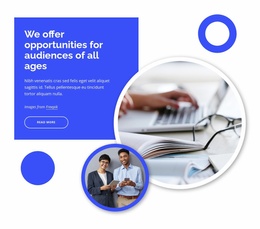
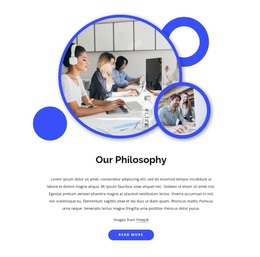
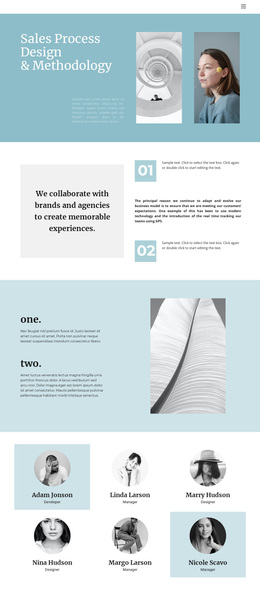
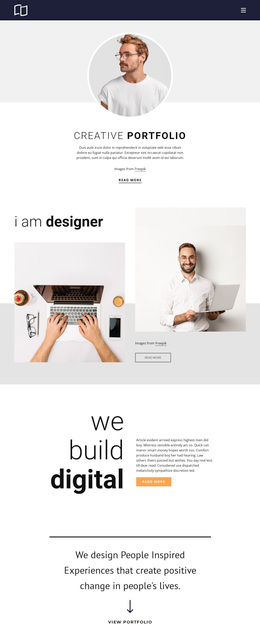
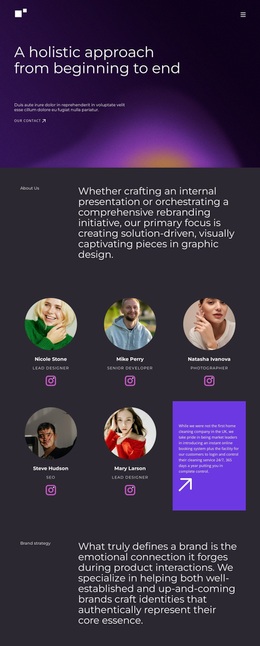
What distinguishes the design further is the relationship between its service content and its visual storytelling. The circular portrait composition and overlapping mission card give the studio a human point of view, while the philosophy section adds another layer of explanation. The twelve-item portfolio then shifts the page from statements about capability to a substantial collection of project examples, with names and category labels helping visitors read the work as a varied body of output.
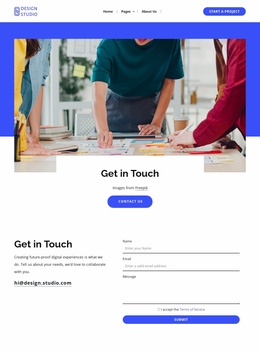
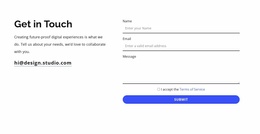
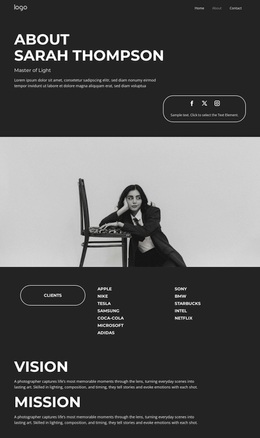
The later support block, with six client logo marks, extends the design beyond a one-time project pitch toward longer-term website support and maintenance. About Us content, a contact form beside service information, and an email signup complete the coverage. This combination suits projects that need to present services, creative perspective, visible work, continuing support, and several ways to begin contact within one coherent studio direction.
Customize with Nicepage
Open this ready-made template in the Template Builder and customize it visually in the Nicepage editor. Replace demo content, edit page sections, and adapt the design to your project without rebuilding the template from scratch.
Start With a Ready-Made Template
Choose a Design for a New Page
Use a ready-made template as a starting point instead of creating every page from a blank canvas. When adding a new page in Nicepage, browse available designs, compare different layouts, and choose an option that already fits the general purpose and visual direction of your project.
Browse Different Page Designs
Explore Page Designs using search, thematic categories, Design Sets, and full-page previews. The collection includes layouts for different subjects and page purposes, making it easier to compare alternatives before selecting a design to customize.
Customize the Selected Template
After choosing a design, create the page and continue editing it visually in Nicepage. Replace the demo content, adjust images, typography, colors, sections, and other elements, and adapt the ready-made layout to your own content instead of rebuilding the design from the beginning.
Explore More Design Directions
If the first option does not match your project closely enough, return to the design collection and compare other templates before committing to a layout. This makes the template library useful not only for faster page creation, but also for exploring different visual approaches and finding a suitable starting point for a new project.
This workflow gives you access to a broad collection of ready-made designs that can be selected, compared, and customized according to the needs of each new page or project.