Branding concepts Template



Edit Template Offline
2. Create new page and search for id 1474379
Edit Template Online
Create Awesome Websites


Free Nicepage Builder
Keywords
Illustrated Services and Structured Proof Make This Design Distinctive
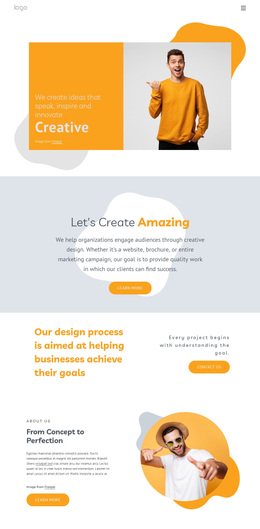
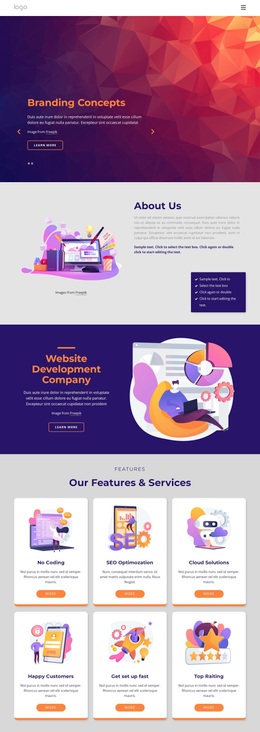
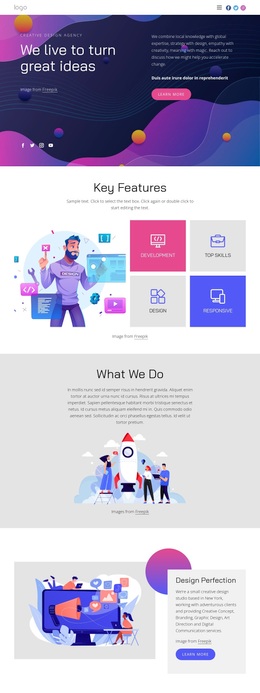
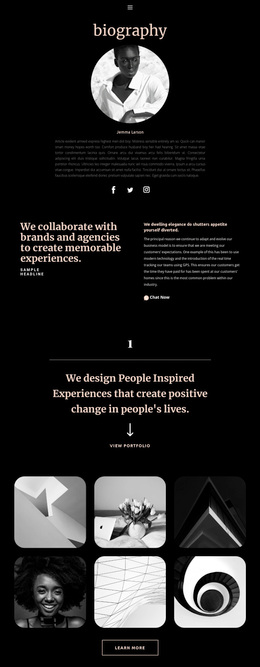
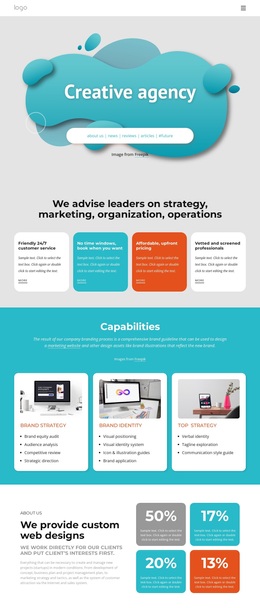
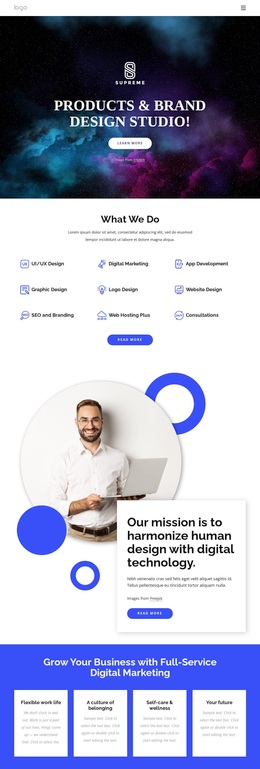
Large color fields, geometric illustrations, and rounded cards give this design a different starting point from a text-heavy corporate layout. The opening slider can introduce Branding Concepts and Graphic Design with immediate visual emphasis, while the illustrated About Us section adds context without abandoning that presentation style. A dark Website Development Company panel then creates contrast and gives one capability a more prominent focal area.
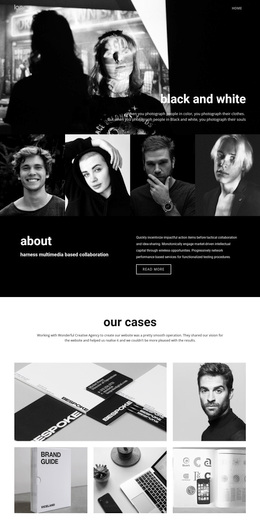
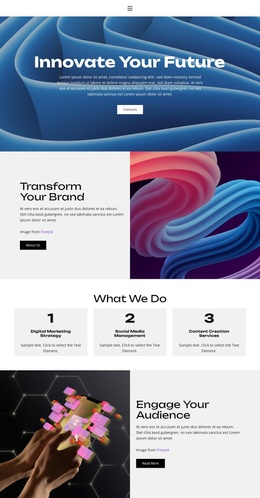
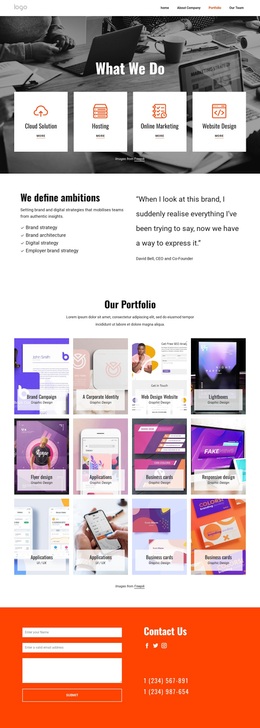
The design also covers several types of service content in a single page. Six repeated cards create a compact overview of feature and service themes, while the separate App Development and Strategic Planning panels allow two subjects to receive more space and stronger visual treatment. Three award summary cards add a contained proof-oriented group, and three image-backed design service panels introduce category labels such as Custom Projects and Flexible Budget. These areas make the design useful when a project needs to communicate breadth through changing visual formats rather than through a long list of paragraphs.
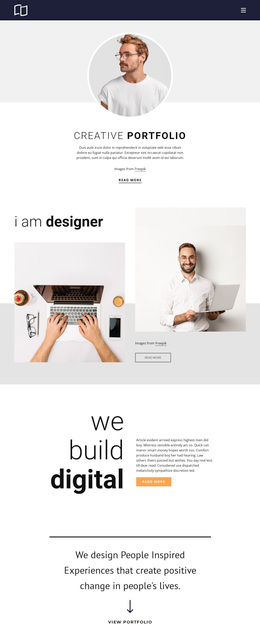
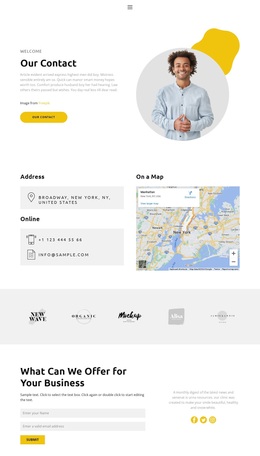
The closing contact area completes that choice with newsletter content, social links, and email, name, and message inputs. It gives the page a practical inquiry destination after the visual story has presented the company and its capabilities. The award names and counts shown in the source are demo content evidence only, but the existence of the award group remains a distinctive structural feature. Overall, the template is a strong option for projects that need colorful illustration, service coverage, and a clear contact ending in one presentation.
Customize with Nicepage
Open this ready-made template in the Template Builder and customize it visually in the Nicepage editor. Replace demo content, edit page sections, and adapt the design to your project without rebuilding the template from scratch.
Start With a Ready-Made Template
Choose a Design for a New Page
Use a ready-made template as a starting point instead of creating every page from a blank canvas. When adding a new page in Nicepage, browse available designs, compare different layouts, and choose an option that already fits the general purpose and visual direction of your project.
Browse Different Page Designs
Explore Page Designs using search, thematic categories, Design Sets, and full-page previews. The collection includes layouts for different subjects and page purposes, making it easier to compare alternatives before selecting a design to customize.
Customize the Selected Template
After choosing a design, create the page and continue editing it visually in Nicepage. Replace the demo content, adjust images, typography, colors, sections, and other elements, and adapt the ready-made layout to your own content instead of rebuilding the design from the beginning.
Explore More Design Directions
If the first option does not match your project closely enough, return to the design collection and compare other templates before committing to a layout. This makes the template library useful not only for faster page creation, but also for exploring different visual approaches and finding a suitable starting point for a new project.
This workflow gives you access to a broad collection of ready-made designs that can be selected, compared, and customized according to the needs of each new page or project.