Design agency portfolio Template


Edit Template Offline
2. Create new page and search for id 6012845
Edit Template Online
Create Awesome Websites


Free Nicepage Builder
Keywords
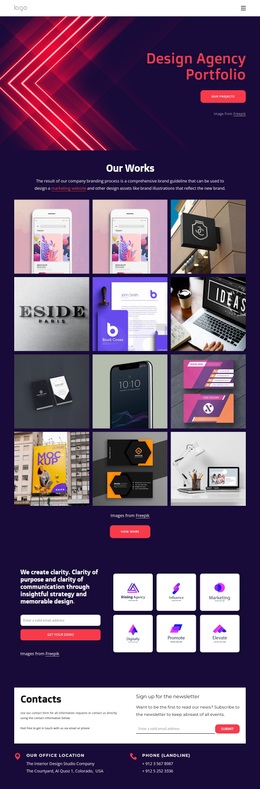
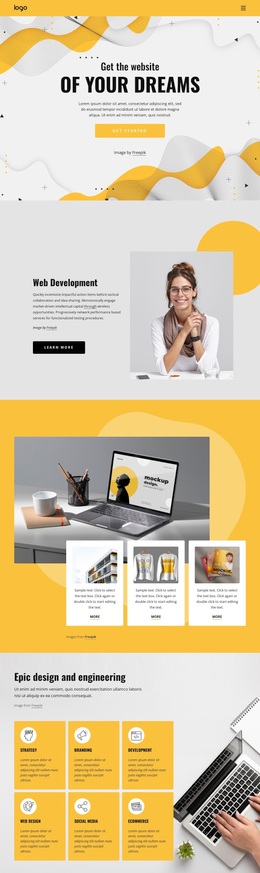
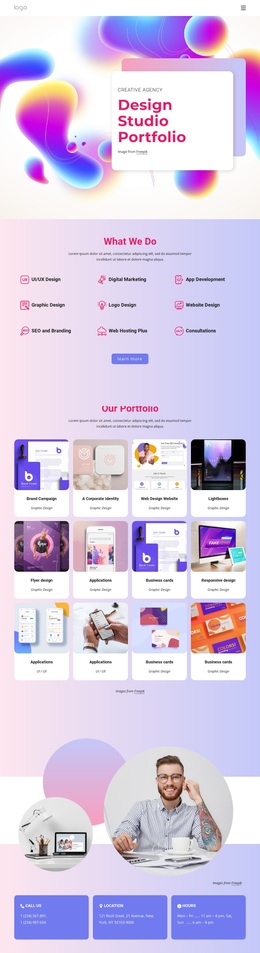
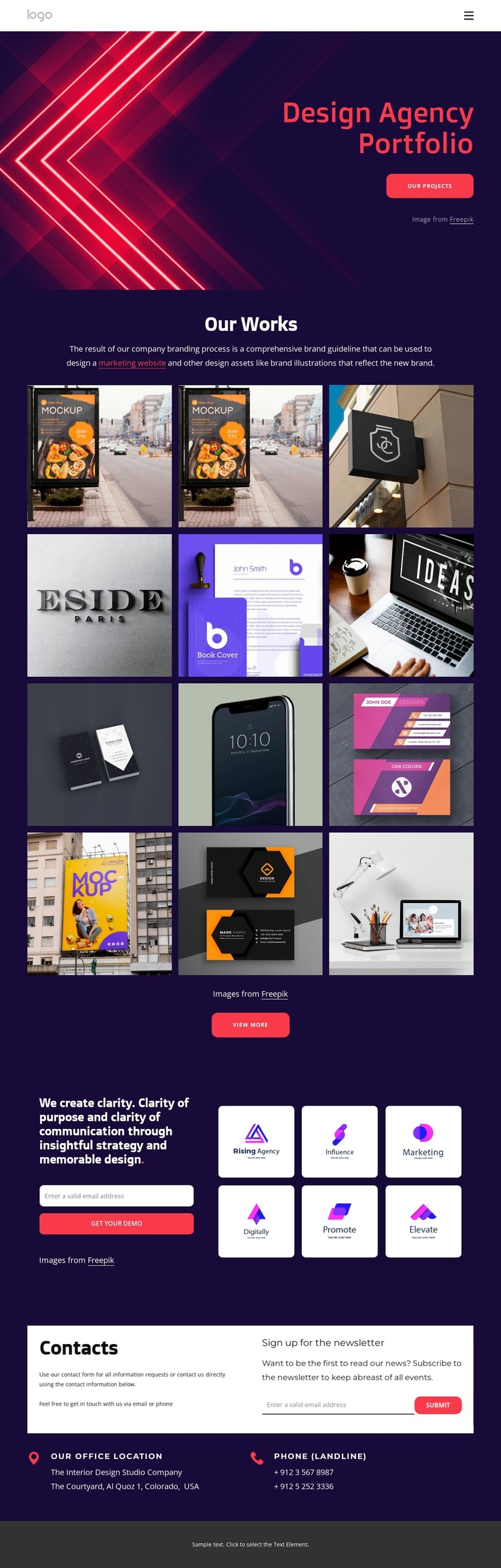
Twelve Portfolio Images Give This Design a Visual Point of Difference
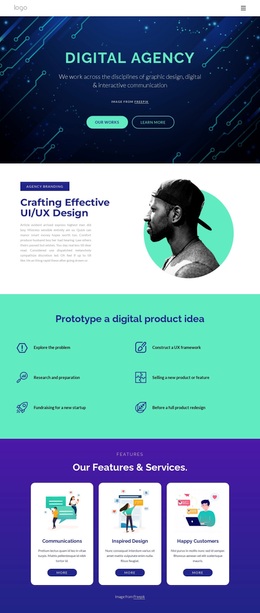
The twelve-image Our Works gallery makes the design especially suitable for projects that need visual evidence to carry much of the message. Rather than relying on long explanatory content, the page introduces the agency through a large image-led hero and quickly moves toward a dense presentation of selected work. The View more action extends that gallery-centered idea, making project exploration a defining part of the template rather than a minor supporting section.
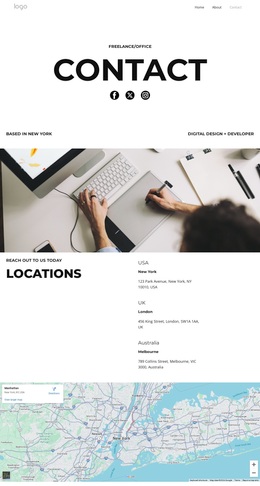
The surrounding content broadens the choice beyond a simple portfolio grid. The strategy statement explains the relationship between clarity of purpose, clarity of communication, insightful strategy, and memorable design. Beside it, an email capture area creates a practical route for project conversations, while six logo tiles reinforce the emphasis on brand identity. Newsletter signup and contact information add ongoing and direct communication options near the end of the page.
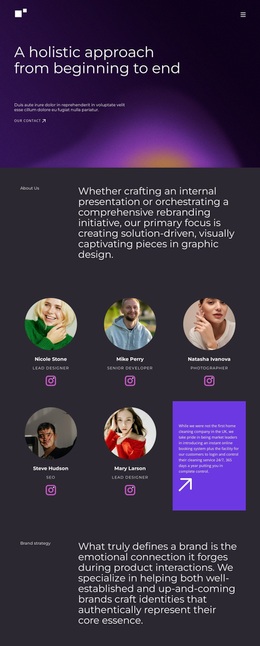
The visual language also separates this option from quieter portfolio layouts. Dark purple and black surfaces create a deep background for vivid magenta and pink accents, while bold sans-serif typography and rounded buttons keep actions visible. Dense, image-led composition gives the page an energetic agency character, but the structure remains focused: introduce the work, show the work, explain the strategic value, and invite contact. It is therefore a useful choice when a design project needs portfolio storytelling with a strong branded atmosphere.
Customize with Nicepage
Open this ready-made template in the Template Builder and customize it visually in the Nicepage editor. Replace demo content, edit page sections, and adapt the design to your project without rebuilding the template from scratch.
Start With a Ready-Made Template
Choose a Design for a New Page
Use a ready-made template as a starting point instead of creating every page from a blank canvas. When adding a new page in Nicepage, browse available designs, compare different layouts, and choose an option that already fits the general purpose and visual direction of your project.
Browse Different Page Designs
Explore Page Designs using search, thematic categories, Design Sets, and full-page previews. The collection includes layouts for different subjects and page purposes, making it easier to compare alternatives before selecting a design to customize.
Customize the Selected Template
After choosing a design, create the page and continue editing it visually in Nicepage. Replace the demo content, adjust images, typography, colors, sections, and other elements, and adapt the ready-made layout to your own content instead of rebuilding the design from the beginning.
Explore More Design Directions
If the first option does not match your project closely enough, return to the design collection and compare other templates before committing to a layout. This makes the template library useful not only for faster page creation, but also for exploring different visual approaches and finding a suitable starting point for a new project.
This workflow gives you access to a broad collection of ready-made designs that can be selected, compared, and customized according to the needs of each new page or project.