Professional and enthusiastic Template


Edit Template Offline
2. Create new page and search for id 4027124
Edit Template Online
Create Awesome Websites


Free Nicepage Builder
Keywords
A Developer-Focused Choice With Services, Packages, and People
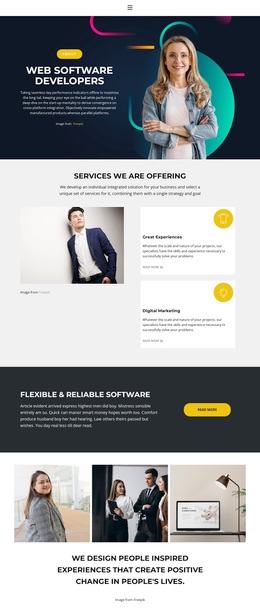
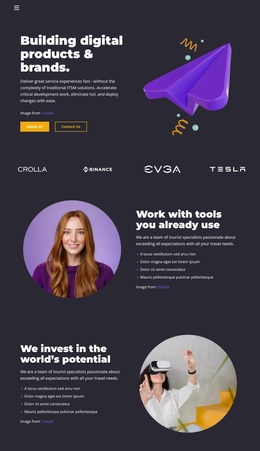
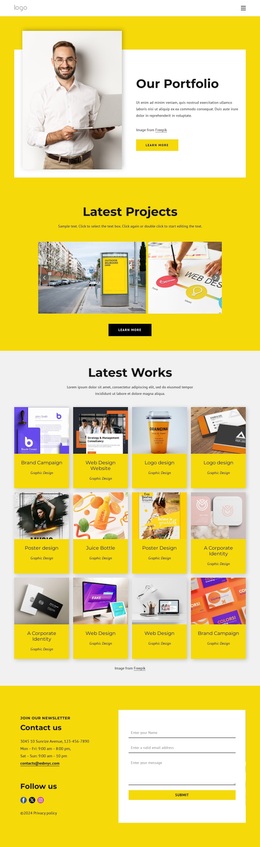
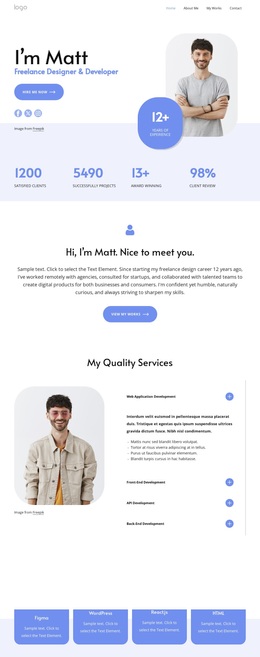
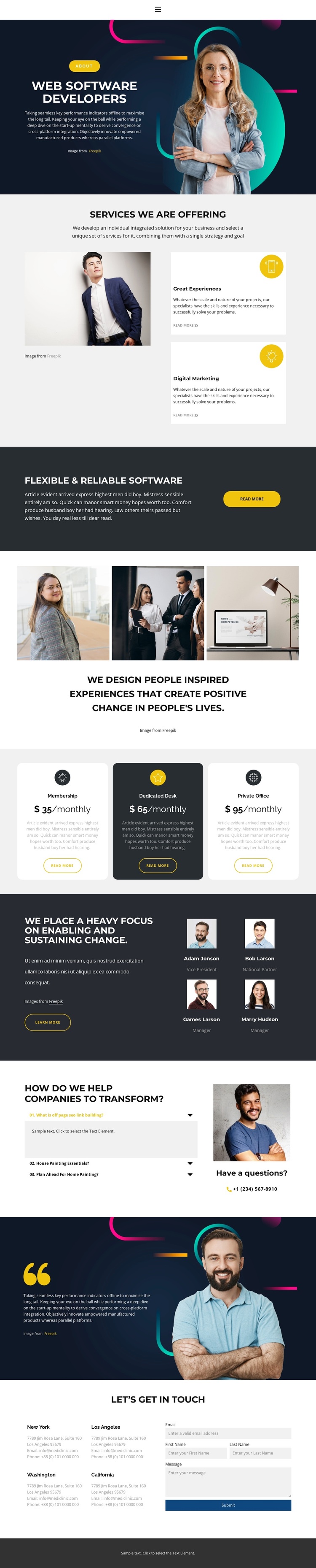
The opening portrait, the two service cards, and the flexible-software callout make the design immediately recognizable as a software services presentation rather than a generic business layout. It gives the selected design a clear subject while leaving room for several kinds of supporting content. The three-image gallery adds a visual storytelling layer, and the three monthly package cards introduce a practical offer comparison that many service pages do not include in the same sequence.
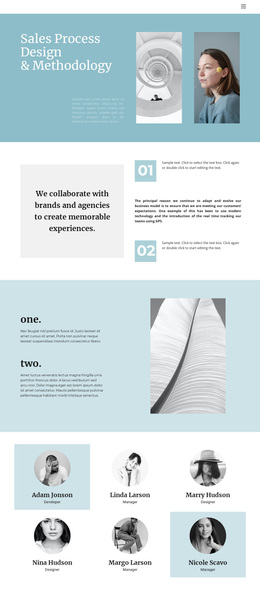
The page also covers people and explanation. Four team profiles create a human scale around the technical subject, while the three-item accordion addresses questions about helping companies transform. These sections work together with the services and packages: visitors can understand what is offered, see the people associated with the presentation, review available options, and find additional answers before reaching the final inquiry area.
The closing section is equally distinctive because it combines four location blocks with a contact form requesting email, first name, last name, and message. This breadth makes the design a useful option for projects that need more than a hero and a short service list. Dark navy image-backed bands, light-gray content areas, yellow actions, rounded cards, and geometric headings provide a strong visual direction, while the varied section sequence supports adaptation for a software or digital-services project without requiring unsupported claims about the sample names, prices, or locations.
Customize with Nicepage
Open this ready-made template in the Template Builder and customize it visually in the Nicepage editor. Replace demo content, edit page sections, and adapt the design to your project without rebuilding the template from scratch.
Start With a Ready-Made Template
Choose a Design for a New Page
Use a ready-made template as a starting point instead of creating every page from a blank canvas. When adding a new page in Nicepage, browse available designs, compare different layouts, and choose an option that already fits the general purpose and visual direction of your project.
Browse Different Page Designs
Explore Page Designs using search, thematic categories, Design Sets, and full-page previews. The collection includes layouts for different subjects and page purposes, making it easier to compare alternatives before selecting a design to customize.
Customize the Selected Template
After choosing a design, create the page and continue editing it visually in Nicepage. Replace the demo content, adjust images, typography, colors, sections, and other elements, and adapt the ready-made layout to your own content instead of rebuilding the design from the beginning.
Explore More Design Directions
If the first option does not match your project closely enough, return to the design collection and compare other templates before committing to a layout. This makes the template library useful not only for faster page creation, but also for exploring different visual approaches and finding a suitable starting point for a new project.
This workflow gives you access to a broad collection of ready-made designs that can be selected, compared, and customized according to the needs of each new page or project.