SEO and web development Template



Edit Template Offline
2. Create new page and search for id 3208070
Edit Template Online
Create Awesome Websites


Free Nicepage Builder
Keywords
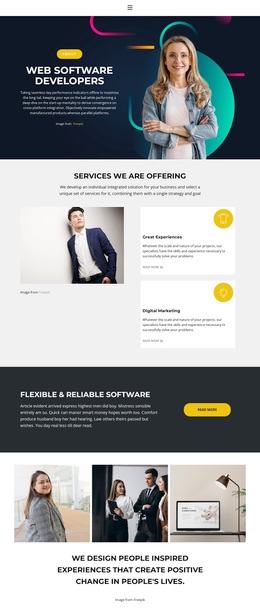
Strategy, Services, Recruitment, and Offers in One Agency Direction
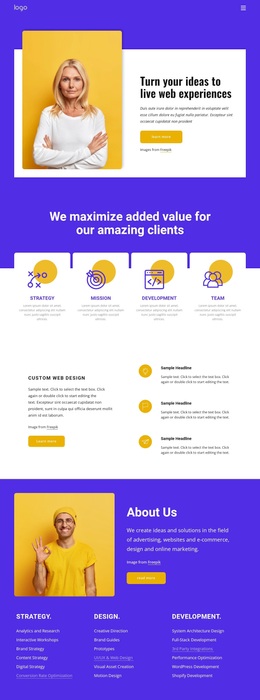
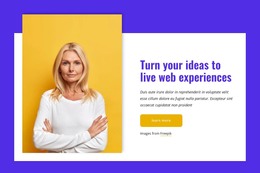
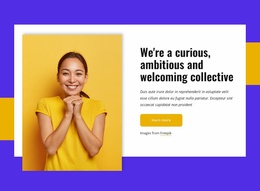
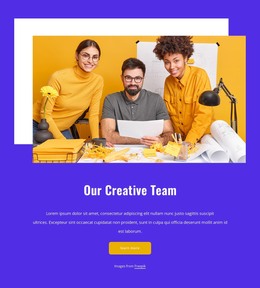
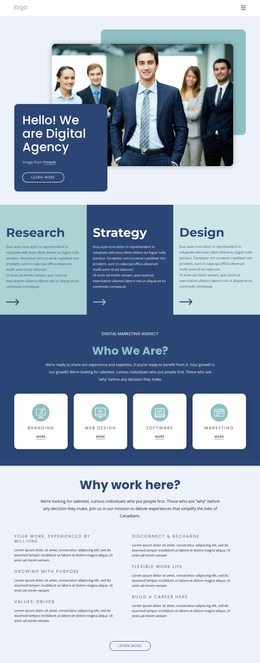
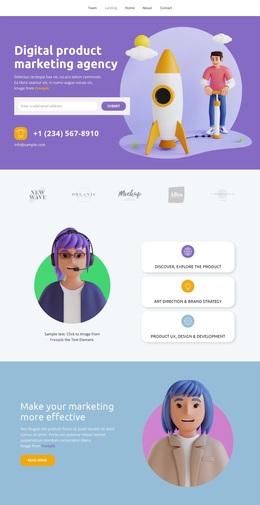
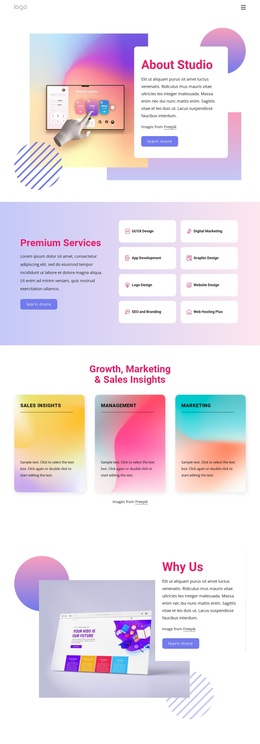
The design is a useful choice when an agency needs to communicate more than a list of services. Its opening hero establishes a visual and verbal starting point for live web experiences, then the four capability cards broaden the story through strategy, mission, development, and team. The Custom Web Design section gives the page a focused service example, while About Us expands the content into three categories covering strategy, design, and development. This combination supports both a concise introduction and deeper service explanation.
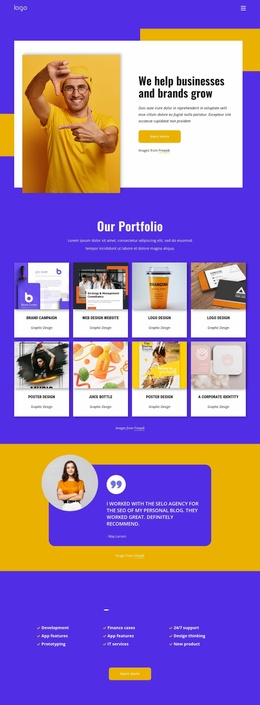
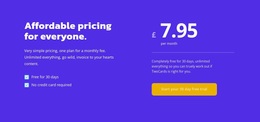
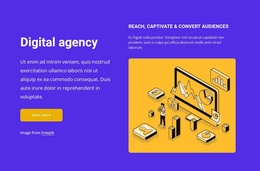
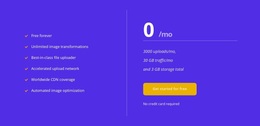
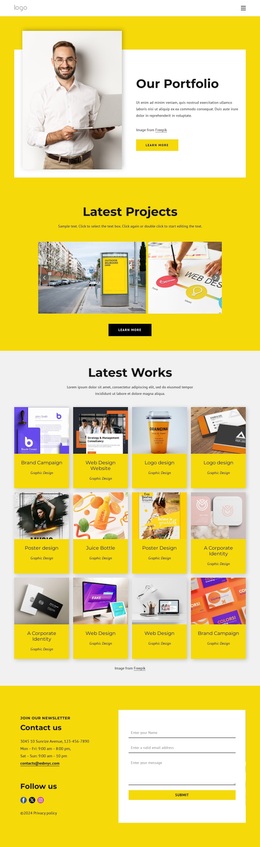
The page also covers audiences that many agency layouts leave separate. Five investor-logo cards provide a partner showcase, the Digital agency section reinforces the marketing message, and Join us introduces recruitment with four office-location cards and an open-positions action. The free-plan area adds a clearly packaged offer with a displayed price, feature checklist, and signup action, while the final yellow contact block supports inquiries through contact cards, social links, and a form. Together, these relationships make the template suitable for projects that need client acquisition, team recruitment, and offer presentation in one visual direction. It is best treated as a design option whose actual names, addresses, investor identities, and offer values must be replaced or verified before publication.
Customize with Nicepage
Open this ready-made template in the Template Builder and customize it visually in the Nicepage editor. Replace demo content, edit page sections, and adapt the design to your project without rebuilding the template from scratch.
Start With a Ready-Made Template
Choose a Design for a New Page
Use a ready-made template as a starting point instead of creating every page from a blank canvas. When adding a new page in Nicepage, browse available designs, compare different layouts, and choose an option that already fits the general purpose and visual direction of your project.
Browse Different Page Designs
Explore Page Designs using search, thematic categories, Design Sets, and full-page previews. The collection includes layouts for different subjects and page purposes, making it easier to compare alternatives before selecting a design to customize.
Customize the Selected Template
After choosing a design, create the page and continue editing it visually in Nicepage. Replace the demo content, adjust images, typography, colors, sections, and other elements, and adapt the ready-made layout to your own content instead of rebuilding the design from the beginning.
Explore More Design Directions
If the first option does not match your project closely enough, return to the design collection and compare other templates before committing to a layout. This makes the template library useful not only for faster page creation, but also for exploring different visual approaches and finding a suitable starting point for a new project.
This workflow gives you access to a broad collection of ready-made designs that can be selected, compared, and customized according to the needs of each new page or project.

Design Set (22)
-

-
-
-
-
-
-
-
-
-
-
-
-
-
-
Free Website Builder SoftwareDownload
-
-