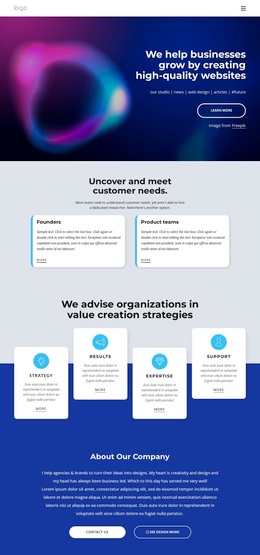
Data Science Hackathon Template


Edit Template Offline
2. Create new page and search for id 6381656
Edit Template Online
Create Awesome Websites


Free Nicepage Builder
Keywords
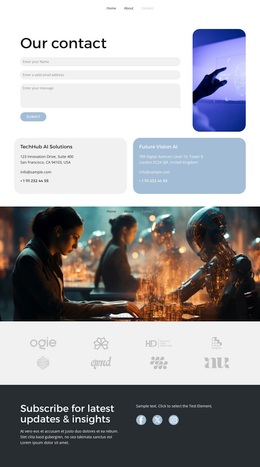
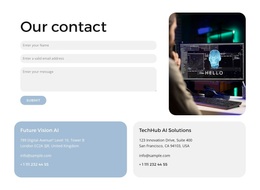
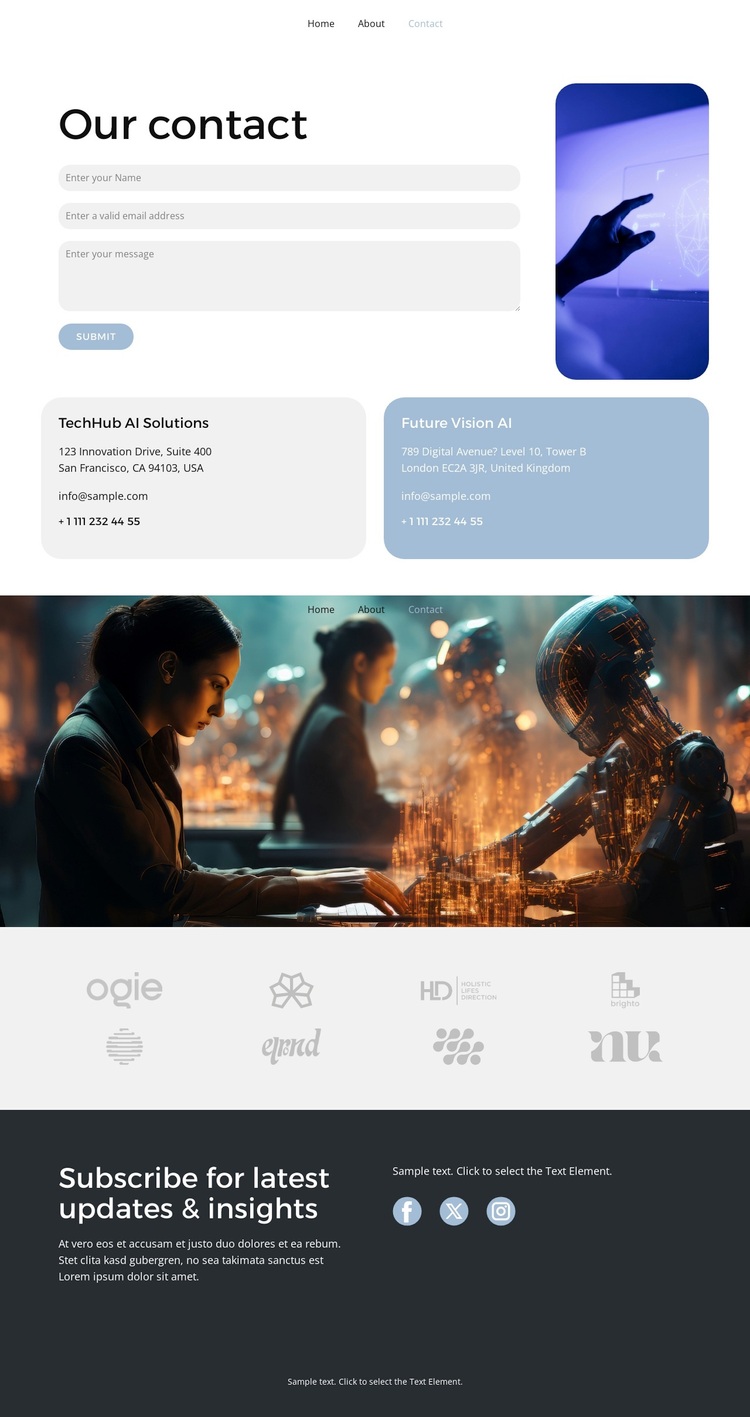
A Tall Contact Image Connects Direct Inquiry With Ongoing Engagement
The design is worth considering because it gives the contact task a more composed setting than a form-only page. The opening area pairs the inquiry form with a tall photograph, then supports it with two separate contact-information cards. That combination covers the immediate response need while also creating a visually recognizable contact zone. Rounded panels and generous spacing keep these practical elements distinct, and the subdued black, white, gray, and blue palette prevents the page from feeling visually crowded.
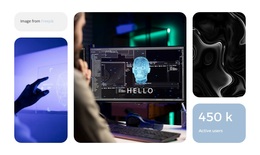
The rest of the layout adds content coverage without changing the contact emphasis. A full-width photographic banner provides a strong visual pause, followed by a repeated row of eight faint logos that can serve as a quiet brand or partner display. The dark lower section shifts toward continuing communication: its update-focused heading is paired with three social links rather than another complex content group. This makes the design suitable for an AI- or technology-oriented project that wants photography and restrained structure to support the inquiry message. It is not simply a generic business layout; its strongest distinction is the relationship between a prominent contact interaction, supporting cards, editorial imagery, a repeated logo strip, and a separate subscription-social close. The page offers a focused option for projects where contact and continued updates need to coexist.
Customize with Nicepage
Open this ready-made template in the Template Builder and customize it visually in the Nicepage editor. Replace demo content, edit page sections, and adapt the design to your project without rebuilding the template from scratch.
Start With a Ready-Made Template
Choose a Design for a New Page
Use a ready-made template as a starting point instead of creating every page from a blank canvas. When adding a new page in Nicepage, browse available designs, compare different layouts, and choose an option that already fits the general purpose and visual direction of your project.
Browse Different Page Designs
Explore Page Designs using search, thematic categories, Design Sets, and full-page previews. The collection includes layouts for different subjects and page purposes, making it easier to compare alternatives before selecting a design to customize.
Customize the Selected Template
After choosing a design, create the page and continue editing it visually in Nicepage. Replace the demo content, adjust images, typography, colors, sections, and other elements, and adapt the ready-made layout to your own content instead of rebuilding the design from the beginning.
Explore More Design Directions
If the first option does not match your project closely enough, return to the design collection and compare other templates before committing to a layout. This makes the template library useful not only for faster page creation, but also for exploring different visual approaches and finding a suitable starting point for a new project.
This workflow gives you access to a broad collection of ready-made designs that can be selected, compared, and customized according to the needs of each new page or project.