AI-Powered Smart Cities Template



Edit Template Offline
2. Create new page and search for id 6363999
Edit Template Online
Create Awesome Websites


Free Nicepage Builder
Keywords
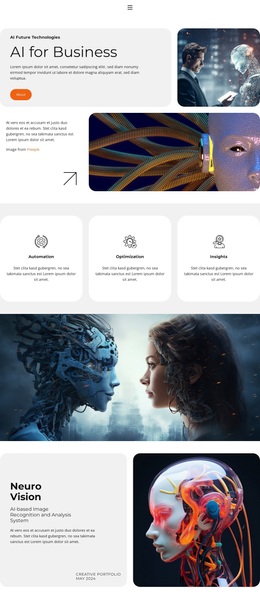
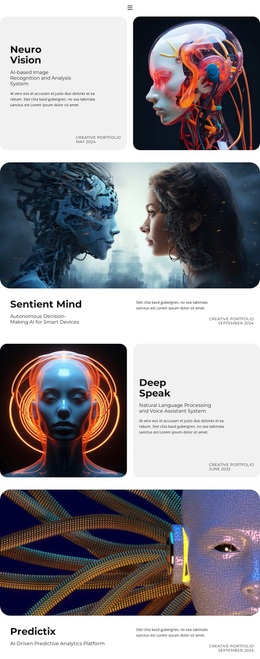
AI Strategy, Ethics, and Education Give This Design Broad Coverage
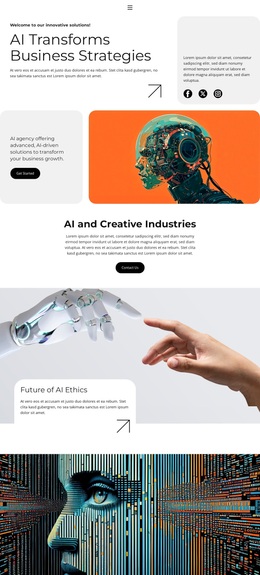
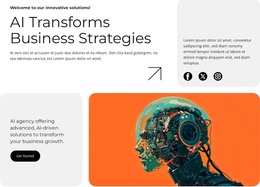
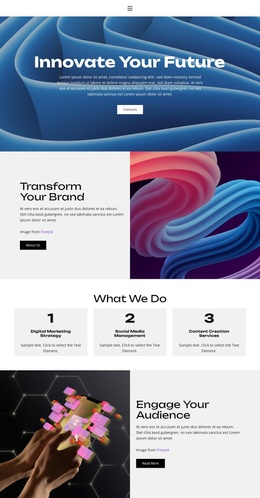
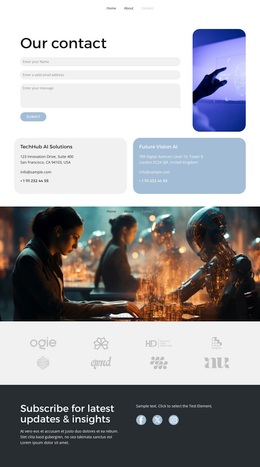
The strongest reason to choose this design is the range of related AI subjects it can present without losing a clear visual direction. The opening business-strategy message gives the page an immediate purpose, while the AI and Creative Industries section expands the subject beyond a purely technical explanation. The Future of AI Ethics block adds a distinct responsibility-focused theme, supported by human-and-robot imagery rather than another generic capability list.
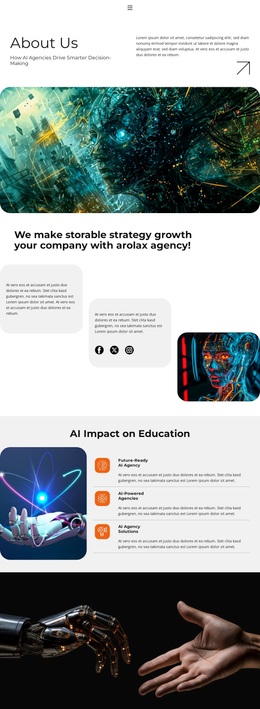
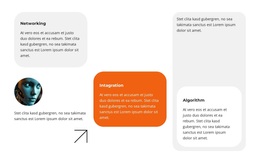
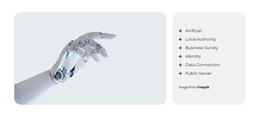
The design also covers application and service concerns. A dedicated AI Impact on Education section introduces three feature items beside a large illustration, while the capability area groups themes such as networking, integration, algorithm, identity, data governance, public server, and business safety. This combination makes the template a useful option for an AI agency, consultancy, research-oriented initiative, or technology project that needs to connect broad concepts with recognizable service areas.
The four FAQ questions strengthen the content coverage by addressing what the agency provides, how AI may benefit a business, which industries are served, and how long implementation may take. The closing business-solutions section then returns to a practical engagement message and call to action. The design is therefore differentiated by its combination of visual AI storytelling, ethical and educational context, technical labels, and client-oriented explanation, rather than by a single decorative effect.
Customize with Nicepage
Open this ready-made template in the Template Builder and customize it visually in the Nicepage editor. Replace demo content, edit page sections, and adapt the design to your project without rebuilding the template from scratch.
Start With a Ready-Made Template
Choose a Design for a New Page
Use a ready-made template as a starting point instead of creating every page from a blank canvas. When adding a new page in Nicepage, browse available designs, compare different layouts, and choose an option that already fits the general purpose and visual direction of your project.
Browse Different Page Designs
Explore Page Designs using search, thematic categories, Design Sets, and full-page previews. The collection includes layouts for different subjects and page purposes, making it easier to compare alternatives before selecting a design to customize.
Customize the Selected Template
After choosing a design, create the page and continue editing it visually in Nicepage. Replace the demo content, adjust images, typography, colors, sections, and other elements, and adapt the ready-made layout to your own content instead of rebuilding the design from the beginning.
Explore More Design Directions
If the first option does not match your project closely enough, return to the design collection and compare other templates before committing to a layout. This makes the template library useful not only for faster page creation, but also for exploring different visual approaches and finding a suitable starting point for a new project.
This workflow gives you access to a broad collection of ready-made designs that can be selected, compared, and customized according to the needs of each new page or project.