Design with Soul Template



Edit Template Offline
2. Create new page and search for id 6335833
Edit Template Online
Create Awesome Websites


Free Nicepage Builder
Keywords
Six Design Capabilities Meet Image-Led Project Storytelling
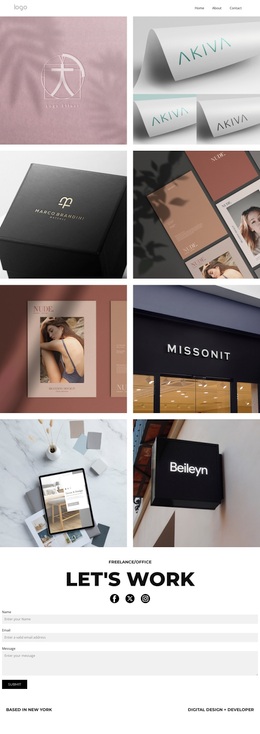
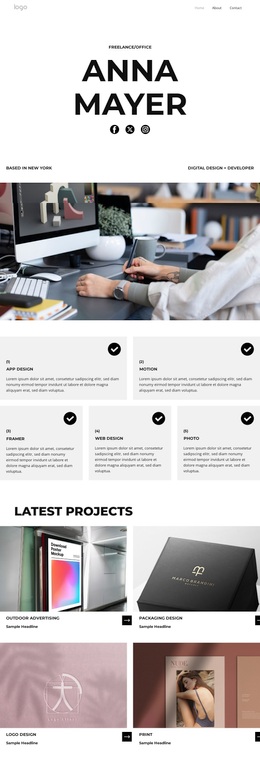
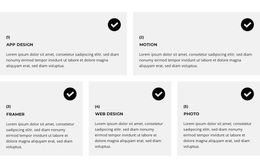
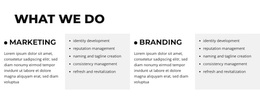
The combination of six compact capability cards and a four-panel project showcase gives this design a clear reason to stand out among portfolio options. App design, motion, Framer, web design, photography, logo design, and print are presented as a broad but readable range, while the Latest Projects section turns that range into a visual narrative through repeated image-and-caption panels. The page therefore emphasizes both what the designer offers and how the work can be presented.
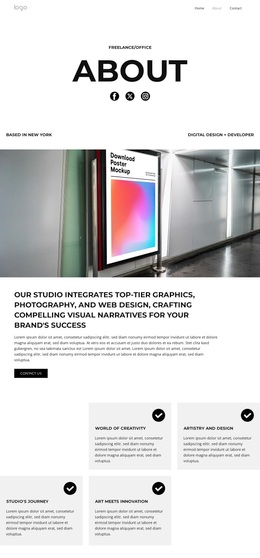
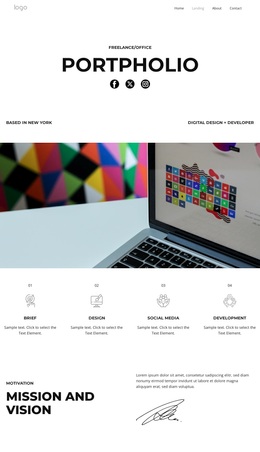
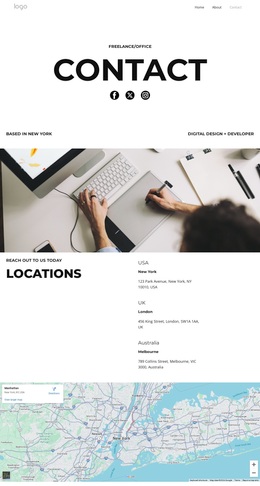
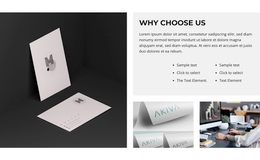
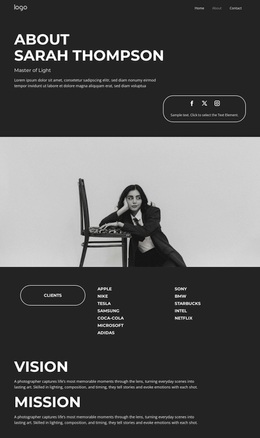
Its editorial character comes from the way personal and professional material are placed around the portfolio. The opening introduces a freelance identity with social links, the portrait section adds a human reference, and Mission and Vision gives the page a more considered point of view through a large heading, explanatory text, and signature graphic. A pale gray visual setting, monochrome typography, square project imagery, and occasional muted pink and terracotta photography keep the presentation restrained rather than crowded with decoration.
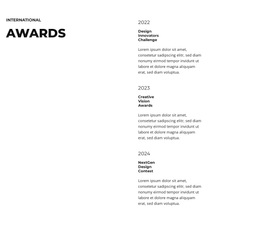
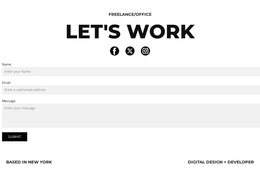
The Awards section adds another form of recognition, while the repeated service cards create continuity after the wide photographic interlude. The final Let's Work block turns the visual presentation into a practical client-facing page with an inquiry form and Submit action. This makes the design worth choosing for projects that need a personal portfolio, varied design services, strong image-led proof, and a direct path toward new work.
Customize with Nicepage
Open this ready-made template in the Template Builder and customize it visually in the Nicepage editor. Replace demo content, edit page sections, and adapt the design to your project without rebuilding the template from scratch.
Start With a Ready-Made Template
Choose a Design for a New Page
Use a ready-made template as a starting point instead of creating every page from a blank canvas. When adding a new page in Nicepage, browse available designs, compare different layouts, and choose an option that already fits the general purpose and visual direction of your project.
Browse Different Page Designs
Explore Page Designs using search, thematic categories, Design Sets, and full-page previews. The collection includes layouts for different subjects and page purposes, making it easier to compare alternatives before selecting a design to customize.
Customize the Selected Template
After choosing a design, create the page and continue editing it visually in Nicepage. Replace the demo content, adjust images, typography, colors, sections, and other elements, and adapt the ready-made layout to your own content instead of rebuilding the design from the beginning.
Explore More Design Directions
If the first option does not match your project closely enough, return to the design collection and compare other templates before committing to a layout. This makes the template library useful not only for faster page creation, but also for exploring different visual approaches and finding a suitable starting point for a new project.
This workflow gives you access to a broad collection of ready-made designs that can be selected, compared, and customized according to the needs of each new page or project.