We are a creative company Template



Edit Template Offline
2. Create new page and search for id 5192394
Edit Template Online
Create Awesome Websites


Free Nicepage Builder
Keywords
A Six-Project Portfolio Gives This Studio Design a Distinctive Focus
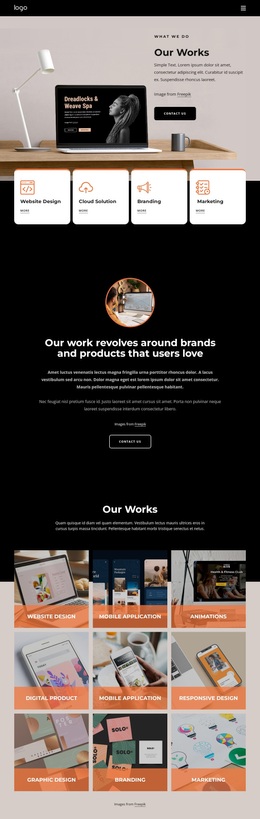
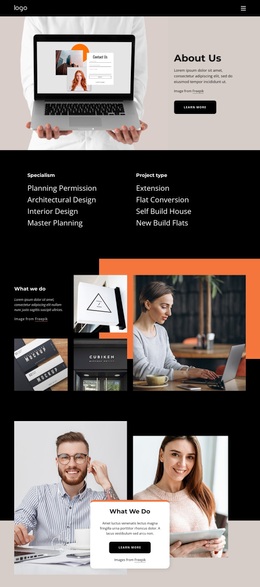
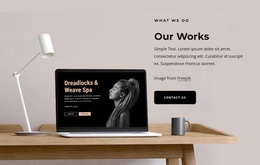
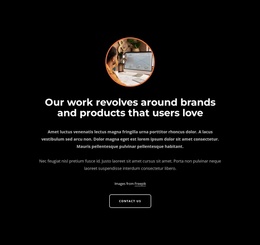
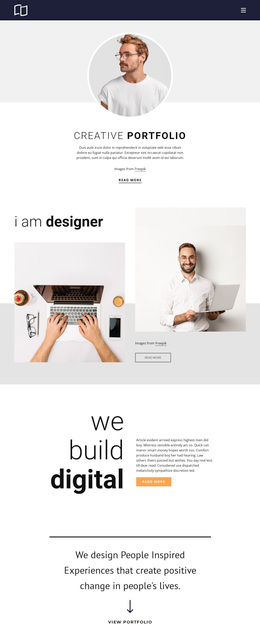
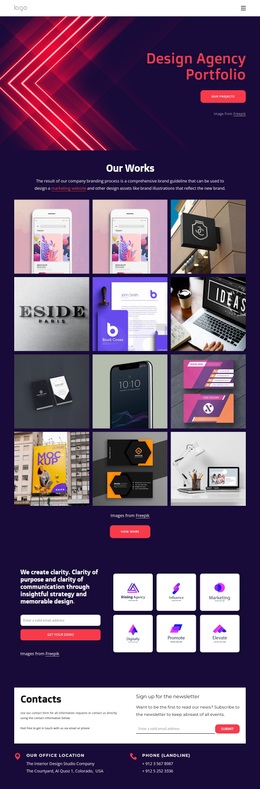
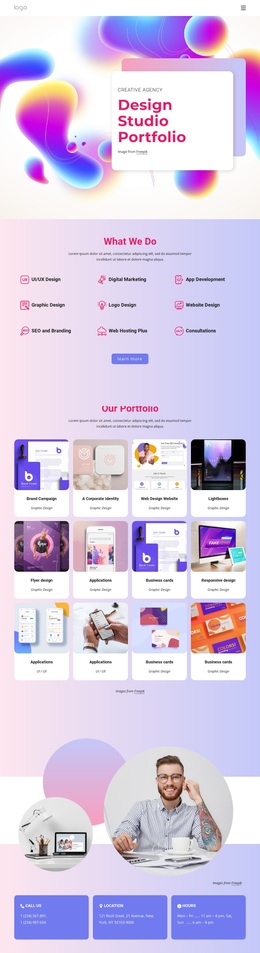
The six named portfolio projects make the design immediately recognizable as a creative-service presentation rather than a generic business layout. Happy Day App, Mountain App, Recipes site, Fashion Store, Interior Studio, and Personal website cover several digital and visual directions, so the gallery carries much of the page’s subject matter. The result is a design suited to projects that need selected work to communicate capability quickly.
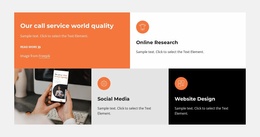
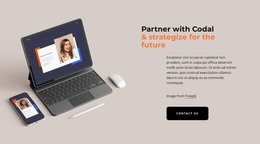
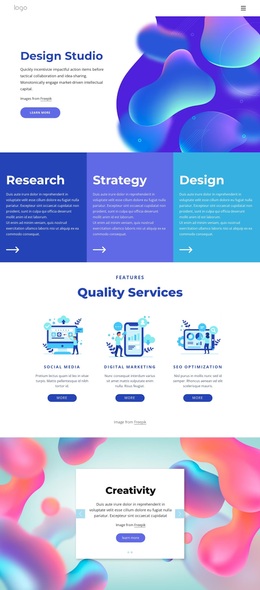
That portfolio emphasis is supported by the three service columns for Strategy, Design, and Branding. Instead of separating a list of offerings from visual evidence, the page places service categories, product imagery, client testimonials, and project tiles within one connected story. The four studio-value statements and the three-step process—sculpting ideas, bringing concepts to life, and creating winning realities—add an interpretive layer around the work without replacing it.
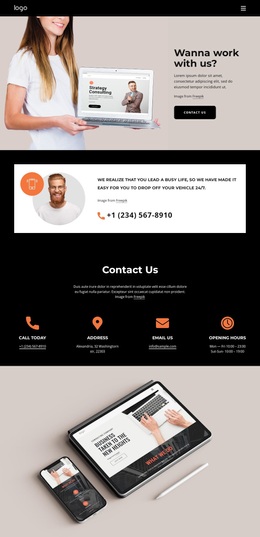
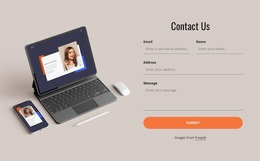
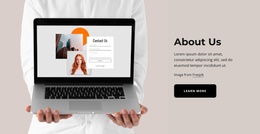
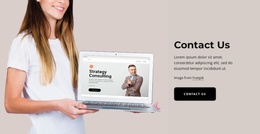
The dark CTA with View Portfolio and Contact Us buttons gives the design a practical next step, while the final Contact Us section adds Book Consultation alongside phone, email, address, and opening-hours labels. This combination makes the template a useful choice for studios, branding teams, digital product specialists, and creative production groups that want visual proof to lead the presentation. Its strongest distinction is the relationship between service breadth, image-led portfolio content, and direct consultation intent.
Customize with Nicepage
Open this ready-made template in the Template Builder and customize it visually in the Nicepage editor. Replace demo content, edit page sections, and adapt the design to your project without rebuilding the template from scratch.
Start With a Ready-Made Template
Choose a Design for a New Page
Use a ready-made template as a starting point instead of creating every page from a blank canvas. When adding a new page in Nicepage, browse available designs, compare different layouts, and choose an option that already fits the general purpose and visual direction of your project.
Browse Different Page Designs
Explore Page Designs using search, thematic categories, Design Sets, and full-page previews. The collection includes layouts for different subjects and page purposes, making it easier to compare alternatives before selecting a design to customize.
Customize the Selected Template
After choosing a design, create the page and continue editing it visually in Nicepage. Replace the demo content, adjust images, typography, colors, sections, and other elements, and adapt the ready-made layout to your own content instead of rebuilding the design from the beginning.
Explore More Design Directions
If the first option does not match your project closely enough, return to the design collection and compare other templates before committing to a layout. This makes the template library useful not only for faster page creation, but also for exploring different visual approaches and finding a suitable starting point for a new project.
This workflow gives you access to a broad collection of ready-made designs that can be selected, compared, and customized according to the needs of each new page or project.

Design Set (22)
-

-
-
-
-
-
-
-
-
-
-
-
-
-
-
Free Website Builder SoftwareDownload
-
-