Wonderful travel and tours Template

Edit Template Offline
2. Create new page and search for id 1088389
Edit Template Online
Create Awesome Websites


Free Nicepage Builder
Keywords
Four Offering Cards Balance Broad Travel Coverage With Visual Stories
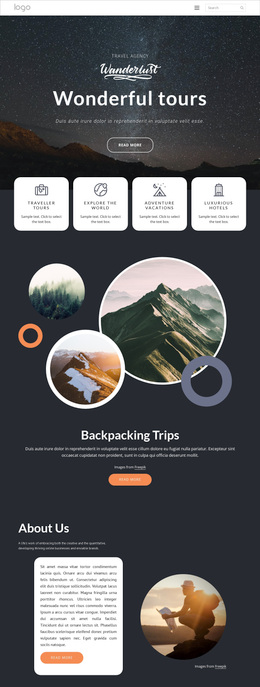
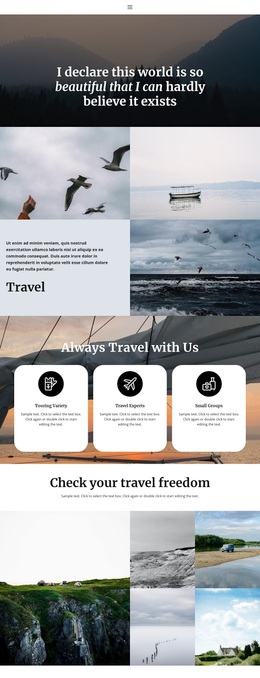
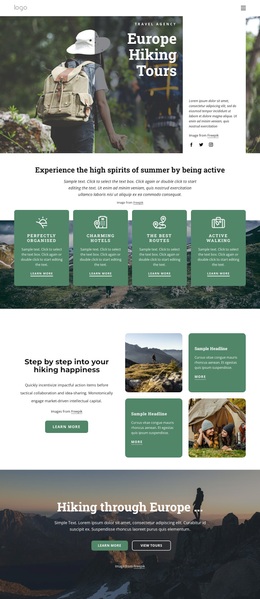
The four rounded offering cards make this design a useful choice for travel projects that need to present several directions without creating a dense catalog. Traveller Tours, Explore The World, Adventure Vacations, and Luxurious Hotels establish broad coverage near the top of the page. Their short descriptions and repeated card treatment allow visitors to compare the agency’s main themes before entering more focused content.
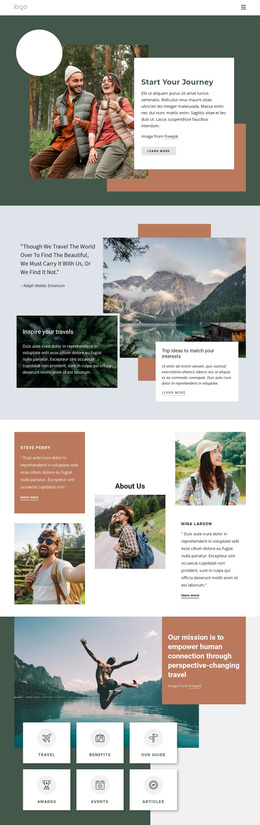
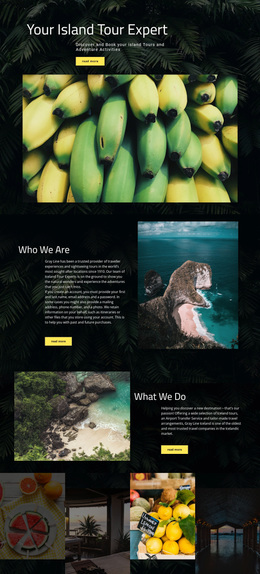
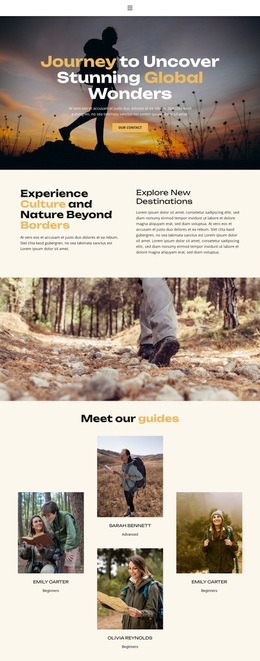
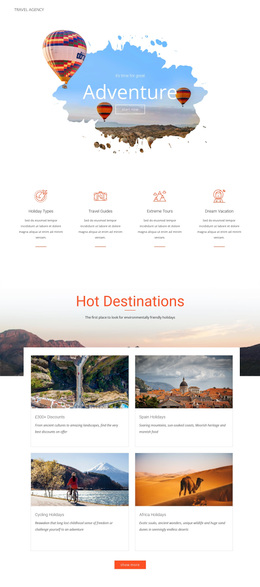
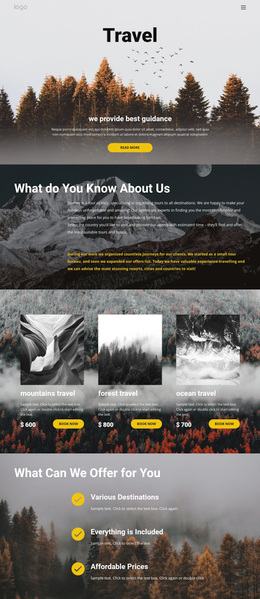
The design becomes more distinctive through its image-led stories. The overlapping circular imagery behind Backpacking Trips, the large photograph and italic Freedom heading, and the Hot Air Balloon Festival feature each present travel as an experience rather than only a list of services. The three-image gallery reinforces that emphasis with a compact visual showcase. Meanwhile, Mountains, Waterfalls, and Road Travel offer recognizable destination categories that help connect the broader message to specific interests.
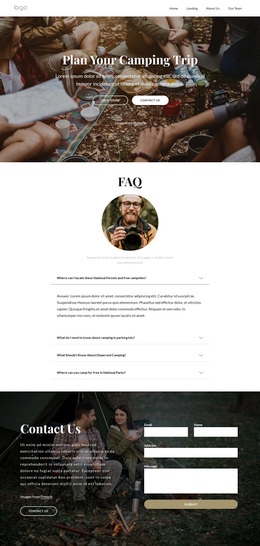
This combination suits a project that needs emotional travel imagery, a manageable overview of offerings, and a clear way to invite questions. The closing form requests a name, email, and message, so the design does not end with visual inspiration alone. It provides a practical inquiry path while preserving the page’s spacious dark theme, circular photography, orange accents, and rounded white content surfaces.
Customize with Nicepage
Open this ready-made template in the Template Builder and customize it visually in the Nicepage editor. Replace demo content, edit page sections, and adapt the design to your project without rebuilding the template from scratch.
Start With a Ready-Made Template
Choose a Design for a New Page
Use a ready-made template as a starting point instead of creating every page from a blank canvas. When adding a new page in Nicepage, browse available designs, compare different layouts, and choose an option that already fits the general purpose and visual direction of your project.
Browse Different Page Designs
Explore Page Designs using search, thematic categories, Design Sets, and full-page previews. The collection includes layouts for different subjects and page purposes, making it easier to compare alternatives before selecting a design to customize.
Customize the Selected Template
After choosing a design, create the page and continue editing it visually in Nicepage. Replace the demo content, adjust images, typography, colors, sections, and other elements, and adapt the ready-made layout to your own content instead of rebuilding the design from the beginning.
Explore More Design Directions
If the first option does not match your project closely enough, return to the design collection and compare other templates before committing to a layout. This makes the template library useful not only for faster page creation, but also for exploring different visual approaches and finding a suitable starting point for a new project.
This workflow gives you access to a broad collection of ready-made designs that can be selected, compared, and customized according to the needs of each new page or project.