AI-Powered Digital Future Template


Edit Template Offline
2. Create new page and search for id 6369760
Edit Template Online
Create Awesome Websites


Free Nicepage Builder
Keywords
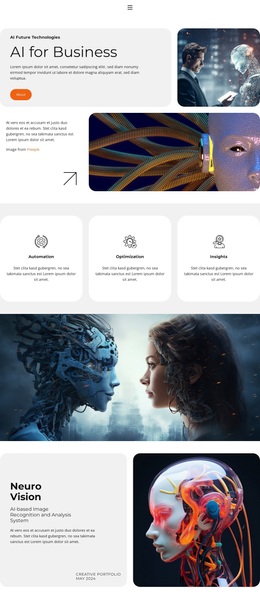
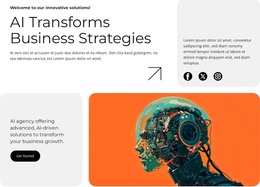
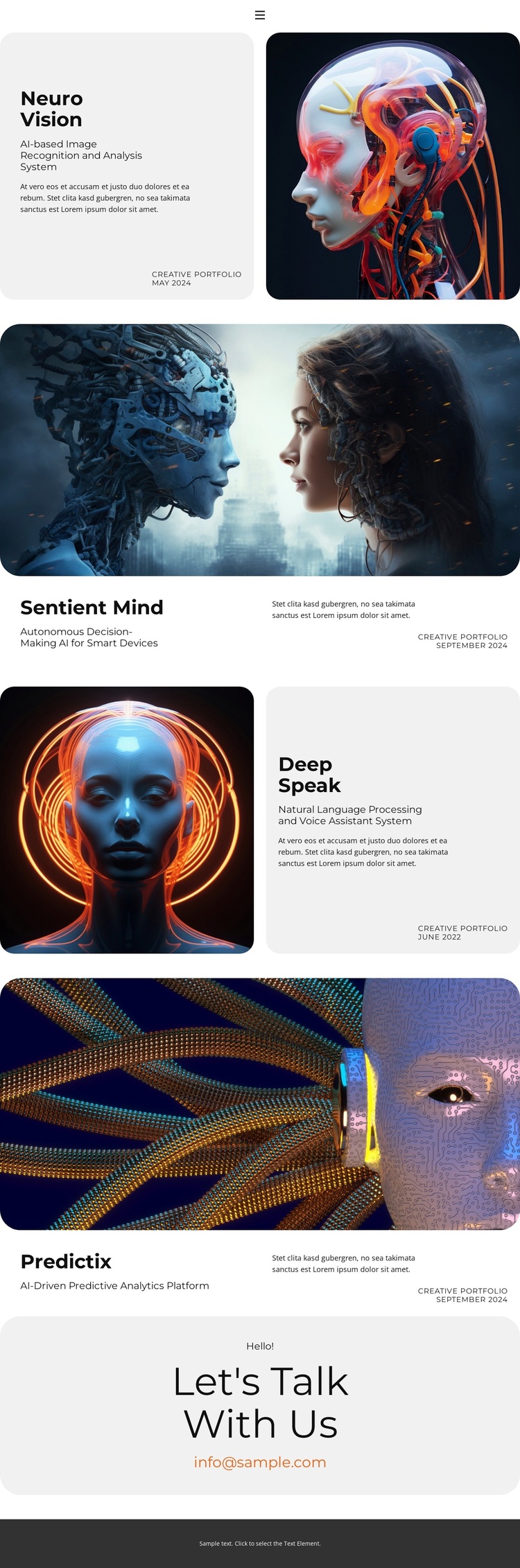
Neuro Vision, Sentient Mind, Deep Speak, and Predictix Create the Distinctive Choice
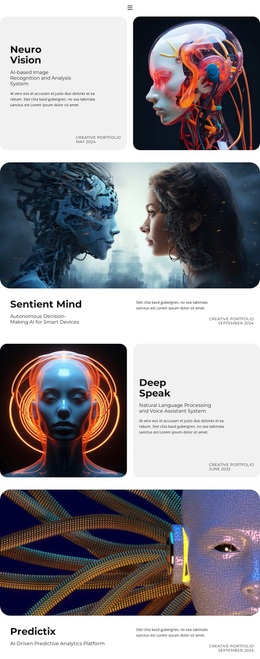
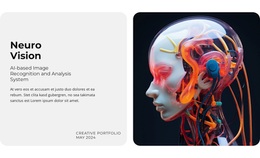
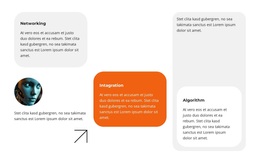
The four named projects give this design a stronger point of distinction than a portfolio built from generic service cards. Neuro Vision, Sentient Mind, Deep Speak, and Predictix each carry a specific AI capability label, ranging from image recognition and analysis to autonomous decisions, natural language processing, and predictive analytics. Together, they make the page feel like a curated technology portfolio with several related directions rather than a single-topic presentation.
The visual storytelling reinforces that choice. Neuro Vision and Deep Speak use split layouts that place explanation beside a rounded AI image, while Sentient Mind and Predictix introduce their information after wide image-led sections. This alternation gives every project a recognizable presentation while preventing the page from becoming a repetitive four-column grid. Displayed dates, including May 2024, September 2024, June 2022, and September 2024, add an additional layer of project context without needing unsupported claims about results or clients.
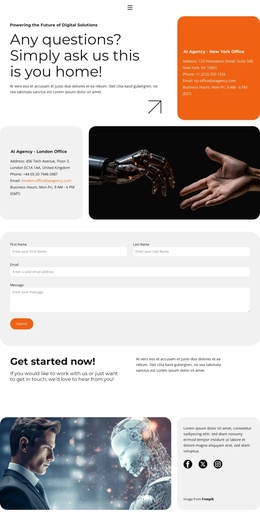
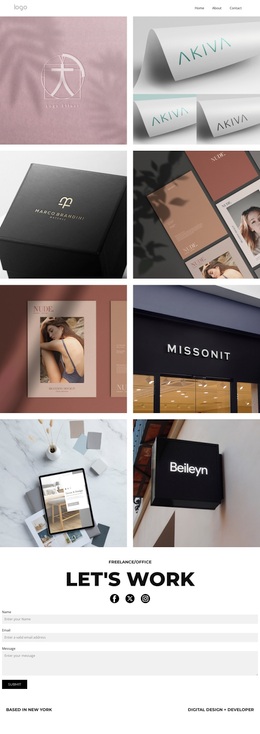
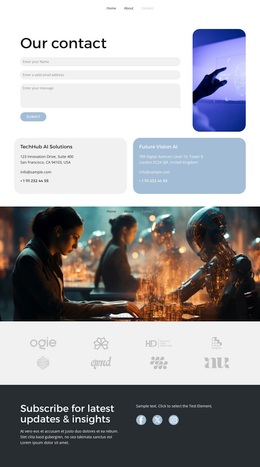
The closing contact invitation makes the design suitable for projects that need to show selected work and then invite conversation. Its combination of technology-specific content, editorial project treatment, and a direct email channel separates it from layouts centered only on a company introduction, a product catalogue, or a long technical article. It is worth choosing when the portfolio itself should carry the main narrative and the contact request should arrive after visitors have seen the range of work.
Customize with Nicepage
Open this ready-made template in the Template Builder and customize it visually in the Nicepage editor. Replace demo content, edit page sections, and adapt the design to your project without rebuilding the template from scratch.
Start With a Ready-Made Template
Choose a Design for a New Page
Use a ready-made template as a starting point instead of creating every page from a blank canvas. When adding a new page in Nicepage, browse available designs, compare different layouts, and choose an option that already fits the general purpose and visual direction of your project.
Browse Different Page Designs
Explore Page Designs using search, thematic categories, Design Sets, and full-page previews. The collection includes layouts for different subjects and page purposes, making it easier to compare alternatives before selecting a design to customize.
Customize the Selected Template
After choosing a design, create the page and continue editing it visually in Nicepage. Replace the demo content, adjust images, typography, colors, sections, and other elements, and adapt the ready-made layout to your own content instead of rebuilding the design from the beginning.
Explore More Design Directions
If the first option does not match your project closely enough, return to the design collection and compare other templates before committing to a layout. This makes the template library useful not only for faster page creation, but also for exploring different visual approaches and finding a suitable starting point for a new project.
This workflow gives you access to a broad collection of ready-made designs that can be selected, compared, and customized according to the needs of each new page or project.