Quality and attractive designs Template


Edit Template Offline
2. Create new page and search for id 5203901
Edit Template Online
Create Awesome Websites


Free Nicepage Builder
Keywords
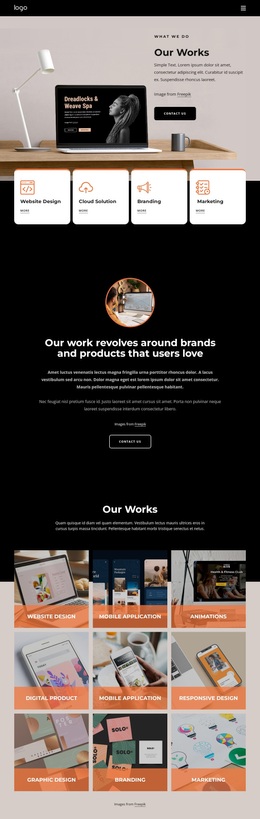
Nine Labeled Categories Give This Portfolio a Distinctive Focus
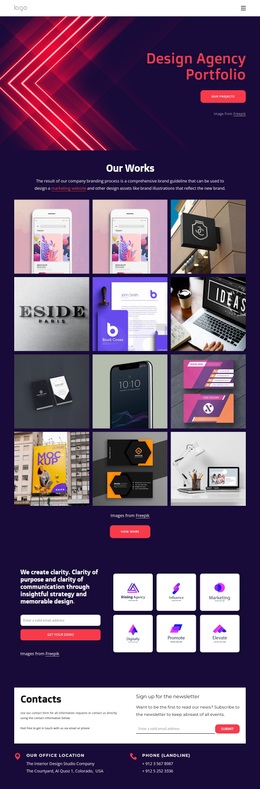
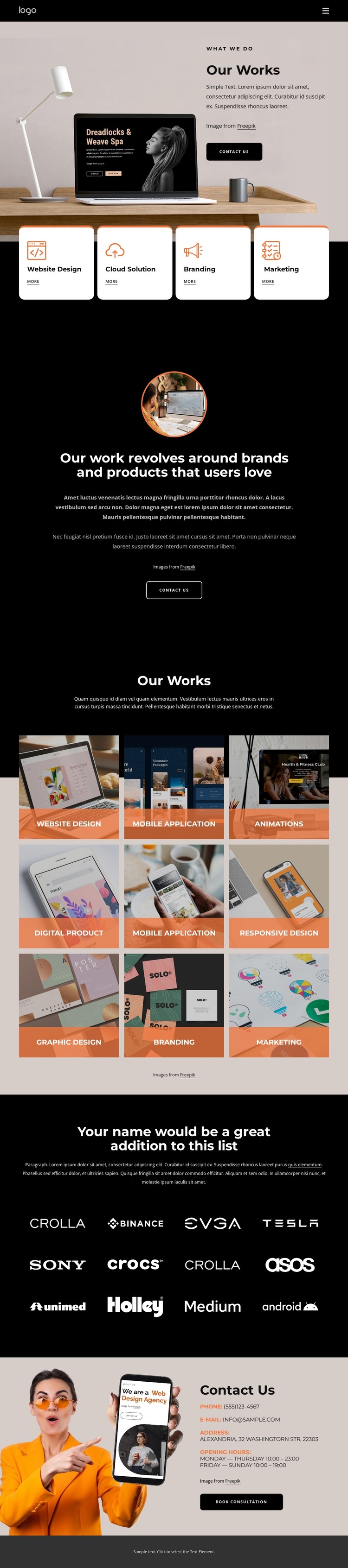
The nine labeled portfolio tiles are the clearest reason to choose this design as a starting point. Instead of relying only on a general studio introduction, the page makes its creative range visible through categories such as Website Design, Mobile Application, Animations, Digital Product, Responsive Design, Graphic Design, Branding, and Marketing. The repeated image treatment lets the work itself carry much of the presentation, while the labels help visitors understand the range of services represented.
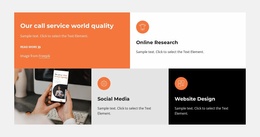
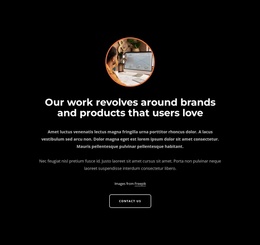
That gallery is supported by four service cards for Website Design, Cloud Solution, Branding, and Marketing. The relationship between the concise service overview and the larger portfolio collection gives the page both orientation and visual evidence. The centered statement about brands and products that users love adds a human design philosophy, while the twelve-item brand-logo collection introduces a separate list-oriented visual element without requiring the placeholder logos to be treated as verified clients.
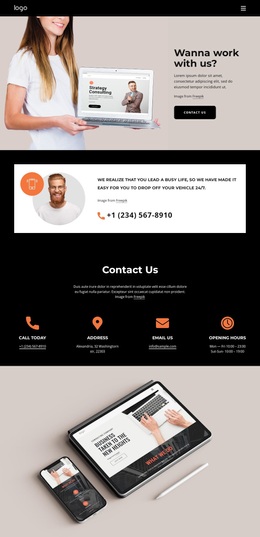
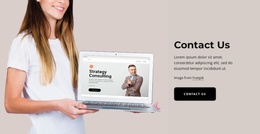
The design is particularly suitable for a project that needs an image-led creative presentation followed by a clear conversation path. The opening Contact Us action and closing Book Consultation action frame the portfolio with response points, while the final contact area provides phone, email, address, and opening-hours information. This combination makes the template a focused option for presenting design capabilities without depending on dense explanatory copy.
Customize with Nicepage
Open this ready-made template in the Template Builder and customize it visually in the Nicepage editor. Replace demo content, edit page sections, and adapt the design to your project without rebuilding the template from scratch.
Start With a Ready-Made Template
Choose a Design for a New Page
Use a ready-made template as a starting point instead of creating every page from a blank canvas. When adding a new page in Nicepage, browse available designs, compare different layouts, and choose an option that already fits the general purpose and visual direction of your project.
Browse Different Page Designs
Explore Page Designs using search, thematic categories, Design Sets, and full-page previews. The collection includes layouts for different subjects and page purposes, making it easier to compare alternatives before selecting a design to customize.
Customize the Selected Template
After choosing a design, create the page and continue editing it visually in Nicepage. Replace the demo content, adjust images, typography, colors, sections, and other elements, and adapt the ready-made layout to your own content instead of rebuilding the design from the beginning.
Explore More Design Directions
If the first option does not match your project closely enough, return to the design collection and compare other templates before committing to a layout. This makes the template library useful not only for faster page creation, but also for exploring different visual approaches and finding a suitable starting point for a new project.
This workflow gives you access to a broad collection of ready-made designs that can be selected, compared, and customized according to the needs of each new page or project.

Design Set (22)
-

-
-
-
-
-
-
-
-
-
-
-
-
-
-
Free Website Builder SoftwareDownload
-
-