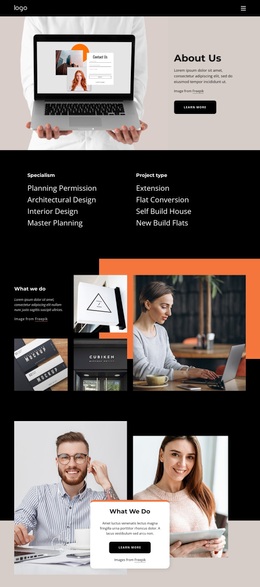
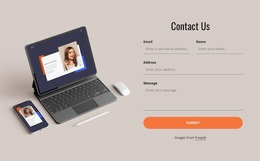
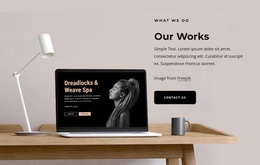
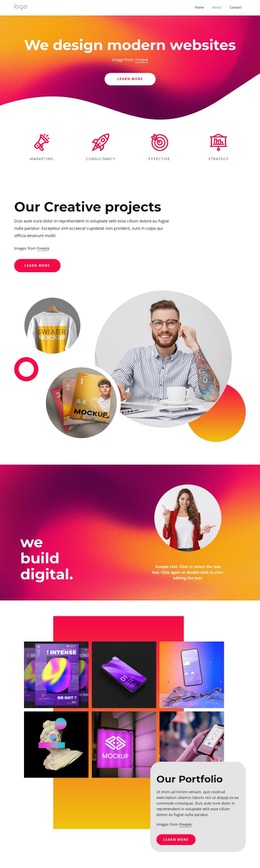
We create experiences that brands live by Template


Edit Template Offline
2. Create new page and search for id 5204099
Edit Template Online
Create Awesome Websites


Free Nicepage Builder
Keywords
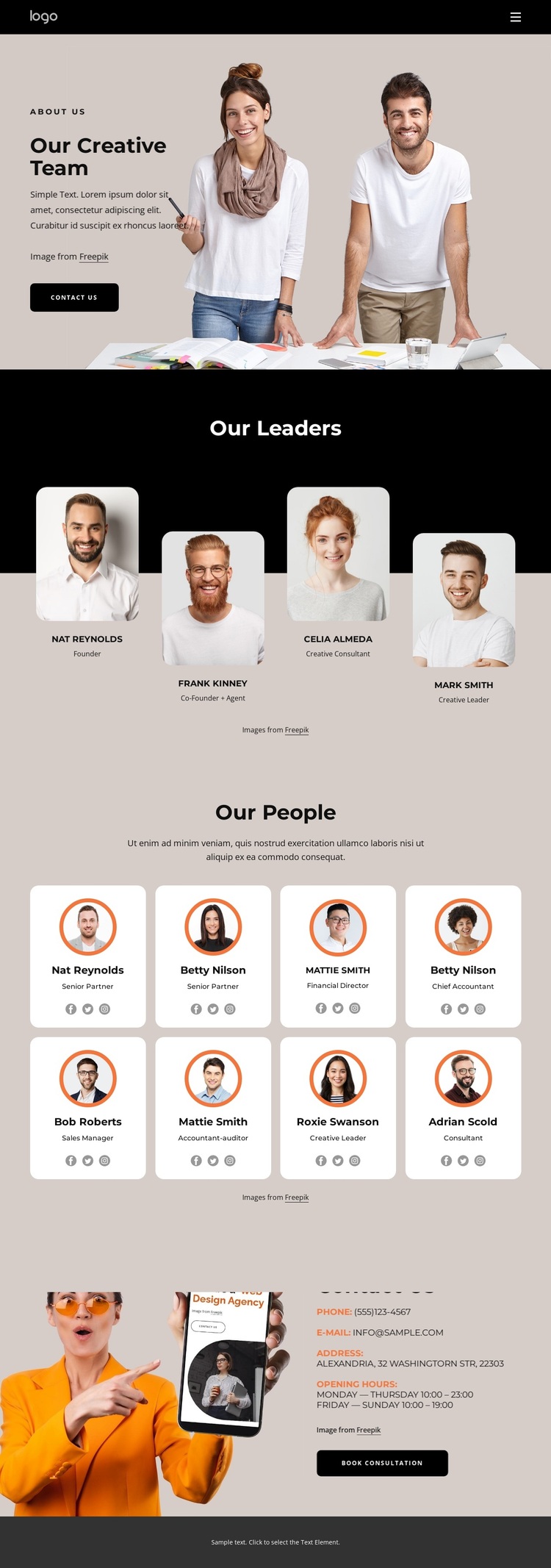
Portrait Groups Give the Design a Clear Creative Focus
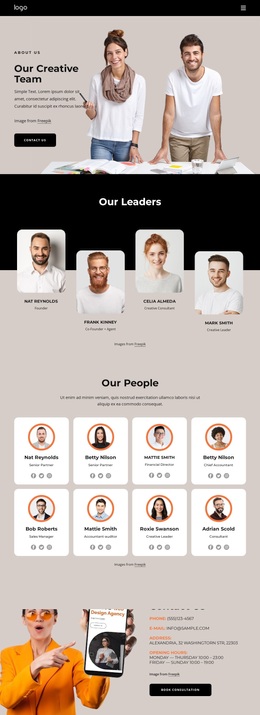
The strongest reason to choose this design is its coverage of people-centered content. Instead of relying on a generic service grid, it opens with a large team photograph and then separates four leader profiles from eight additional team members. That division gives a project room to introduce its leadership and broader staff within the same visual direction. Rounded profile cards, role labels, and social links reinforce the idea that individual people are the main subject of the page.
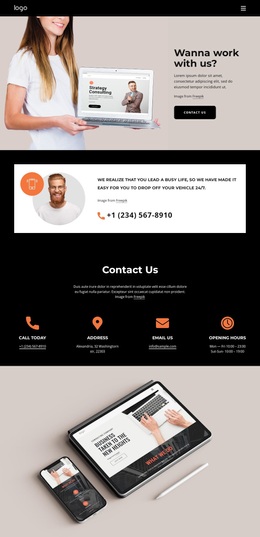
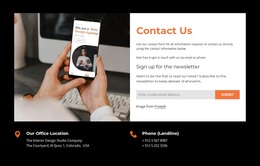
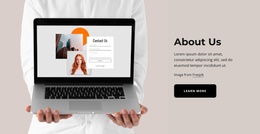
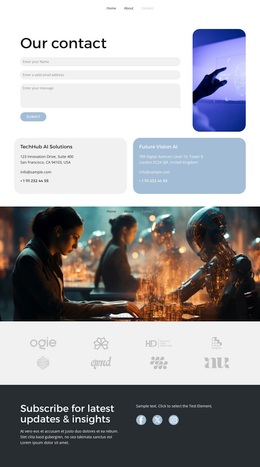
The design also covers the practical end of the presentation. A dedicated Contact Us section includes phone, email, address, opening hours, and a Book Consultation action, so the template does not stop after presenting portraits. The orange contact image creates a strong visual change after the profile areas, while black header and footer bands frame the warm beige and white content surfaces. Large headings, compact supporting text, and generous spacing keep the substantial number of people profiles from becoming a dense directory. The names and contact values shown in the preview are demo content, but their placement demonstrates the intended structure. This makes the template a useful option for projects that need a visual team story followed by a clear consultation-oriented contact area.
Customize with Nicepage
Open this ready-made template in the Template Builder and customize it visually in the Nicepage editor. Replace demo content, edit page sections, and adapt the design to your project without rebuilding the template from scratch.
Start With a Ready-Made Template
Choose a Design for a New Page
Use a ready-made template as a starting point instead of creating every page from a blank canvas. When adding a new page in Nicepage, browse available designs, compare different layouts, and choose an option that already fits the general purpose and visual direction of your project.
Browse Different Page Designs
Explore Page Designs using search, thematic categories, Design Sets, and full-page previews. The collection includes layouts for different subjects and page purposes, making it easier to compare alternatives before selecting a design to customize.
Customize the Selected Template
After choosing a design, create the page and continue editing it visually in Nicepage. Replace the demo content, adjust images, typography, colors, sections, and other elements, and adapt the ready-made layout to your own content instead of rebuilding the design from the beginning.
Explore More Design Directions
If the first option does not match your project closely enough, return to the design collection and compare other templates before committing to a layout. This makes the template library useful not only for faster page creation, but also for exploring different visual approaches and finding a suitable starting point for a new project.
This workflow gives you access to a broad collection of ready-made designs that can be selected, compared, and customized according to the needs of each new page or project.

Design Set (22)
-

-
-
-
-
-
-
-
-
-
-
-
-
-
-
Free Website Builder SoftwareDownload
-
-