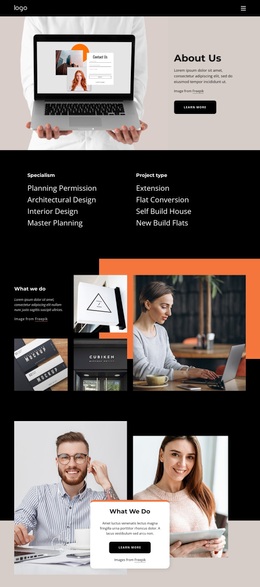
It started with honesty, passion and innovation Template


Edit Template Offline
2. Create new page and search for id 5196772
Edit Template Online
Create Awesome Websites


Free Nicepage Builder
Keywords
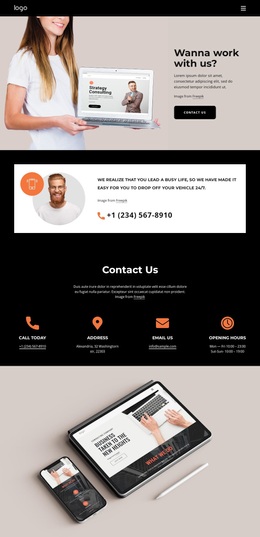
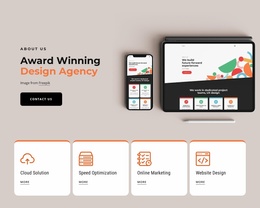
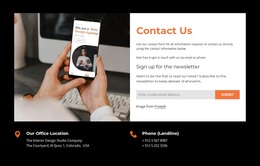
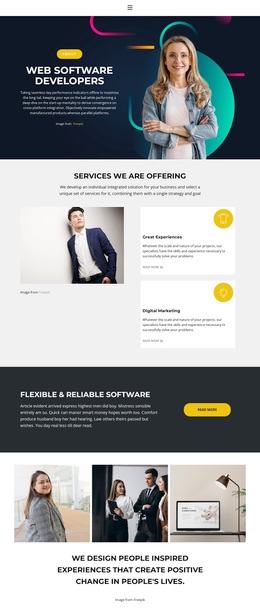
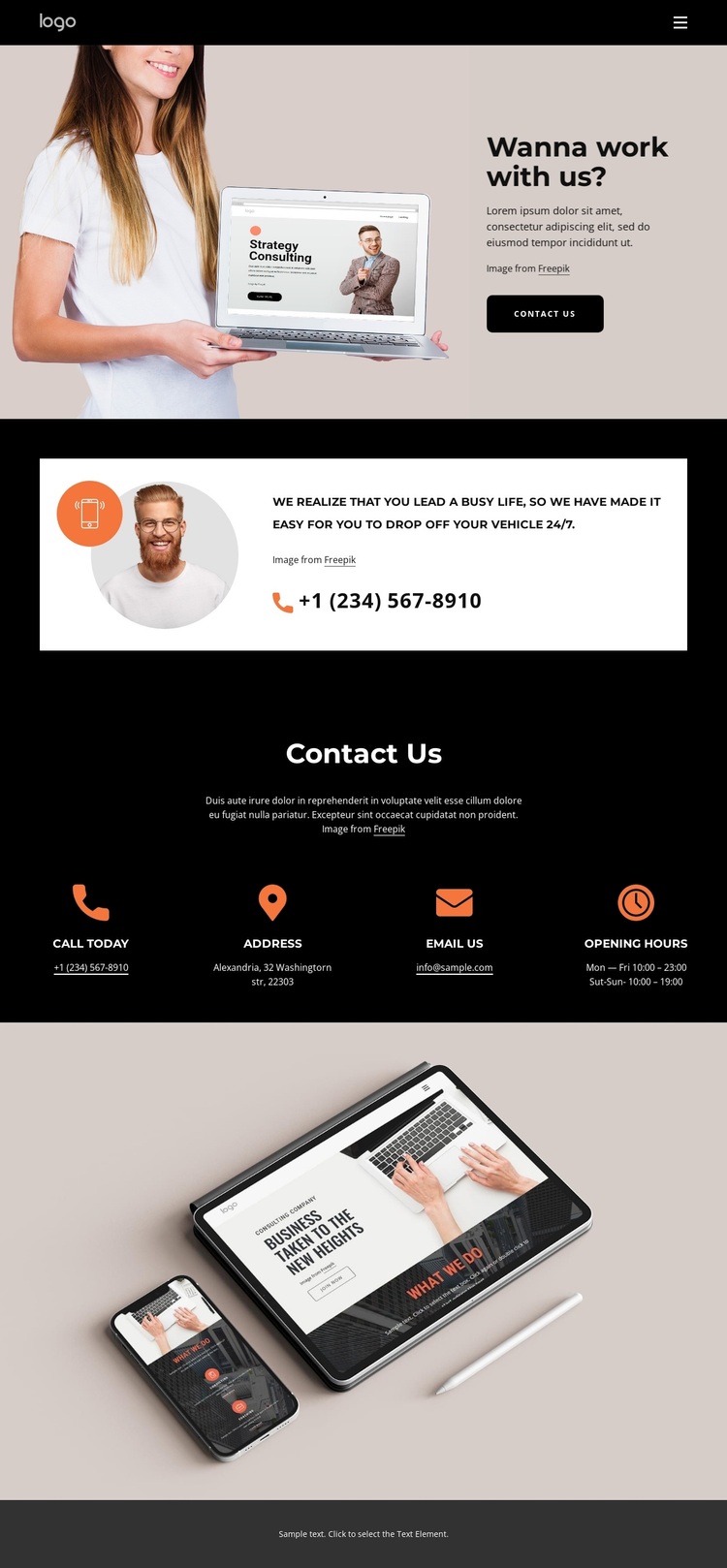
A direct CTA and four contact channels define the design choice
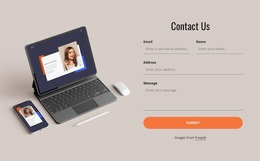
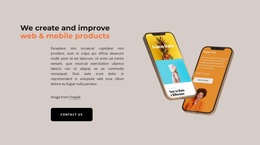
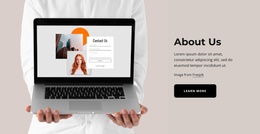
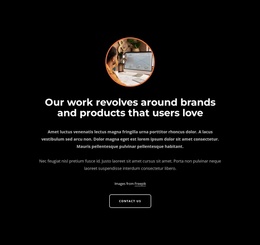
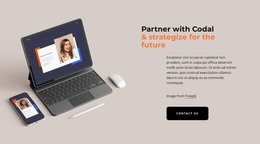
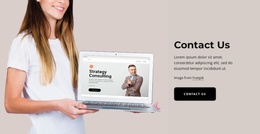
The strongest reason to choose this design is its coverage of the contact task without relying on a large amount of business-specific content. The opening image-and-text composition establishes an approachable reason to get in touch, and the Contact Us button makes that purpose visible immediately. The following telephone callout adds a more direct route, while the four cards cover the practical information a visitor may need before calling, visiting, or sending an email.
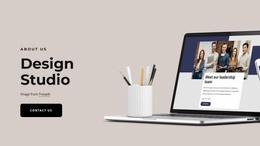
The visual direction reinforces that content coverage. Black backgrounds give the page a confident, concentrated base; warm neutral images keep the communication theme human; and orange details identify emphasis points without overwhelming the information. The wide device photograph extends the people-and-communication imagery, while the muted footer closes the composition quietly. This combination suits a project that needs a contact page to feel deliberate and image-led rather than like a plain list of details.
The sample Alexandria address, sample email, phone number, and hours demonstrate the available content slots and should be replaced rather than presented as verified organizational information. What remains distinctive is the relationship between an invitation, a callout, four organized channels, and supporting imagery. As a ready-made Template, it offers a focused starting direction for contact and customer inquiry content without claiming a particular industry.
Customize with Nicepage
Open this ready-made template in the Template Builder and customize it visually in the Nicepage editor. Replace demo content, edit page sections, and adapt the design to your project without rebuilding the template from scratch.
Start With a Ready-Made Template
Choose a Design for a New Page
Use a ready-made template as a starting point instead of creating every page from a blank canvas. When adding a new page in Nicepage, browse available designs, compare different layouts, and choose an option that already fits the general purpose and visual direction of your project.
Browse Different Page Designs
Explore Page Designs using search, thematic categories, Design Sets, and full-page previews. The collection includes layouts for different subjects and page purposes, making it easier to compare alternatives before selecting a design to customize.
Customize the Selected Template
After choosing a design, create the page and continue editing it visually in Nicepage. Replace the demo content, adjust images, typography, colors, sections, and other elements, and adapt the ready-made layout to your own content instead of rebuilding the design from the beginning.
Explore More Design Directions
If the first option does not match your project closely enough, return to the design collection and compare other templates before committing to a layout. This makes the template library useful not only for faster page creation, but also for exploring different visual approaches and finding a suitable starting point for a new project.
This workflow gives you access to a broad collection of ready-made designs that can be selected, compared, and customized according to the needs of each new page or project.

Design Set (22)
-

-
-
-
-
-
-
-
-
-
-
-
-
-
-
Free Website Builder SoftwareDownload
-
-