Innovation studio Template



Edit Template Offline
2. Create new page and search for id 6043981
Edit Template Online
Create Awesome Websites


Free Nicepage Builder
Keywords
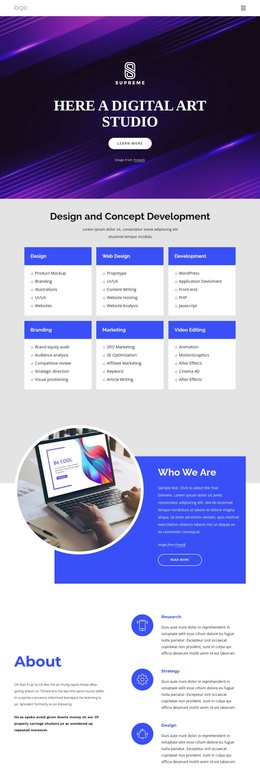
Six Creative Disciplines Give the Design a Clear Point of Difference
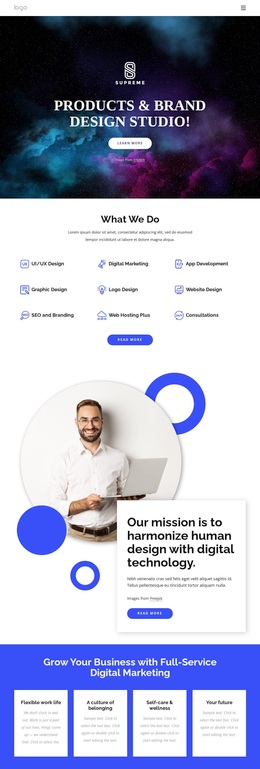
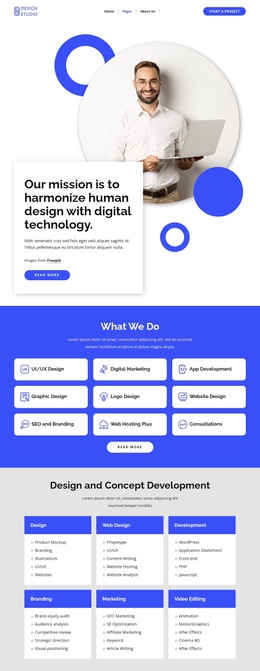
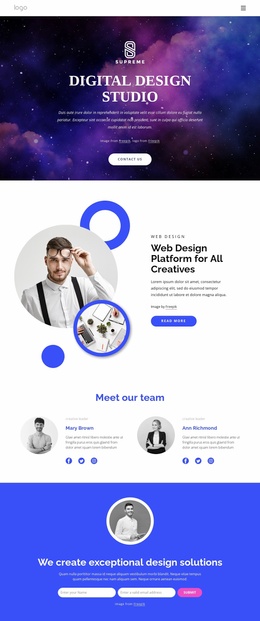
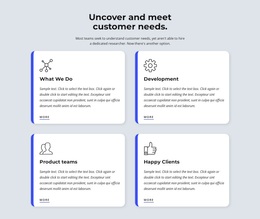
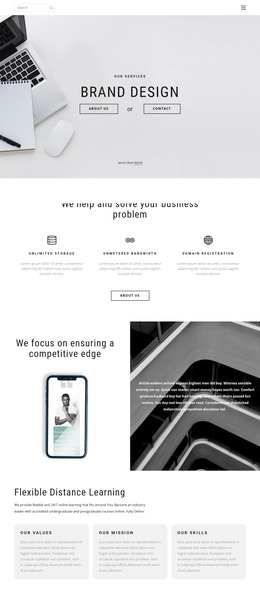
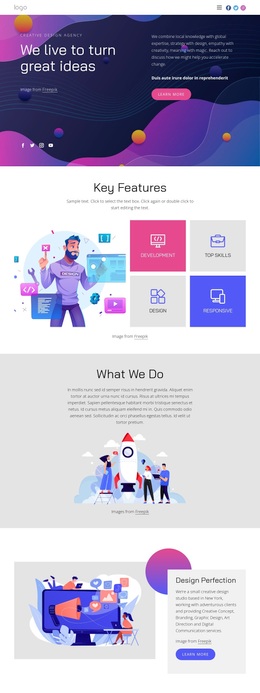
The six primary service cards make this design easy to understand as a studio-focused option. Design, Web Design, Development, Branding, Marketing, and Video Editing appear as related capability areas, so the page communicates a broad creative range without relying on a single narrow service. That coverage is reinforced by the additional Research, Strategy, and Design callouts, which introduce the thinking and planning side of the studio rather than only listing production disciplines.
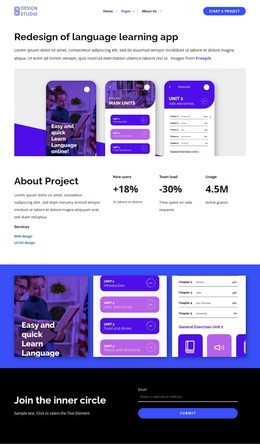
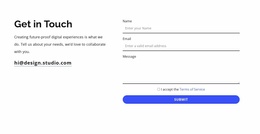
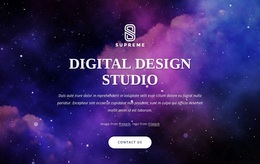
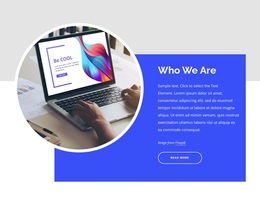
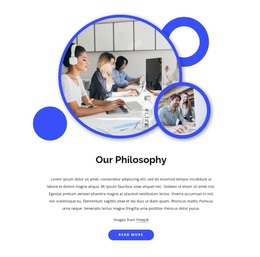
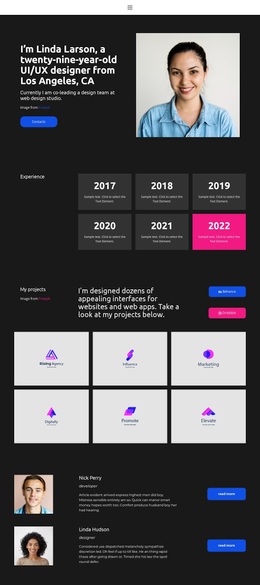
The visual treatment gives the option a different character from a conventional corporate About page. A full-width purple abstract hero, strong blue panels, circular creative-work imagery, geometric accents, and compact sans-serif copy create an energetic digital-art direction. The page also includes practical content that supports selection: an audience-oriented offer, four displayed metric tiles, a contact inquiry form, and footer navigation with service links and email signup. These elements make the design useful for projects that need to present both creative identity and a broad service offer in one place. The metrics remain structural evidence and should not be treated as verified business achievements. Overall, the template is worth considering when the chosen design must make visual experimentation, multidisciplinary capability, and a direct route to project contact visible together.
Customize with Nicepage
Open this ready-made template in the Template Builder and customize it visually in the Nicepage editor. Replace demo content, edit page sections, and adapt the design to your project without rebuilding the template from scratch.
Start With a Ready-Made Template
Choose a Design for a New Page
Use a ready-made template as a starting point instead of creating every page from a blank canvas. When adding a new page in Nicepage, browse available designs, compare different layouts, and choose an option that already fits the general purpose and visual direction of your project.
Browse Different Page Designs
Explore Page Designs using search, thematic categories, Design Sets, and full-page previews. The collection includes layouts for different subjects and page purposes, making it easier to compare alternatives before selecting a design to customize.
Customize the Selected Template
After choosing a design, create the page and continue editing it visually in Nicepage. Replace the demo content, adjust images, typography, colors, sections, and other elements, and adapt the ready-made layout to your own content instead of rebuilding the design from the beginning.
Explore More Design Directions
If the first option does not match your project closely enough, return to the design collection and compare other templates before committing to a layout. This makes the template library useful not only for faster page creation, but also for exploring different visual approaches and finding a suitable starting point for a new project.
This workflow gives you access to a broad collection of ready-made designs that can be selected, compared, and customized according to the needs of each new page or project.