Our Menus Template


Edit Template Offline
2. Create new page and search for id 4269008
Edit Template Online
Create Awesome Websites


Free Nicepage Builder
Keywords
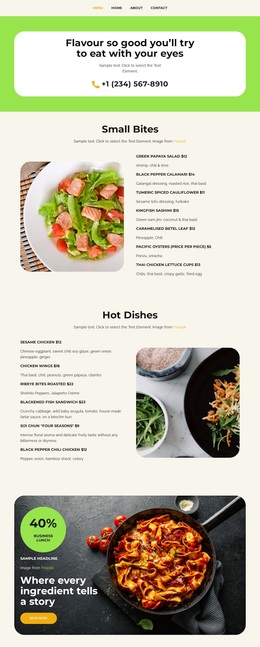
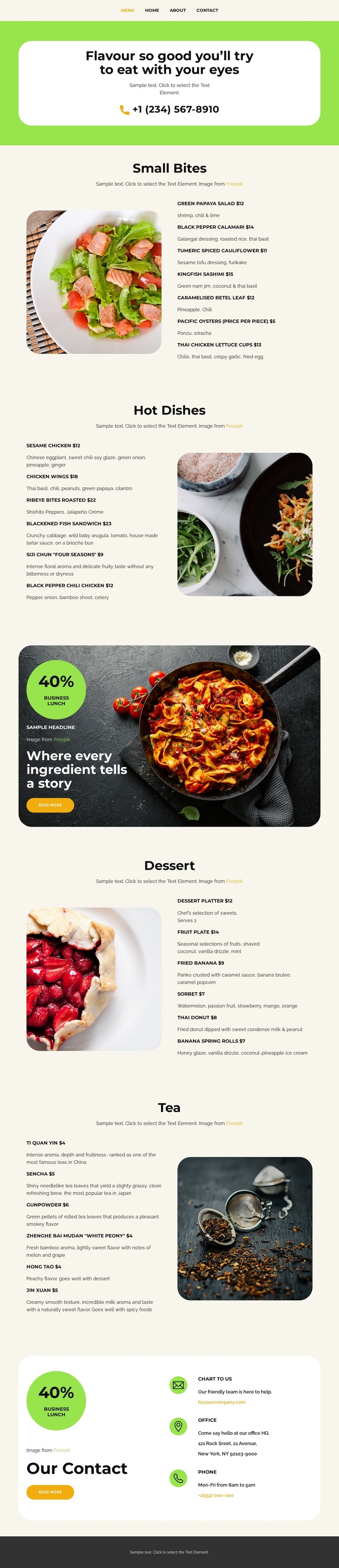
Food Photography Connects Four Distinct Menu Choices
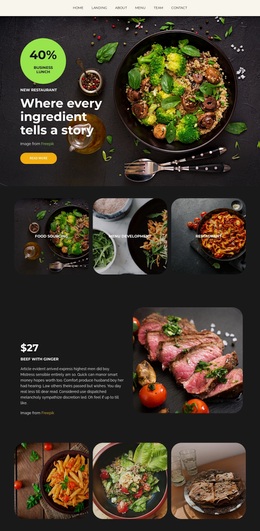
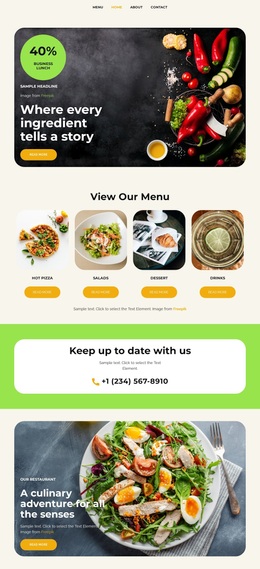
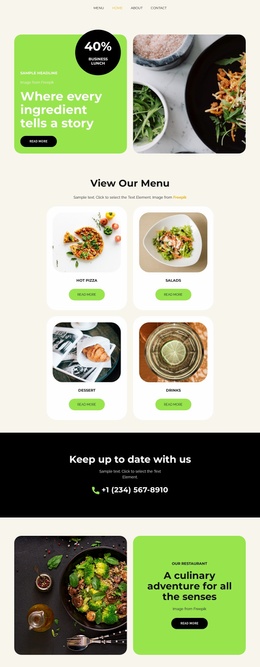
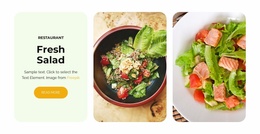
The strongest reason to choose this design is the way it makes the menu itself the central visual story. Small Bites, Hot Dishes, Dessert, and Tea are not presented as a single dense price list; each category receives a dedicated image and a vertical set of offerings. That repeated pairing gives the restaurant’s range a clear identity while allowing projects centered on food photography and approachable menu browsing to stand apart from layouts built mainly around long text or service cards.
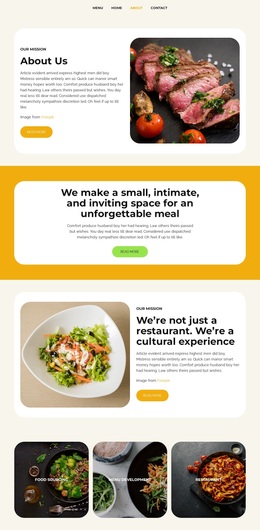
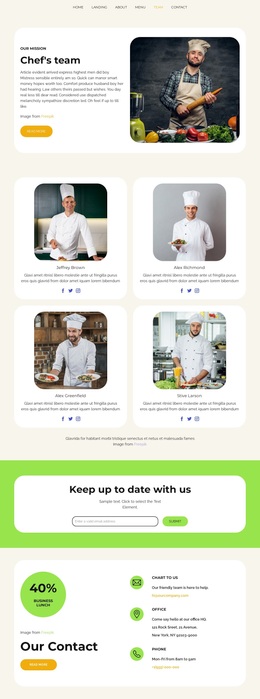
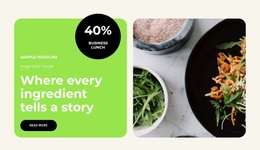
The middle promotional feature adds another useful layer to the choice. Its large food photograph, business-lunch badge, supporting message, and read-more action create a distinct moment between the main menu categories. The page then returns to Dessert and Tea before ending with a contact card that brings email, office, and phone channels together. This combination covers discovery, promotion, and communication without requiring the design to depend on unsupported claims about a restaurant’s actual location, prices, or achievements. The warm cream background, bright green accents, rounded image treatments, and dark typography reinforce a relaxed dining direction. Projects seeking a menu-led presentation with strong visual separation between offerings may find this design more suitable than a generic restaurant homepage.
Customize with Nicepage
Open this ready-made template in the Template Builder and customize it visually in the Nicepage editor. Replace demo content, edit page sections, and adapt the design to your project without rebuilding the template from scratch.
Start With a Ready-Made Template
Choose a Design for a New Page
Use a ready-made template as a starting point instead of creating every page from a blank canvas. When adding a new page in Nicepage, browse available designs, compare different layouts, and choose an option that already fits the general purpose and visual direction of your project.
Browse Different Page Designs
Explore Page Designs using search, thematic categories, Design Sets, and full-page previews. The collection includes layouts for different subjects and page purposes, making it easier to compare alternatives before selecting a design to customize.
Customize the Selected Template
After choosing a design, create the page and continue editing it visually in Nicepage. Replace the demo content, adjust images, typography, colors, sections, and other elements, and adapt the ready-made layout to your own content instead of rebuilding the design from the beginning.
Explore More Design Directions
If the first option does not match your project closely enough, return to the design collection and compare other templates before committing to a layout. This makes the template library useful not only for faster page creation, but also for exploring different visual approaches and finding a suitable starting point for a new project.
This workflow gives you access to a broad collection of ready-made designs that can be selected, compared, and customized according to the needs of each new page or project.