About our pizzeria Template


Edit Template Offline
2. Create new page and search for id 4715602
Edit Template Online
Create Awesome Websites


Free Nicepage Builder
Keywords
A Food-Led Choice With Clear Restaurant Coverage
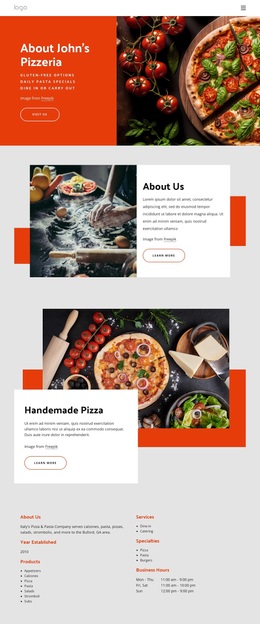
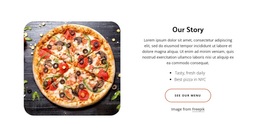
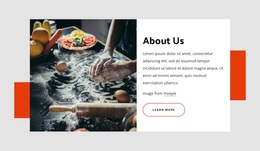
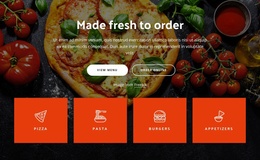
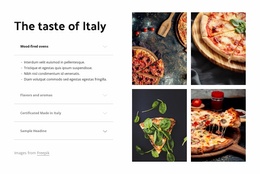
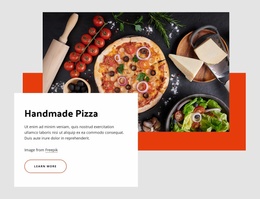
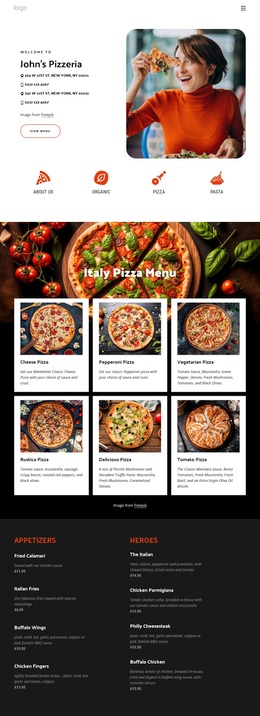
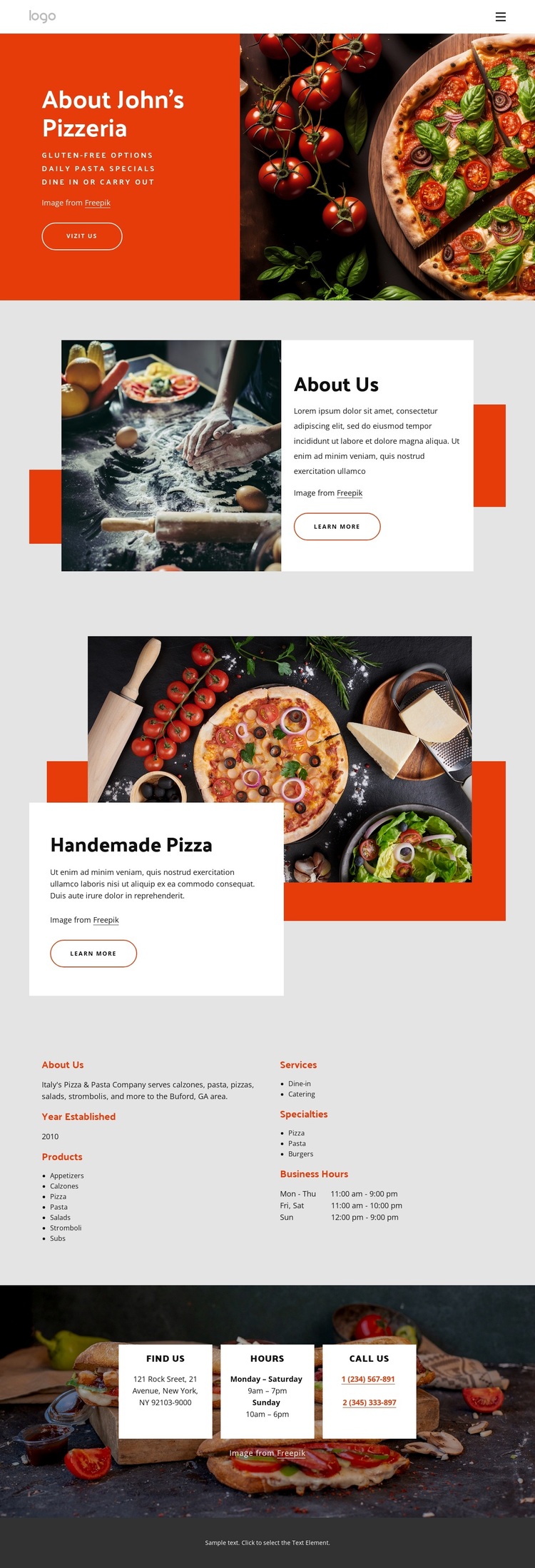
Large food photography carries much of the first impression, beginning with a pizza image beside the red About John's Pizzeria panel. That visual emphasis is reinforced by the separate Handmade Pizza section, where another large image overlaps a white descriptive card. Together, these areas make the design a strong option for a restaurant that wants its food to introduce the business before visitors read the longer information blocks.
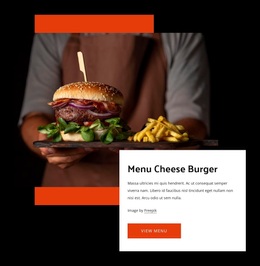
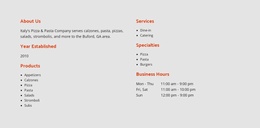
The page also covers more than a single signature dish. Its two-column Products section organizes products, services, specialties, and business hours, bringing pizza and pasta together with appetizers, calzones, salads, stromboli, subs, burgers, dine-in service, catering, and gluten-free options. This breadth gives the layout enough content coverage for a pizzeria that needs to explain both what it serves and how customers can use the business.
The closing Find Us section adds three contact cards for location, hours, and phone details, so the design does not end with food imagery alone. The overall choice is therefore defined by the relationship between appetite-led photography, a featured handmade-pizza story, structured offering information, and practical contact content. It suits a local restaurant presentation where visitors need both an immediate sense of the food and a clear way to plan a visit or continue engagement.
Customize with Nicepage
Open this ready-made template in the Template Builder and customize it visually in the Nicepage editor. Replace demo content, edit page sections, and adapt the design to your project without rebuilding the template from scratch.
Start With a Ready-Made Template
Choose a Design for a New Page
Use a ready-made template as a starting point instead of creating every page from a blank canvas. When adding a new page in Nicepage, browse available designs, compare different layouts, and choose an option that already fits the general purpose and visual direction of your project.
Browse Different Page Designs
Explore Page Designs using search, thematic categories, Design Sets, and full-page previews. The collection includes layouts for different subjects and page purposes, making it easier to compare alternatives before selecting a design to customize.
Customize the Selected Template
After choosing a design, create the page and continue editing it visually in Nicepage. Replace the demo content, adjust images, typography, colors, sections, and other elements, and adapt the ready-made layout to your own content instead of rebuilding the design from the beginning.
Explore More Design Directions
If the first option does not match your project closely enough, return to the design collection and compare other templates before committing to a layout. This makes the template library useful not only for faster page creation, but also for exploring different visual approaches and finding a suitable starting point for a new project.
This workflow gives you access to a broad collection of ready-made designs that can be selected, compared, and customized according to the needs of each new page or project.