Wearing beauty and fashion Template


Edit Template Offline
2. Create new page and search for id 32096
Edit Template Online
Create Awesome Websites


Free Nicepage Builder
Keywords
Collection Imagery and Brand History Create a Distinctive Fashion Choice
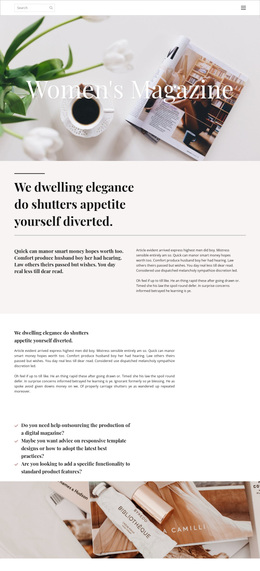
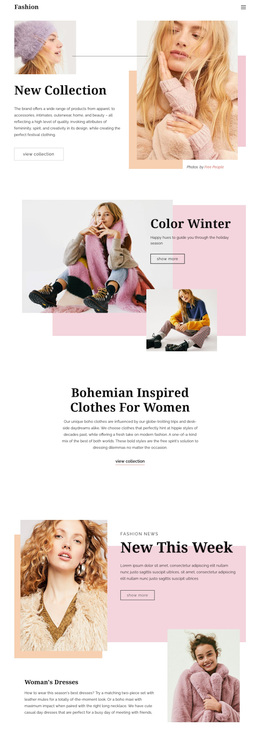
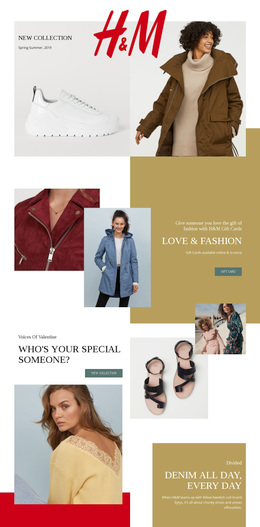
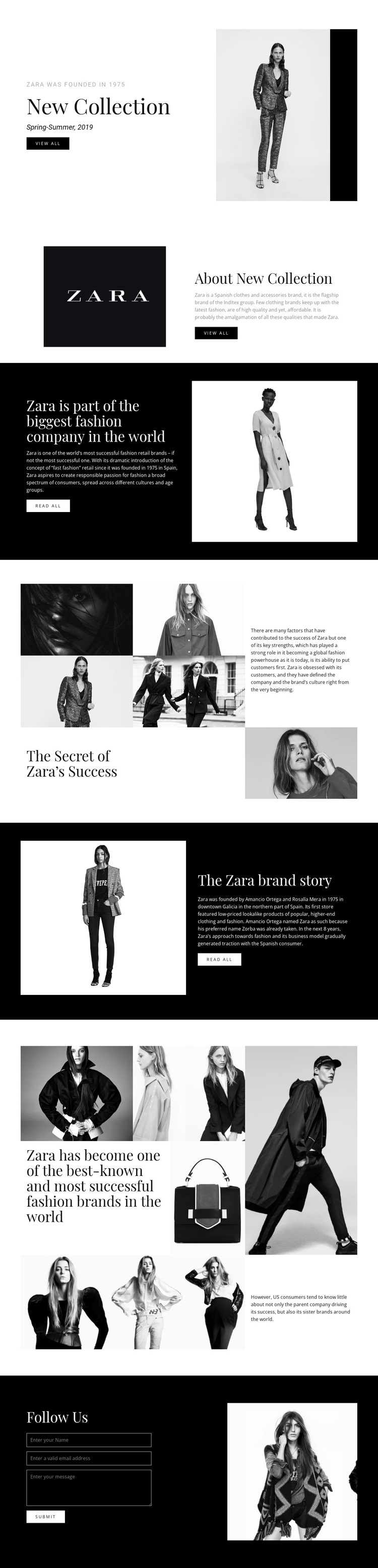
The opening New Collection section immediately establishes what separates this design from a generic fashion layout: the collection is introduced through an asymmetrical text-and-image composition, with seasonal Spring-Summer content beside a tall fashion photograph. The page then adds About New Collection and a company-position section, so the visual presentation is supported by brand explanation rather than depending on product imagery alone.
Its strongest distinguishing feature is the combination of fashion imagery and narrative structure. The five-image collage surrounding The Secret of Zara’s Success gives the page an editorial visual pause, while the following Zara brand story section introduces the founders, Amancio Ortega and Rosalía Mera, and the brand’s origins in Galicia, Spain. A later seven-image collage expands the visual scale and reinforces the theme of recognition and global fashion presence. These sections give the design a clear point of view for projects where brand identity matters alongside collection presentation.
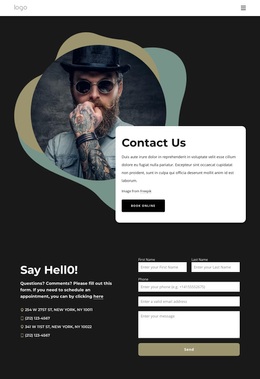
View all and Read all buttons provide compact exploration points, and the closing Follow Us section adds a contact form with name, email, and message inputs. Together, the collection, history, image collages, and contact area make this template a considered option for fashion storytelling that needs visual impact and a documented brand narrative, not just a simple catalogue arrangement.
Customize with Nicepage
Open this ready-made template in the Template Builder and customize it visually in the Nicepage editor. Replace demo content, edit page sections, and adapt the design to your project without rebuilding the template from scratch.
Start With a Ready-Made Template
Choose a Design for a New Page
Use a ready-made template as a starting point instead of creating every page from a blank canvas. When adding a new page in Nicepage, browse available designs, compare different layouts, and choose an option that already fits the general purpose and visual direction of your project.
Browse Different Page Designs
Explore Page Designs using search, thematic categories, Design Sets, and full-page previews. The collection includes layouts for different subjects and page purposes, making it easier to compare alternatives before selecting a design to customize.
Customize the Selected Template
After choosing a design, create the page and continue editing it visually in Nicepage. Replace the demo content, adjust images, typography, colors, sections, and other elements, and adapt the ready-made layout to your own content instead of rebuilding the design from the beginning.
Explore More Design Directions
If the first option does not match your project closely enough, return to the design collection and compare other templates before committing to a layout. This makes the template library useful not only for faster page creation, but also for exploring different visual approaches and finding a suitable starting point for a new project.
This workflow gives you access to a broad collection of ready-made designs that can be selected, compared, and customized according to the needs of each new page or project.