High quality grooming services Template



Edit Template Offline
2. Create new page and search for id 2455180
Edit Template Online
Create Awesome Websites


Free Nicepage Builder
Keywords
Four Service Shortcuts Lead Into a Complete Grooming Story
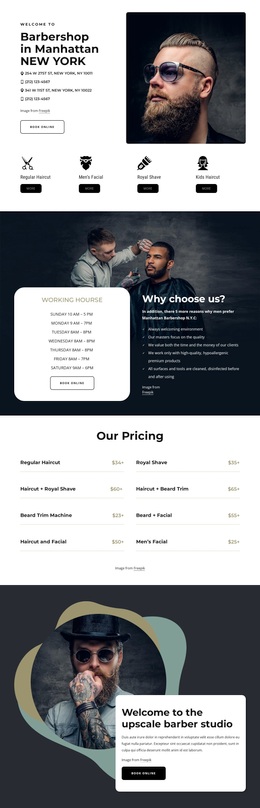
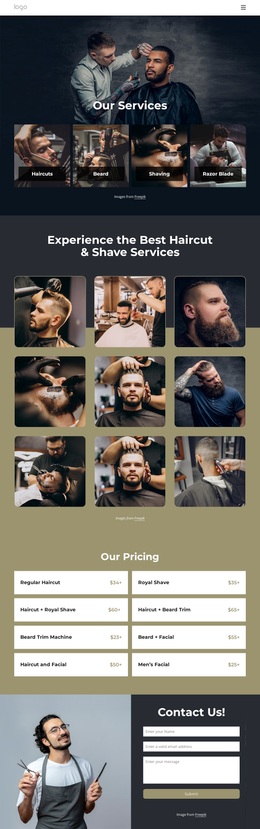
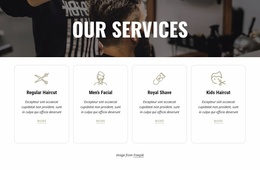
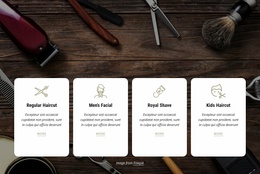
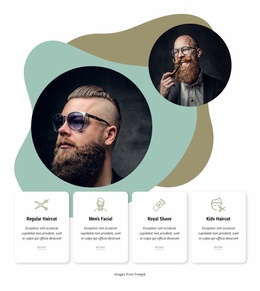
The four featured service tiles give this design an immediately recognizable starting point: visitors can see Regular Haircut, Men’s Facial, Royal Shave, and Kids Haircut before reaching the more detailed parts of the page. That concise service gateway is supported by a separate pricing section containing multiple named grooming options, including combinations of haircuts, shaves, beard trims, and facials. The design therefore covers both quick choice and fuller service comparison.
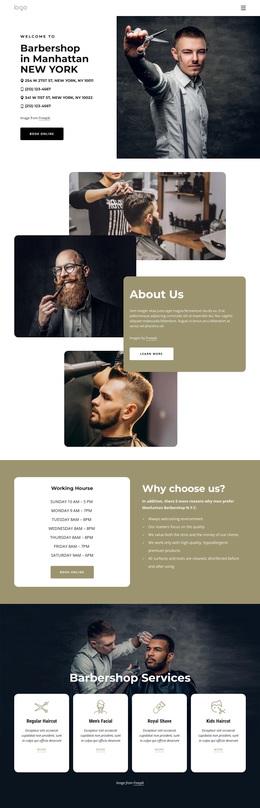
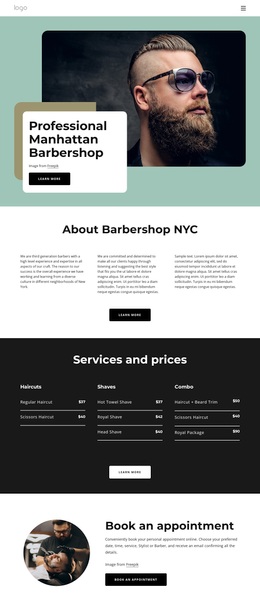
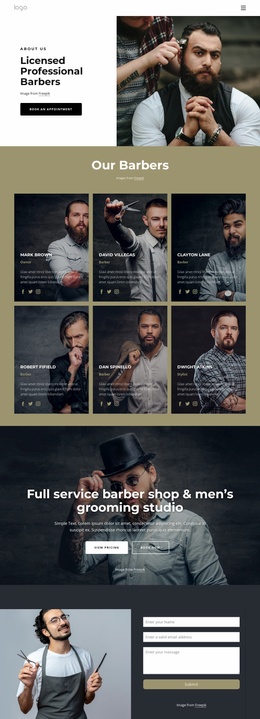
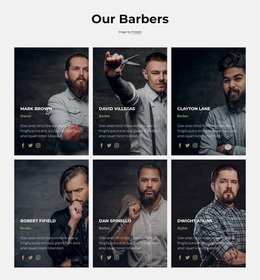
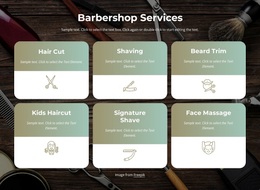
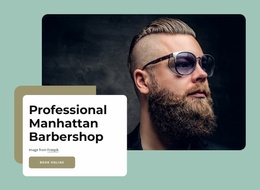
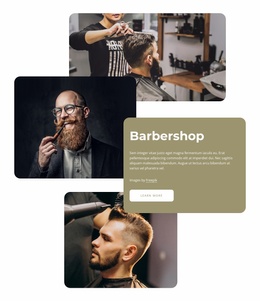
Its visual direction is equally distinctive. Dark charcoal areas, muted olive and sage accents, bold condensed headings, and editorial barber photography create a masculine grooming presentation without relying on dense corporate content. Rounded image treatments soften the darker panels, while the six-image gallery makes haircut and shaving imagery a central part of the message. This suits projects where the visual experience should support the service list rather than sit apart from it.
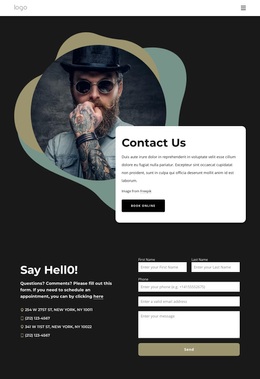
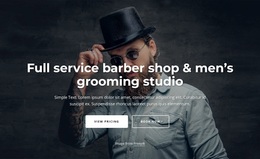
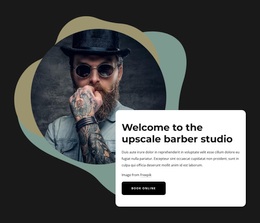
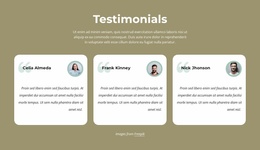
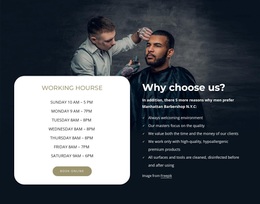
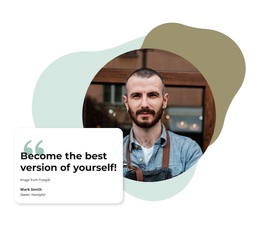
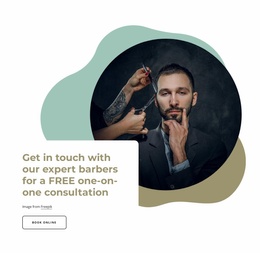
The page also covers the stages that often matter when choosing a ready-made design: working hours, a “Why choose us?” section, an upscale studio welcome, a free consultation invitation, three testimonial cards, and a final contact form. These areas give the layout a clear path from introduction to service understanding, reassurance, and inquiry. The result is a focused option for barbershops or grooming projects that need more than a simple service grid, while keeping the content centered on appointments, consultation, and personal care.
Customize with Nicepage
Open this ready-made template in the Template Builder and customize it visually in the Nicepage editor. Replace demo content, edit page sections, and adapt the design to your project without rebuilding the template from scratch.
Start With a Ready-Made Template
Choose a Design for a New Page
Use a ready-made template as a starting point instead of creating every page from a blank canvas. When adding a new page in Nicepage, browse available designs, compare different layouts, and choose an option that already fits the general purpose and visual direction of your project.
Browse Different Page Designs
Explore Page Designs using search, thematic categories, Design Sets, and full-page previews. The collection includes layouts for different subjects and page purposes, making it easier to compare alternatives before selecting a design to customize.
Customize the Selected Template
After choosing a design, create the page and continue editing it visually in Nicepage. Replace the demo content, adjust images, typography, colors, sections, and other elements, and adapt the ready-made layout to your own content instead of rebuilding the design from the beginning.
Explore More Design Directions
If the first option does not match your project closely enough, return to the design collection and compare other templates before committing to a layout. This makes the template library useful not only for faster page creation, but also for exploring different visual approaches and finding a suitable starting point for a new project.
This workflow gives you access to a broad collection of ready-made designs that can be selected, compared, and customized according to the needs of each new page or project.

Design Set (32)
-

-
-
-
-
-
-
-
-
-
-
-
-
-
-
Free Website Builder SoftwareDownload
-
-
-
-
-
-
-
-
-
-
-
-