Healthy menu Template


Edit Template Offline
2. Create new page and search for id 17886
Edit Template Online
Create Awesome Websites


Free Nicepage Builder
Keywords
Salad, Sushi, Yogurt, and Fruit Create a Distinctive Editorial Mix
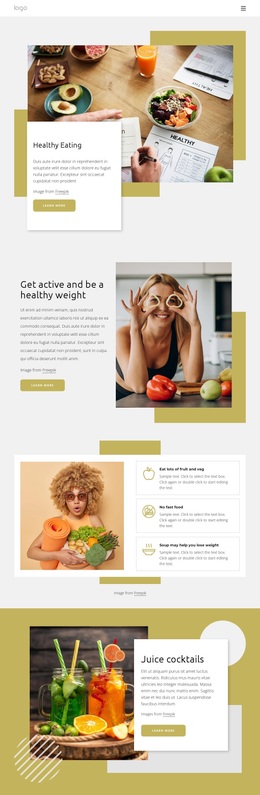
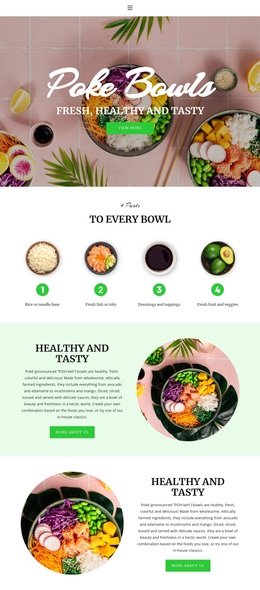
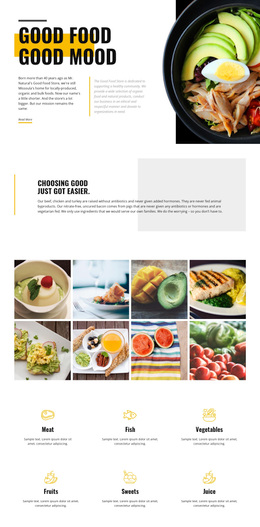
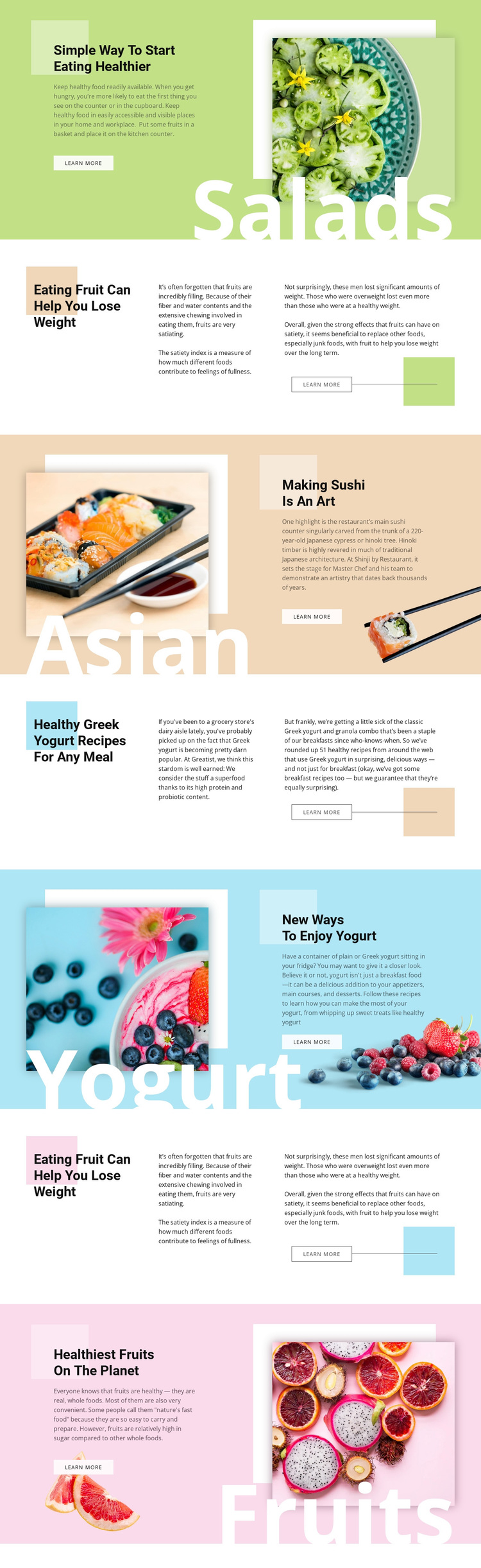
The design stands out through the way it combines several food subjects without turning the page into a generic recipe list. A salad introduction establishes the healthy-eating direction, while fruit guidance adds nutritional reading, sushi introduces cuisine and preparation, and Greek yogurt sections provide recipe-oriented content. The later yogurt-and-fruit photograph and citrus feature reinforce the connection between practical food ideas and broader healthy-eating interest.
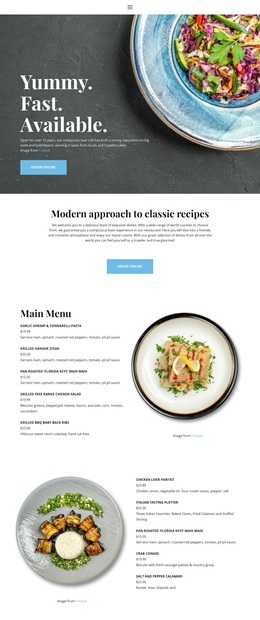
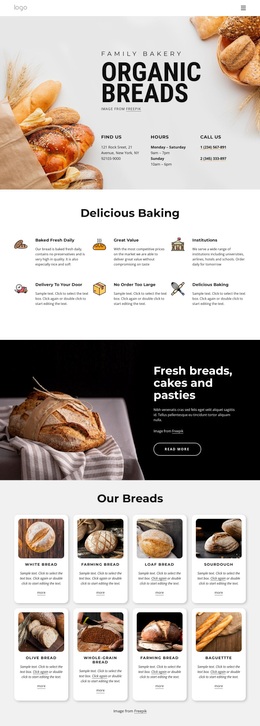
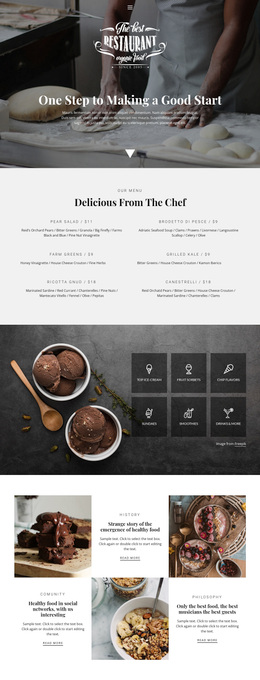
Its strongest visual distinction comes from the alternating editorial treatment. Text On Image sections use large food photography and white category labels to make a topic recognizable at a glance. Split sections use asymmetric composition, a prominent colored heading area, and two explanatory passages to support more developed reading. Pastel green, beige, blue, and pink fields separate these subjects while bold black sans-serif headings keep the overall collection connected.
This makes the template a useful option for projects where food imagery and concise article introductions should carry as much weight as the written explanation. The repeated Learn more action gives every major topic a clear continuation, yet the design does not depend on one narrow offering such as a menu, shop, or booking flow. It is better suited to healthy-eating guidance, recipe ideas, cuisine features, or a related editorial collection that needs variety within one coherent visual direction.
Customize with Nicepage
Open this ready-made template in the Template Builder and customize it visually in the Nicepage editor. Replace demo content, edit page sections, and adapt the design to your project without rebuilding the template from scratch.
Start With a Ready-Made Template
Choose a Design for a New Page
Use a ready-made template as a starting point instead of creating every page from a blank canvas. When adding a new page in Nicepage, browse available designs, compare different layouts, and choose an option that already fits the general purpose and visual direction of your project.
Browse Different Page Designs
Explore Page Designs using search, thematic categories, Design Sets, and full-page previews. The collection includes layouts for different subjects and page purposes, making it easier to compare alternatives before selecting a design to customize.
Customize the Selected Template
After choosing a design, create the page and continue editing it visually in Nicepage. Replace the demo content, adjust images, typography, colors, sections, and other elements, and adapt the ready-made layout to your own content instead of rebuilding the design from the beginning.
Explore More Design Directions
If the first option does not match your project closely enough, return to the design collection and compare other templates before committing to a layout. This makes the template library useful not only for faster page creation, but also for exploring different visual approaches and finding a suitable starting point for a new project.
This workflow gives you access to a broad collection of ready-made designs that can be selected, compared, and customized according to the needs of each new page or project.