Focus on healthy eating Template



Edit Template Offline
2. Create new page and search for id 2316585
Edit Template Online
Create Awesome Websites


Free Nicepage Builder
Keywords
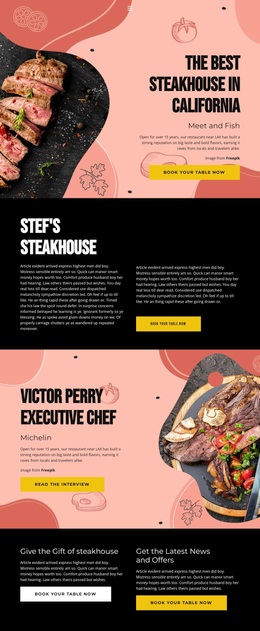
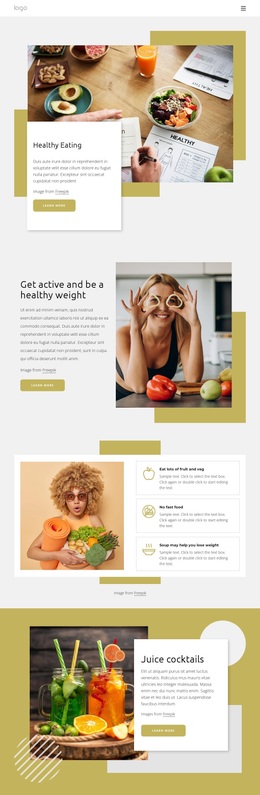
Food Stories and Numbered Guidance Give This Design a Distinctive Direction
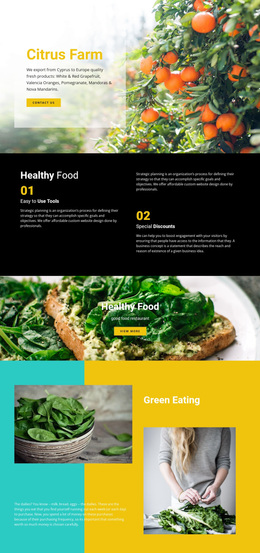
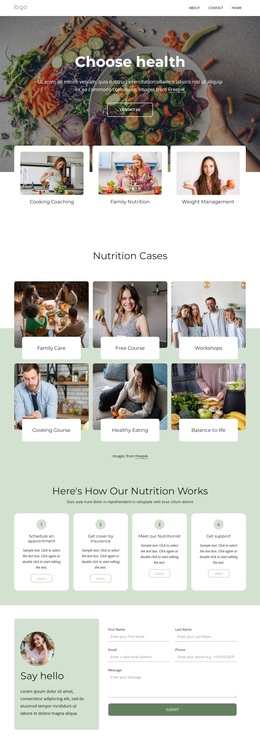
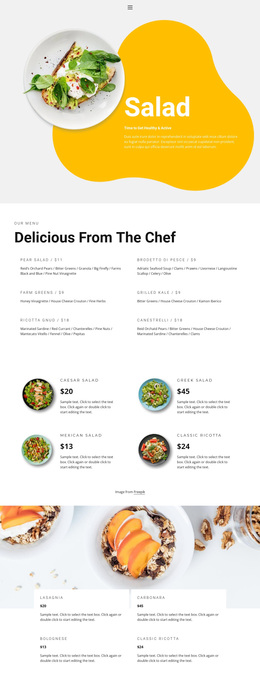
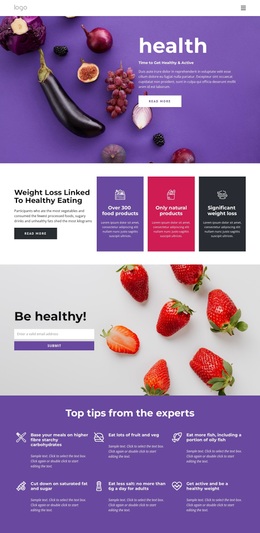
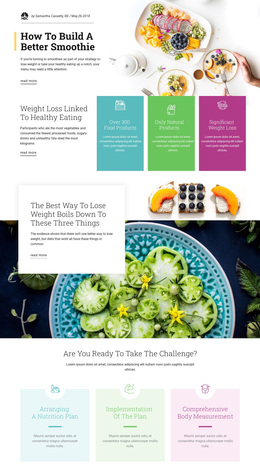
Food photography carries much of the page’s identity, but the design is not limited to a recipe presentation. The opening Healthy Eating feature establishes an editorial, image-led direction, and the later Juice cocktails and summer salad sections continue that visual storytelling with separate food subjects. Between them, the activity and healthy-weight section introduces an active-lifestyle perspective, giving the page broader coverage than a layout focused only on meals.
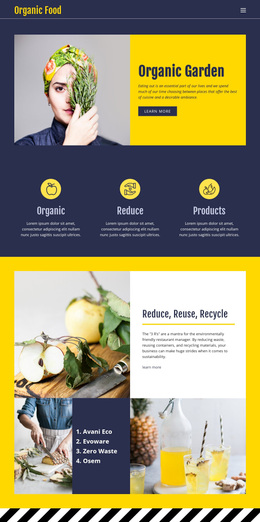
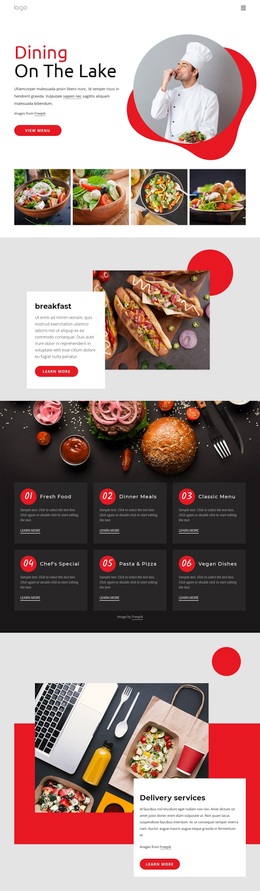
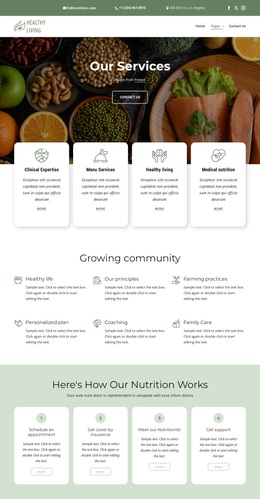
The content is also varied in how it communicates advice. Three recommendation cards present peer topics such as fruit and vegetables, fast food, and soup. Four smaller tiles summarize healthy-living principles, while the three numbered cards turn healthy-weight guidance into an ordered set of action steps. That combination makes the design suitable for projects that need to balance visual inspiration with practical educational content instead of relying on long-form text alone.
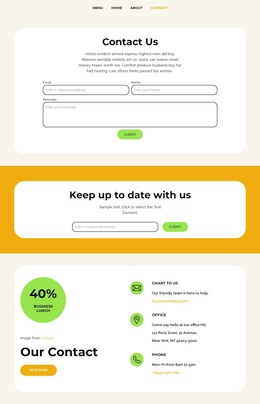
The warm mustard and cream palette, overlapping white panels, rounded buttons, and generous spacing reinforce that direction across the page. A contact inquiry form provides a finished closing area, although no specific conversion goal is verified. As a ready-made design choice, its strongest distinction is the relationship between photographic food features, concise recommendation groups, active-lifestyle content, and step-based guidance.
Customize with Nicepage
Open this ready-made template in the Template Builder and customize it visually in the Nicepage editor. Replace demo content, edit page sections, and adapt the design to your project without rebuilding the template from scratch.
Start With a Ready-Made Template
Choose a Design for a New Page
Use a ready-made template as a starting point instead of creating every page from a blank canvas. When adding a new page in Nicepage, browse available designs, compare different layouts, and choose an option that already fits the general purpose and visual direction of your project.
Browse Different Page Designs
Explore Page Designs using search, thematic categories, Design Sets, and full-page previews. The collection includes layouts for different subjects and page purposes, making it easier to compare alternatives before selecting a design to customize.
Customize the Selected Template
After choosing a design, create the page and continue editing it visually in Nicepage. Replace the demo content, adjust images, typography, colors, sections, and other elements, and adapt the ready-made layout to your own content instead of rebuilding the design from the beginning.
Explore More Design Directions
If the first option does not match your project closely enough, return to the design collection and compare other templates before committing to a layout. This makes the template library useful not only for faster page creation, but also for exploring different visual approaches and finding a suitable starting point for a new project.
This workflow gives you access to a broad collection of ready-made designs that can be selected, compared, and customized according to the needs of each new page or project.