Beauty portraits Joomla Template



The Nature Logo Defines a Structured Beauty Content Region
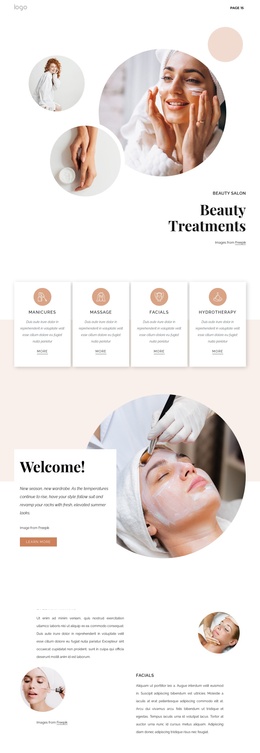
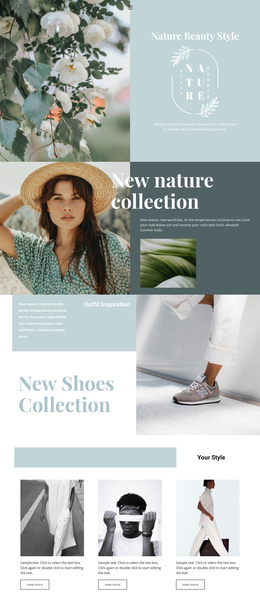
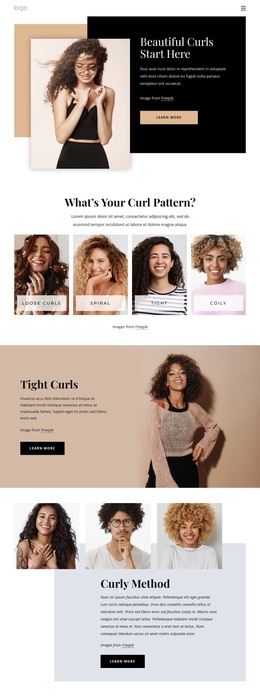
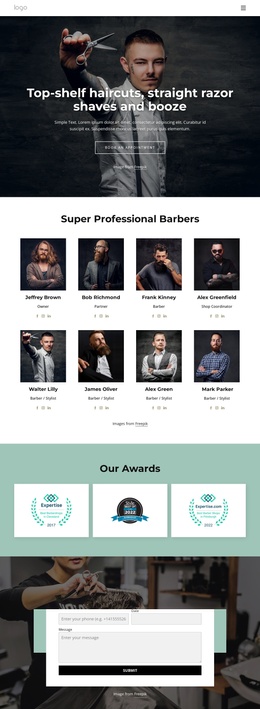
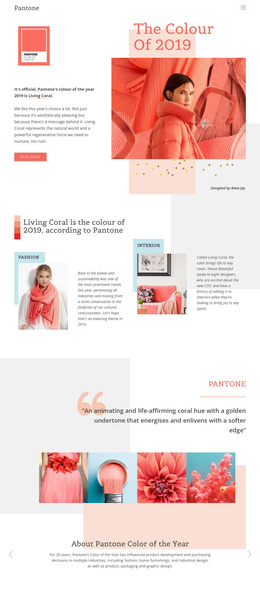
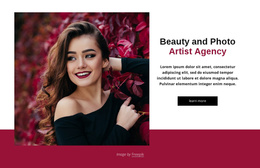
The block is organized around one clear content relationship: a full-width photograph carries the visual subject, while a centered white logo names the identity layered over it. The image shows two women against a dark green background, giving the section a distinct beauty-oriented setting without requiring a separate explanatory paragraph. “NATURE” and “ORGANIC BEAUTY” act as the compact textual anchor, so the viewer can understand the intended theme from the relationship between the portrait image and the logo.
In a Joomla-managed page, this block can serve as a stable visual content region for a beauty or fashion presentation. Its role is not to supply an entire site structure, but to give one page area a recognizable introduction before other structured information appears elsewhere. Related content could follow in separate sections, while this block preserves the short identity statement and photographic emphasis that make it distinct.
The internal organization is deliberately simple: one image-based area, one centered branding element, and static presentation. That simplicity can be useful when the surrounding Joomla content needs a strong visual separator rather than another dense information group. The white logo creates contrast against the dark green field, and the centered alignment keeps attention on the meeting point between the two portraits and the brand message. The result is a reusable CMS page section whose meaning comes from visual identity and content hierarchy.
Customize with Nicepage
Open this ready-made template in the Joomla Page Builder and customize it visually in the Nicepage editor. Replace demo content, edit page sections, and adapt the design to your project without rebuilding the template from scratch.
Edit Template Offline
2. Create a new page or select existing
3. Click Add new block, search for id 50245 and click enter
Edit Template Online
Create Awesome Websites


Free Nicepage Builder
Keywords
Work With This Template in Joomla
Customize and Install the Joomla Template
Start with this ready-made template instead of building the Joomla design from scratch. Customize its layout, content, typography, images, sections, and other design elements visually in the Nicepage application, then export and install the Joomla Template, Nicepage Extension, and supported content on your Joomla website.
Edit the Template Directly in Joomla
After installation, you can edit the Joomla Template directly in Joomla with the Nicepage Joomla Extension. Customize the Header, Footer, Colors, Fonts, typography, and Page Templates from the Joomla workflow while keeping the site design connected with your CMS content.
Edit Joomla Articles Visually
Use the Nicepage Joomla Extension to open and edit Joomla Articles visually from the Joomla Administrator. Change text, images, sections, layouts, and other page content in the Nicepage editor while continuing to manage the Articles through Joomla.
Joomla Content and Template Integration
Use the customized template together with Joomla Articles, module Positions, menus, forms, Blog Pages, and other supported CMS elements. With the Nicepage Extension used as the Site Style Source, shared design settings can be applied across Joomla Articles while Joomla continues to provide the CMS environment for managing site content.
This workflow combines a ready-made Joomla Template with visual customization, direct template editing in Joomla, and continued content management through the Nicepage Joomla Extension.