Fashion super sale Joomla Template


Edit Template Offline
2. Create new page and search for id 144062
Edit Template Online
Create Awesome Websites


Free Nicepage Builder
Keywords
Product, Editorial, and Contact Regions Form a Joomla Content Structure
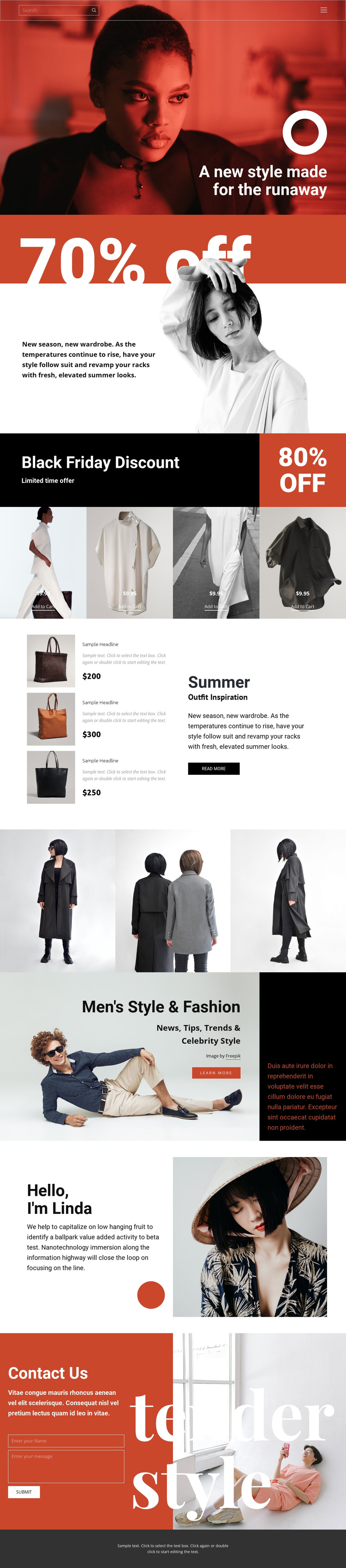
The four-item product display creates a central retail region that can be treated as a structured content area rather than a single promotional graphic. Image-led tiles, displayed price labels, and Add to Cart actions establish a repeated pattern for fashion offerings, while the Black Friday banner and 70% off section provide campaign context around that content. The exact sample prices and discount figures should be treated as editable demonstration values; the verified fact is the presence of product and promotion regions.
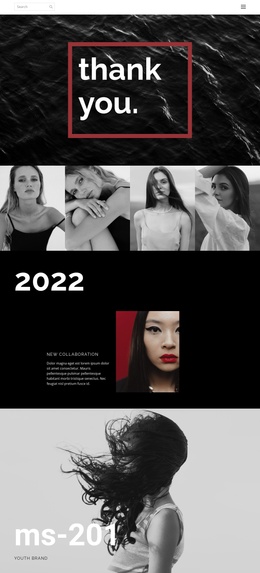
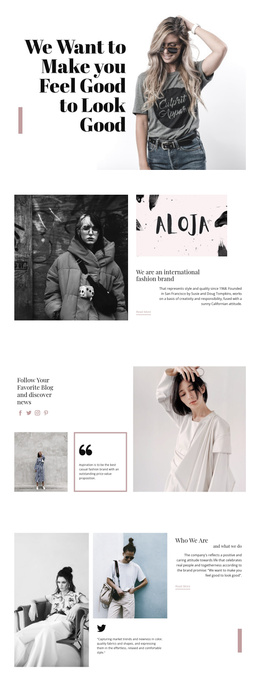
Joomla-oriented content can also be organized around the page’s distinct editorial areas. The Summer section pairs outfit-inspiration copy with three product items, and the Men’s Style & Fashion feature separates trend and lifestyle material from the shopping display. The three-image gallery contributes a visual content region, while the portrait-led introduction gives the page a personal-style perspective. These areas are different in role, which helps structured site content remain easier to maintain without flattening everything into one sales block.
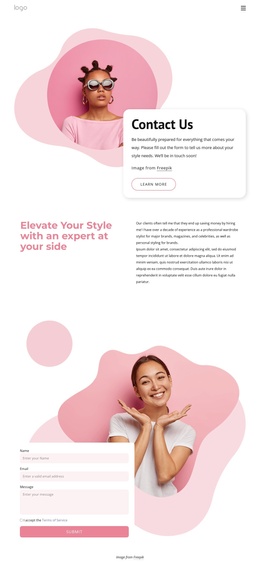
Navigation, a separate mobile menu, the closing Contact Us form, and the dark footer complete the shared site regions. Together, they give a Joomla project a recognizable path from campaign entry to products, editorial sections, and inquiry content. The design therefore supports CMS-managed fashion information while retaining a consistent red, black, white, and neutral visual direction.
Customize with Nicepage
Open this ready-made template in the Joomla Page Builder and customize it visually in the Nicepage editor. Replace demo content, edit page sections, and adapt the design to your project without rebuilding the template from scratch.
Work With This Template in Joomla
Customize and Install the Joomla Template
Start with this ready-made template instead of building the Joomla design from scratch. Customize its layout, content, typography, images, sections, and other design elements visually in the Nicepage application, then export and install the Joomla Template, Nicepage Extension, and supported content on your Joomla website.
Edit the Template Directly in Joomla
After installation, you can edit the Joomla Template directly in Joomla with the Nicepage Joomla Extension. Customize the Header, Footer, Colors, Fonts, typography, and Page Templates from the Joomla workflow while keeping the site design connected with your CMS content.
Edit Joomla Articles Visually
Use the Nicepage Joomla Extension to open and edit Joomla Articles visually from the Joomla Administrator. Change text, images, sections, layouts, and other page content in the Nicepage editor while continuing to manage the Articles through Joomla.
Joomla Content and Template Integration
Use the customized template together with Joomla Articles, module Positions, menus, forms, Blog Pages, and other supported CMS elements. With the Nicepage Extension used as the Site Style Source, shared design settings can be applied across Joomla Articles while Joomla continues to provide the CMS environment for managing site content.
This workflow combines a ready-made Joomla Template with visual customization, direct template editing in Joomla, and continued content management through the Nicepage Joomla Extension.