Barber team Joomla Template


Edit Template Offline
2. Create new page and search for id 5252569
Edit Template Online
Create Awesome Websites


Free Nicepage Builder
Keywords
Staff, Recognition, and Contact Regions Fit Structured Joomla Content
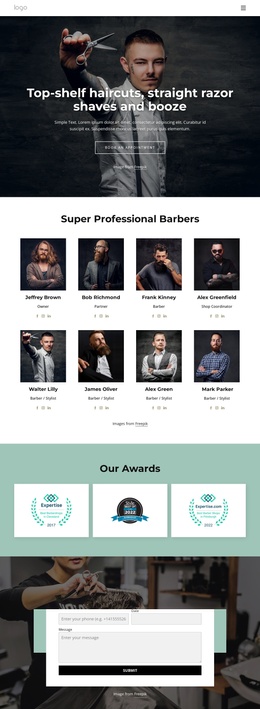
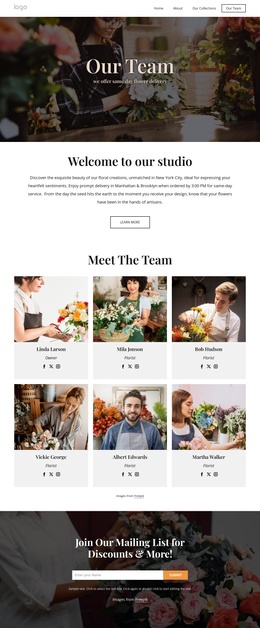
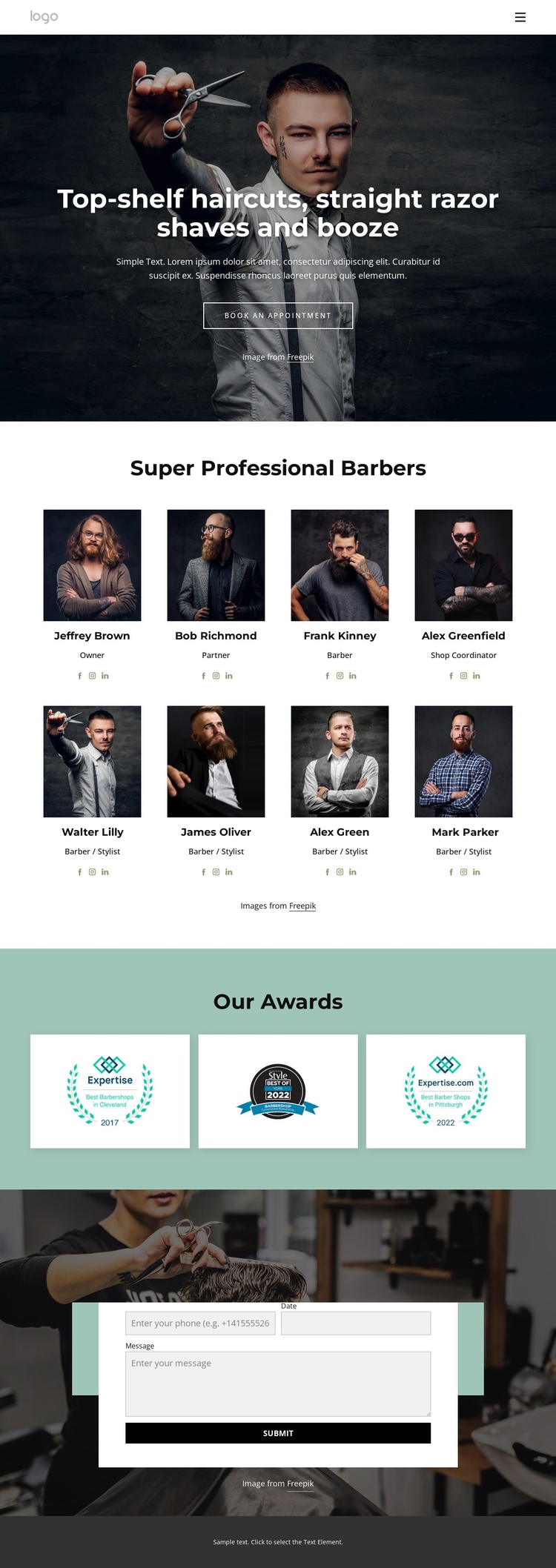
The eight portrait cards divide the design into recurring staff content, with each item carrying a name, role, image, and social profile link. That repeated structure can represent a managed team area in a Joomla project while keeping every profile visually connected to the same page design. The roles vary across Owner, Partner, Barber, Shop Coordinator, and Barber / Stylist, so the section communicates organization as well as appearance.
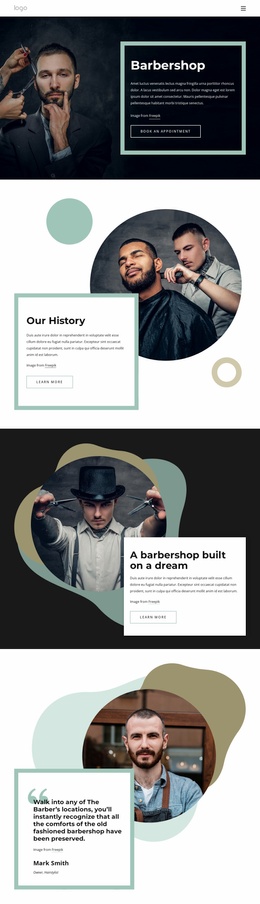
The hero and navigation establish the main site entry point, while the Our Awards gallery creates a separate recognition region with three award images. The muted teal background gives that group its own visual boundary, making it easier to distinguish from staff information and from the final Contact Us area. At the bottom, the centered form provides a defined place for appointment or contact requests, followed by a shared-looking dark footer that closes the content flow.
These regions give the design a practical CMS-oriented content division without claiming that Joomla Articles or modules already exist in the template. In a Joomla implementation, the service introduction, team profiles, recognition graphics, navigation, and contact content can be organized as related site content while retaining the existing visual relationships. The result is a design foundation for structured barbering information rather than a page that depends only on decorative imagery.
Customize with Nicepage
Open this ready-made template in the Joomla Page Builder and customize it visually in the Nicepage editor. Replace demo content, edit page sections, and adapt the design to your project without rebuilding the template from scratch.
Work With This Template in Joomla
Customize and Install the Joomla Template
Start with this ready-made template instead of building the Joomla design from scratch. Customize its layout, content, typography, images, sections, and other design elements visually in the Nicepage application, then export and install the Joomla Template, Nicepage Extension, and supported content on your Joomla website.
Edit the Template Directly in Joomla
After installation, you can edit the Joomla Template directly in Joomla with the Nicepage Joomla Extension. Customize the Header, Footer, Colors, Fonts, typography, and Page Templates from the Joomla workflow while keeping the site design connected with your CMS content.
Edit Joomla Articles Visually
Use the Nicepage Joomla Extension to open and edit Joomla Articles visually from the Joomla Administrator. Change text, images, sections, layouts, and other page content in the Nicepage editor while continuing to manage the Articles through Joomla.
Joomla Content and Template Integration
Use the customized template together with Joomla Articles, module Positions, menus, forms, Blog Pages, and other supported CMS elements. With the Nicepage Extension used as the Site Style Source, shared design settings can be applied across Joomla Articles while Joomla continues to provide the CMS environment for managing site content.
This workflow combines a ready-made Joomla Template with visual customization, direct template editing in Joomla, and continued content management through the Nicepage Joomla Extension.