Body treatments and massages Joomla Template



Edit Template Offline
2. Create new page and search for id 556520
Edit Template Online
Create Awesome Websites


Free Nicepage Builder
Keywords
Service Groups and Contact Regions Form a CMS-Ready Salon Layout
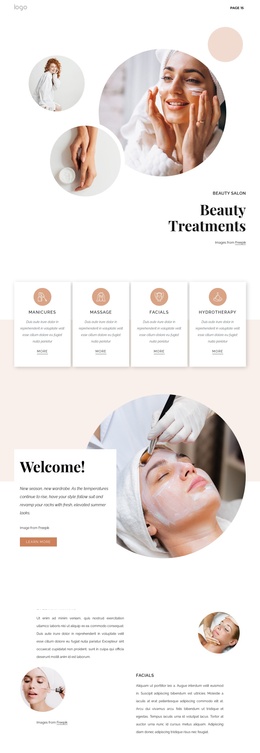
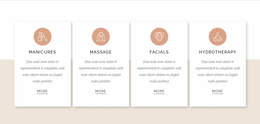
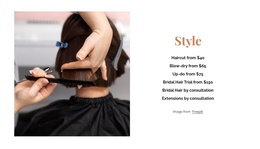
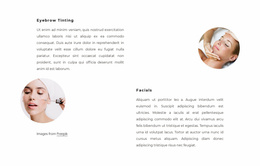
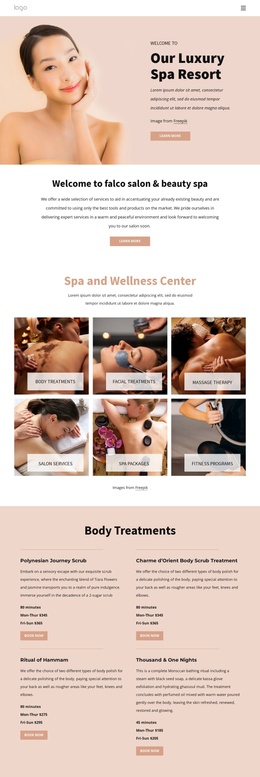
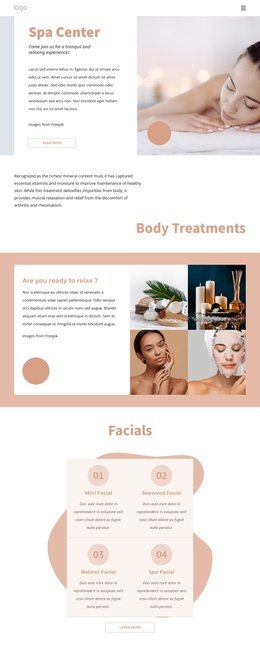
The four introductory treatment cards divide the design into recognizable information areas: manicures, massage, facials, and hydrotherapy. Later sections add eyebrow tinting and facial highlights, followed by eight more specific salon services with displayed starting prices. This progression is useful for a Joomla-oriented site because broad treatment categories and detailed offerings can remain visually related while their text, images, and service information are maintained as distinct content regions.
Navigation and shared page elements give those regions a common frame. The page includes navigation and mobile navigation, while the visual system continues from the Beauty Treatments hero through the welcome panels, testimonial area, and home skin care feature. The three testimonial entries provide another repeated content group, and the social links in the closing area connect the salon presentation with its external channels. These are structured content relationships, not claims that Joomla Articles or module positions already exist in the template.
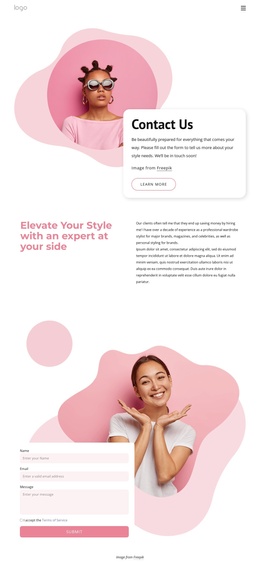
The Contact Us block provides a practical final region: a large portrait image sits beside a contact form, Submit action, and Facebook, Twitter, and Instagram links. In a Joomla project, that area can represent the site’s inquiry content while the service and testimonial groups remain separate informational regions. The design therefore offers a coordinated CMS content map, with recurring categories, promotional areas, proof, navigation, and contact content sharing one visual language.
Customize with Nicepage
Open this ready-made template in the Joomla Page Builder and customize it visually in the Nicepage editor. Replace demo content, edit page sections, and adapt the design to your project without rebuilding the template from scratch.
Work With This Template in Joomla
Customize and Install the Joomla Template
Start with this ready-made template instead of building the Joomla design from scratch. Customize its layout, content, typography, images, sections, and other design elements visually in the Nicepage application, then export and install the Joomla Template, Nicepage Extension, and supported content on your Joomla website.
Edit the Template Directly in Joomla
After installation, you can edit the Joomla Template directly in Joomla with the Nicepage Joomla Extension. Customize the Header, Footer, Colors, Fonts, typography, and Page Templates from the Joomla workflow while keeping the site design connected with your CMS content.
Edit Joomla Articles Visually
Use the Nicepage Joomla Extension to open and edit Joomla Articles visually from the Joomla Administrator. Change text, images, sections, layouts, and other page content in the Nicepage editor while continuing to manage the Articles through Joomla.
Joomla Content and Template Integration
Use the customized template together with Joomla Articles, module Positions, menus, forms, Blog Pages, and other supported CMS elements. With the Nicepage Extension used as the Site Style Source, shared design settings can be applied across Joomla Articles while Joomla continues to provide the CMS environment for managing site content.
This workflow combines a ready-made Joomla Template with visual customization, direct template editing in Joomla, and continued content management through the Nicepage Joomla Extension.