Visit our store Joomla Template


Edit Template Offline
2. Create new page and search for id 6157941
Edit Template Online
Create Awesome Websites


Free Nicepage Builder
Keywords
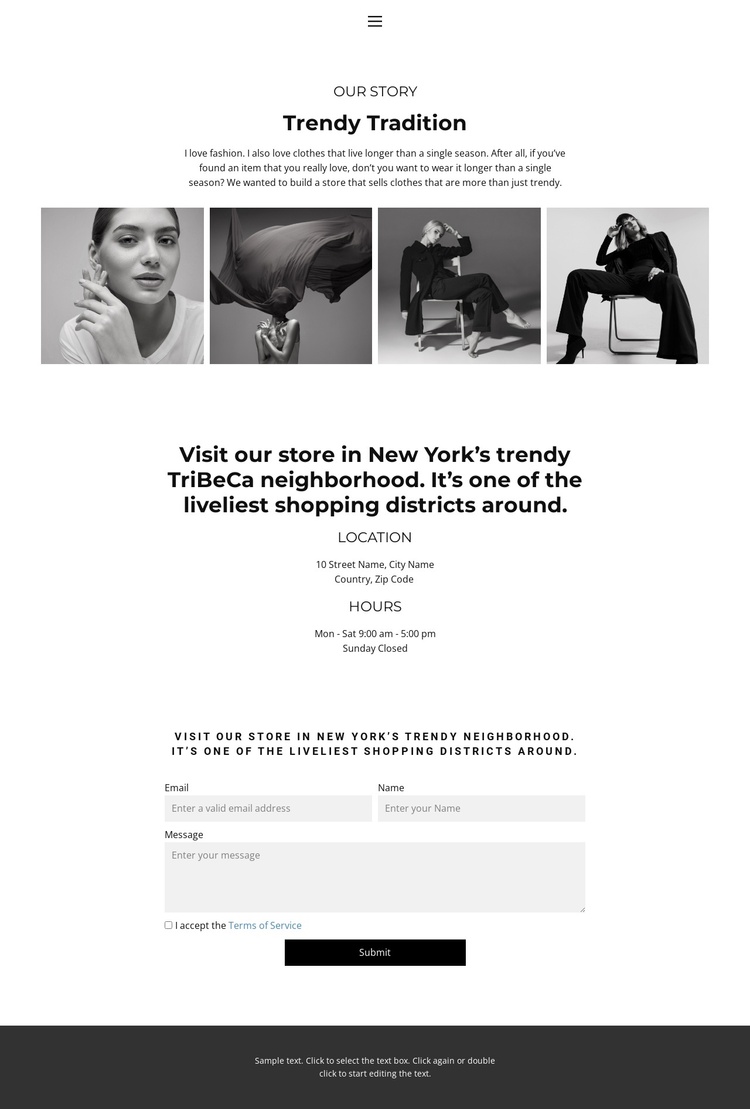
Trendy Tradition Separates Story, Store Information, and Contact Content
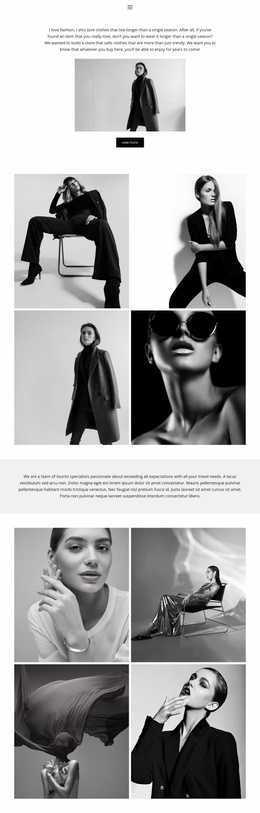
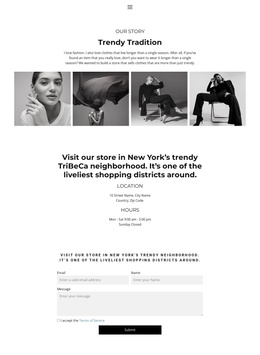
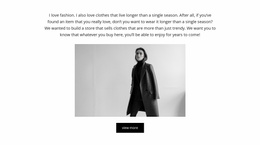
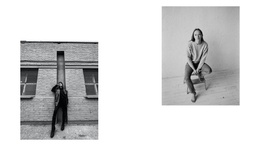
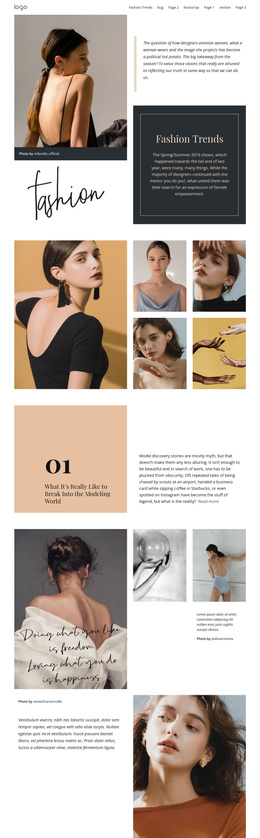
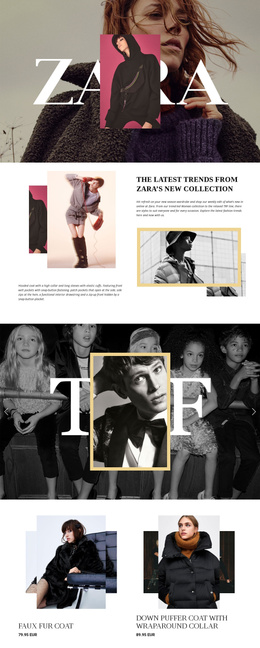
The “Trendy Tradition” story gives this design a clear informational content area for a Joomla-managed fashion site. It describes clothing intended to remain wearable beyond one season, while the adjacent four-image fashion strip supplies visual context without turning the page into a crowded catalog. That separation is useful for structured editorial content: the store story can remain distinct from practical visitor information while both sections share the same centered visual treatment.
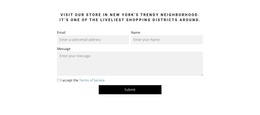
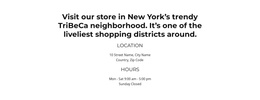
The next content region is organized around a New York TriBeCa store reference, with separate Location and Hours labels. This creates a recognizable site region for place-based information rather than mixing the address reference into the brand story. The contact form then adds email, name, and message inputs and requires terms acceptance before the visitor submits a message. Navigation at the top and the dark footer complete the shared regions that frame these content areas.
For a Joomla project, this arrangement provides a practical relationship between structured store content and reusable site navigation. The design can keep recurring informational regions visually coordinated while editorial text, local details, and visitor messages are managed through the CMS. The page therefore supports more than a visual showcase: it divides fashion storytelling, visit planning, and contact content into clear areas that can be maintained as the site develops.
Customize with Nicepage
Open this ready-made template in the Joomla Page Builder and customize it visually in the Nicepage editor. Replace demo content, edit page sections, and adapt the design to your project without rebuilding the template from scratch.
Work With This Template in Joomla
Customize and Install the Joomla Template
Start with this ready-made template instead of building the Joomla design from scratch. Customize its layout, content, typography, images, sections, and other design elements visually in the Nicepage application, then export and install the Joomla Template, Nicepage Extension, and supported content on your Joomla website.
Edit the Template Directly in Joomla
After installation, you can edit the Joomla Template directly in Joomla with the Nicepage Joomla Extension. Customize the Header, Footer, Colors, Fonts, typography, and Page Templates from the Joomla workflow while keeping the site design connected with your CMS content.
Edit Joomla Articles Visually
Use the Nicepage Joomla Extension to open and edit Joomla Articles visually from the Joomla Administrator. Change text, images, sections, layouts, and other page content in the Nicepage editor while continuing to manage the Articles through Joomla.
Joomla Content and Template Integration
Use the customized template together with Joomla Articles, module Positions, menus, forms, Blog Pages, and other supported CMS elements. With the Nicepage Extension used as the Site Style Source, shared design settings can be applied across Joomla Articles while Joomla continues to provide the CMS environment for managing site content.
This workflow combines a ready-made Joomla Template with visual customization, direct template editing in Joomla, and continued content management through the Nicepage Joomla Extension.