Faces of modern fashion Joomla Template



Edit Template Offline
2. Create new page and search for id 25148
Edit Template Online
Create Awesome Websites


Free Nicepage Builder
Keywords
Portrait Categories and Shared Regions Suit Structured CMS Content
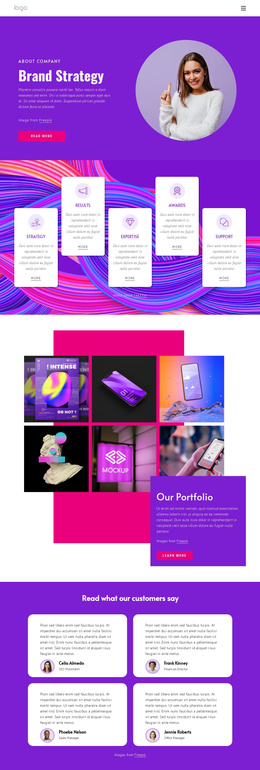
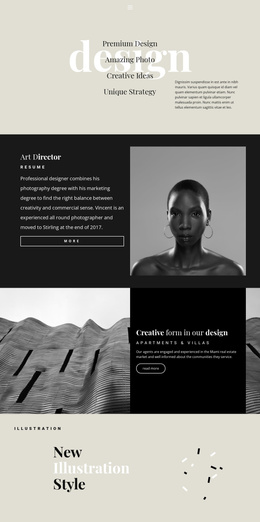
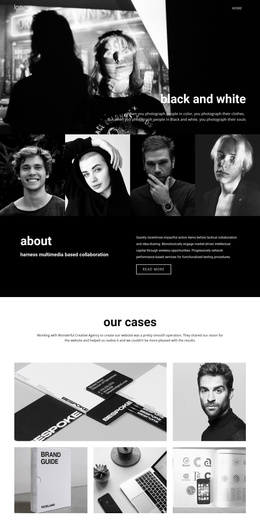
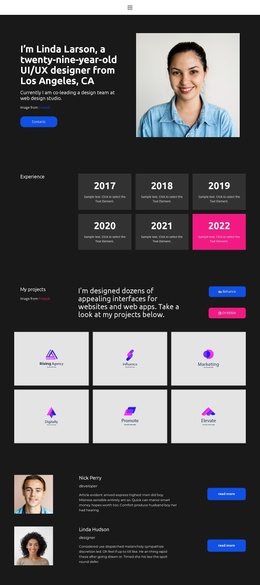
The design divides its subject into recognizable editorial areas that can be organized as managed site content. The opening Beauty Faces feature introduces the visual theme, while the portrait photography introduction supplies explanatory copy and a photographer credit. The two profile sections then create recurring content regions built around portrait imagery, biography-style text, and learn-more actions. These areas can remain visually coordinated while their text, images, and references are maintained as separate content units.
The later sections provide additional categories for a structured fashion presentation. Redhead Runway Models focuses attention on runway-related imagery, Fairytale Portraits groups two portraits beside a descriptive panel, and the ART, SYMMETRY, AND COLLABORATION section supplies a broader editorial statement. Navigation at the top and the repeated three-column footer create shared site regions that help connect those categories. This gives a Joomla project a practical relationship between menus, recurring informational sections, image-led features, and closing site content without claiming that specific Joomla articles or modules already exist.
For the CMS bridge, the design can be adapted with the Joomla Extension when the project needs to create or design article content while retaining the established portrait-led visual direction.
Customize with Nicepage
Open this ready-made template in the Joomla Page Builder and customize it visually in the Nicepage editor. Replace demo content, edit page sections, and adapt the design to your project without rebuilding the template from scratch.
Work With This Template in Joomla
Customize and Install the Joomla Template
Start with this ready-made template instead of building the Joomla design from scratch. Customize its layout, content, typography, images, sections, and other design elements visually in the Nicepage application, then export and install the Joomla Template, Nicepage Extension, and supported content on your Joomla website.
Edit the Template Directly in Joomla
After installation, you can edit the Joomla Template directly in Joomla with the Nicepage Joomla Extension. Customize the Header, Footer, Colors, Fonts, typography, and Page Templates from the Joomla workflow while keeping the site design connected with your CMS content.
Edit Joomla Articles Visually
Use the Nicepage Joomla Extension to open and edit Joomla Articles visually from the Joomla Administrator. Change text, images, sections, layouts, and other page content in the Nicepage editor while continuing to manage the Articles through Joomla.
Joomla Content and Template Integration
Use the customized template together with Joomla Articles, module Positions, menus, forms, Blog Pages, and other supported CMS elements. With the Nicepage Extension used as the Site Style Source, shared design settings can be applied across Joomla Articles while Joomla continues to provide the CMS environment for managing site content.
This workflow combines a ready-made Joomla Template with visual customization, direct template editing in Joomla, and continued content management through the Nicepage Joomla Extension.