Keep your body, mind and soul balanced Joomla Template



Edit Template Offline
2. Create new page and search for id 6089476
Edit Template Online
Create Awesome Websites


Free Nicepage Builder
Keywords
Service Groups and Contact Regions Fit Structured Joomla Content
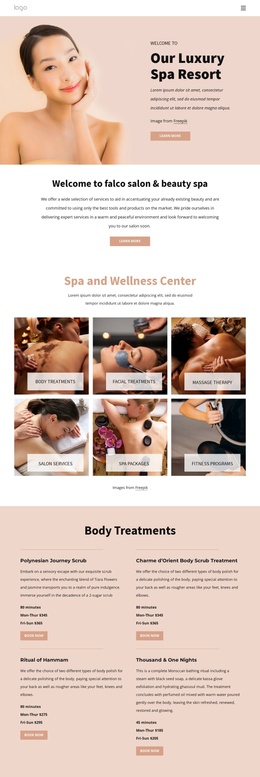
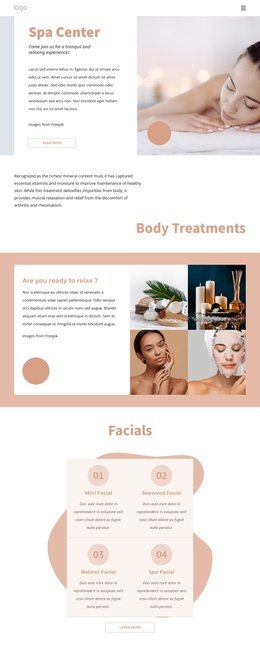
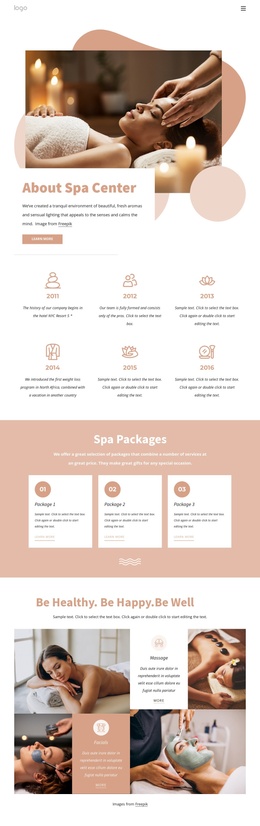
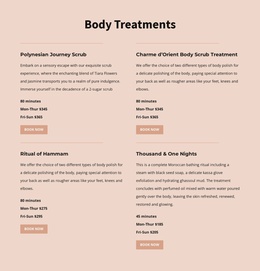
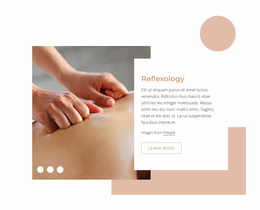
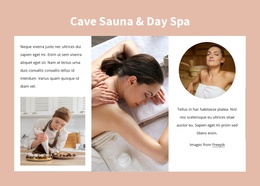
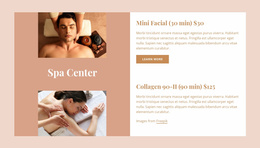
The page divides the spa story into recurring information regions that can be understood clearly in a CMS-managed site. The six history milestones form one structured sequence, while the three package cards create another repeated group for service-related content. Facials, massage, and Cave Sauna & Day Spa are presented in separate visual areas, allowing the wellness offering to remain segmented instead of becoming one undifferentiated block of text.
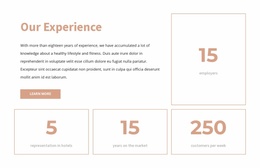
Navigation, shared page framing, and the closing contact region provide the surrounding site context for those content groups. The contact area is particularly useful as a distinct region because it combines business hours, email information, social links, and an inquiry form. Testimonials and experience metrics add other content categories that can remain visually coordinated with the service sections while serving different informational purposes.
For a Joomla project, this organization gives editors and site planners recognizable areas to map to managed content without claiming that Joomla Articles or module positions already exist in the source design. The page can retain its peach backgrounds, white cards, thin borders, and generous spacing while recurring service and customer information is maintained through the CMS environment. The important relationship is between the template’s existing content divisions and the structured way a Joomla site can organize them.
Customize with Nicepage
Open this ready-made template in the Joomla Page Builder and customize it visually in the Nicepage editor. Replace demo content, edit page sections, and adapt the design to your project without rebuilding the template from scratch.
Work With This Template in Joomla
Customize and Install the Joomla Template
Start with this ready-made template instead of building the Joomla design from scratch. Customize its layout, content, typography, images, sections, and other design elements visually in the Nicepage application, then export and install the Joomla Template, Nicepage Extension, and supported content on your Joomla website.
Edit the Template Directly in Joomla
After installation, you can edit the Joomla Template directly in Joomla with the Nicepage Joomla Extension. Customize the Header, Footer, Colors, Fonts, typography, and Page Templates from the Joomla workflow while keeping the site design connected with your CMS content.
Edit Joomla Articles Visually
Use the Nicepage Joomla Extension to open and edit Joomla Articles visually from the Joomla Administrator. Change text, images, sections, layouts, and other page content in the Nicepage editor while continuing to manage the Articles through Joomla.
Joomla Content and Template Integration
Use the customized template together with Joomla Articles, module Positions, menus, forms, Blog Pages, and other supported CMS elements. With the Nicepage Extension used as the Site Style Source, shared design settings can be applied across Joomla Articles while Joomla continues to provide the CMS environment for managing site content.
This workflow combines a ready-made Joomla Template with visual customization, direct template editing in Joomla, and continued content management through the Nicepage Joomla Extension.