Colour of 2019 Joomla Template


Edit Template Offline
2. Create new page and search for id 27270
Edit Template Online
Create Awesome Websites


Free Nicepage Builder
Keywords
Fashion, Interior, and Pantone Content Form Clear CMS Regions
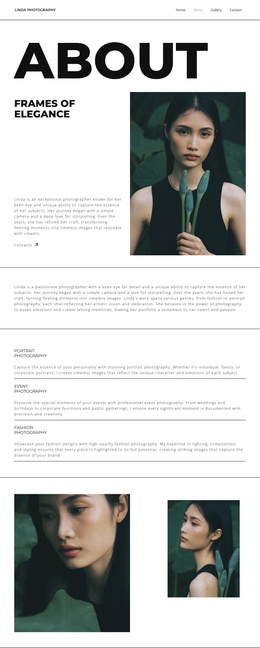
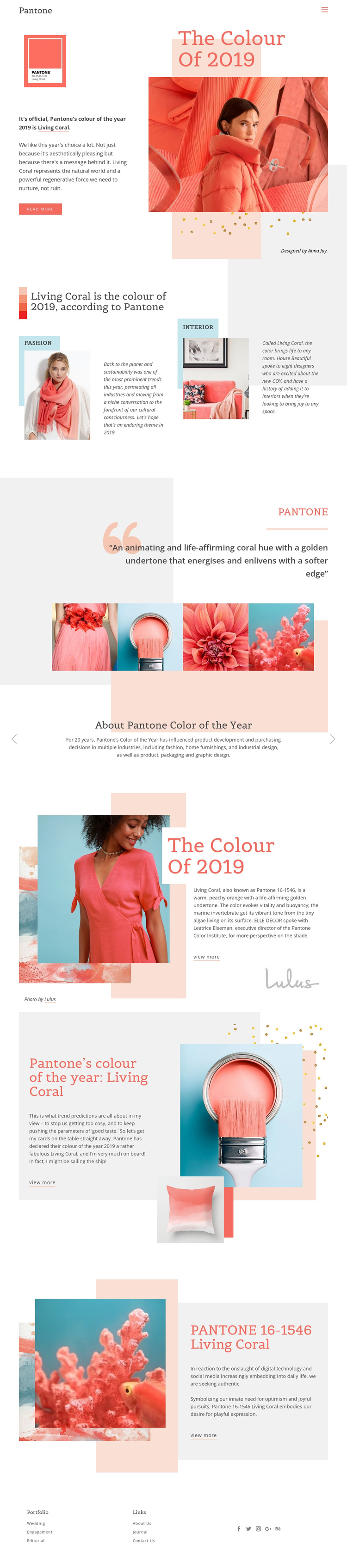
The page divides its subject into recognizable content regions that can be understood within a Joomla-managed site. The opening Pantone label and navigation establish a shared site area, while the hero gives the main editorial topic a distinct introduction: Living Coral is presented as Pantone 16-1546 and as the 2019 color of the year. The following feature block separates fashion and interior design into two labeled creative contexts, making those categories easier to treat as related but distinct information areas.
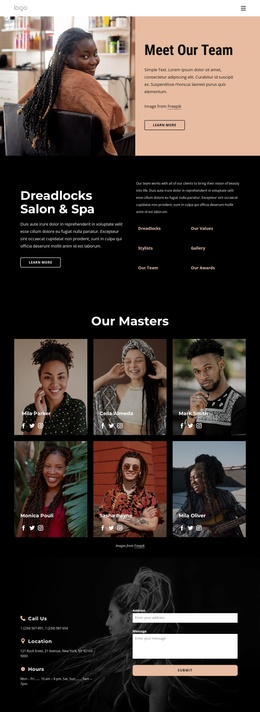
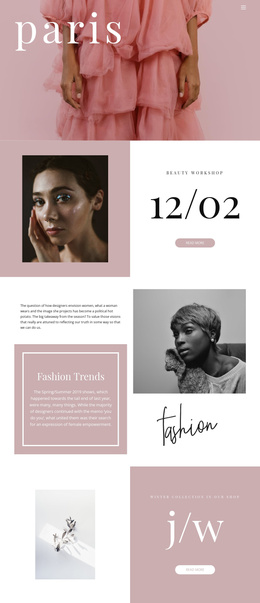
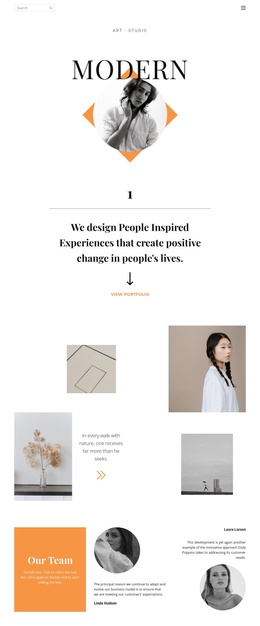
The gallery and slider provide additional editorial roles. Four color-themed images work as a visual reference group, while the “About Pantone Color of the Year” section supplies background on the annual selection and its influence across industries. The later split sections can hold further commentary, imagery, and references while preserving the same visual direction. At the bottom, portfolio links, utility links, and social destinations create a reusable footer region for site navigation. This arrangement is useful for a Joomla project because it distinguishes recurring navigation and footer areas from subject-specific editorial content. It does not require inventing Joomla Articles or modules in the template; instead, the value is the clear division of information that a CMS-managed editorial page can preserve and expand.
Customize with Nicepage
Open this ready-made template in the Joomla Page Builder and customize it visually in the Nicepage editor. Replace demo content, edit page sections, and adapt the design to your project without rebuilding the template from scratch.
Work With This Template in Joomla
Customize and Install the Joomla Template
Start with this ready-made template instead of building the Joomla design from scratch. Customize its layout, content, typography, images, sections, and other design elements visually in the Nicepage application, then export and install the Joomla Template, Nicepage Extension, and supported content on your Joomla website.
Edit the Template Directly in Joomla
After installation, you can edit the Joomla Template directly in Joomla with the Nicepage Joomla Extension. Customize the Header, Footer, Colors, Fonts, typography, and Page Templates from the Joomla workflow while keeping the site design connected with your CMS content.
Edit Joomla Articles Visually
Use the Nicepage Joomla Extension to open and edit Joomla Articles visually from the Joomla Administrator. Change text, images, sections, layouts, and other page content in the Nicepage editor while continuing to manage the Articles through Joomla.
Joomla Content and Template Integration
Use the customized template together with Joomla Articles, module Positions, menus, forms, Blog Pages, and other supported CMS elements. With the Nicepage Extension used as the Site Style Source, shared design settings can be applied across Joomla Articles while Joomla continues to provide the CMS environment for managing site content.
This workflow combines a ready-made Joomla Template with visual customization, direct template editing in Joomla, and continued content management through the Nicepage Joomla Extension.