Fashion Photography Classic Style Joomla Template


Edit Template Offline
2. Create new page and search for id 23917
Edit Template Online
Create Awesome Websites


Free Nicepage Builder
Keywords
Model Profiles and Editorial Features Create Structured Joomla Content Areas
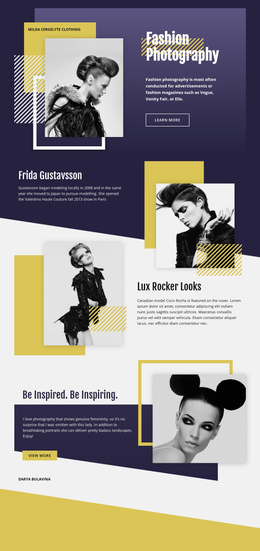
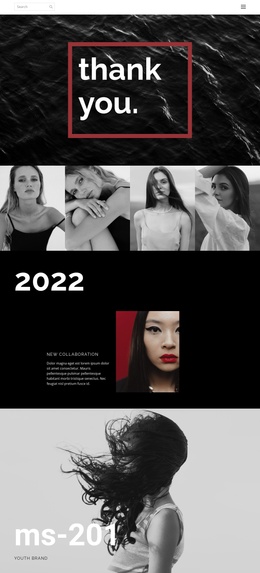
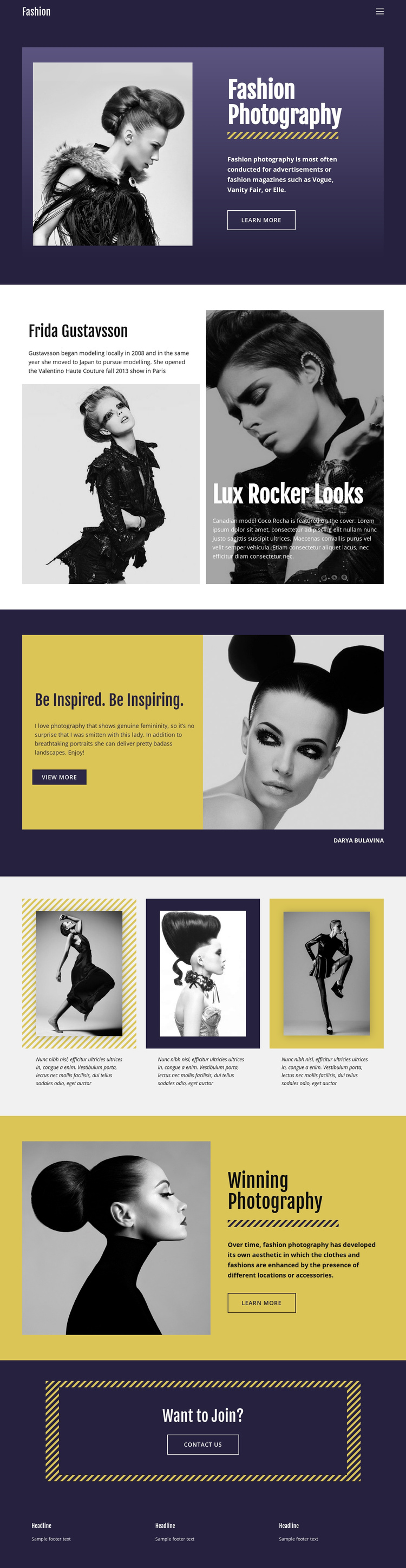
The Frida Gustavsson profile gives the page a clear person-focused information area rather than leaving the fashion imagery without context. Its placement beside the Lux Rocker Looks feature creates two related but distinct editorial subjects: one presents a model profile, while the other supports a fashion-story angle with a contrasting image panel and Coco Rocha reference. These are the kinds of recurring content regions that can remain visually coordinated when a Joomla site organizes information through its navigation and managed page content.
Elsewhere, the Be Inspired. Be Inspiring. section joins photography commentary with a large portrait, and the three-item image grid groups visual features into a compact repeated region. The Winning Photography block then restores the split composition, pairing another portrait with explanatory text and a learn-more link. This sequence separates profiles, features, gallery content, and supporting descriptions instead of presenting them as one undifferentiated stream.
The Want to Join? section provides a final contact-oriented region through its Contact Us link, while the three-column footer supplies repeated informational space. In a Joomla project, this division can help organize editorial content, navigation destinations, gallery material, and contact information within one recognizable fashion-focused design.
Customize with Nicepage
Open this ready-made template in the Joomla Page Builder and customize it visually in the Nicepage editor. Replace demo content, edit page sections, and adapt the design to your project without rebuilding the template from scratch.
Work With This Template in Joomla
Customize and Install the Joomla Template
Start with this ready-made template instead of building the Joomla design from scratch. Customize its layout, content, typography, images, sections, and other design elements visually in the Nicepage application, then export and install the Joomla Template, Nicepage Extension, and supported content on your Joomla website.
Edit the Template Directly in Joomla
After installation, you can edit the Joomla Template directly in Joomla with the Nicepage Joomla Extension. Customize the Header, Footer, Colors, Fonts, typography, and Page Templates from the Joomla workflow while keeping the site design connected with your CMS content.
Edit Joomla Articles Visually
Use the Nicepage Joomla Extension to open and edit Joomla Articles visually from the Joomla Administrator. Change text, images, sections, layouts, and other page content in the Nicepage editor while continuing to manage the Articles through Joomla.
Joomla Content and Template Integration
Use the customized template together with Joomla Articles, module Positions, menus, forms, Blog Pages, and other supported CMS elements. With the Nicepage Extension used as the Site Style Source, shared design settings can be applied across Joomla Articles while Joomla continues to provide the CMS environment for managing site content.
This workflow combines a ready-made Joomla Template with visual customization, direct template editing in Joomla, and continued content management through the Nicepage Joomla Extension.