24 hour fitness center Joomla Template



Edit Template Offline
2. Create new page and search for id 1168433
Edit Template Online
Create Awesome Websites


Free Nicepage Builder
Keywords
Activity Groups and Facility Regions for CMS Content
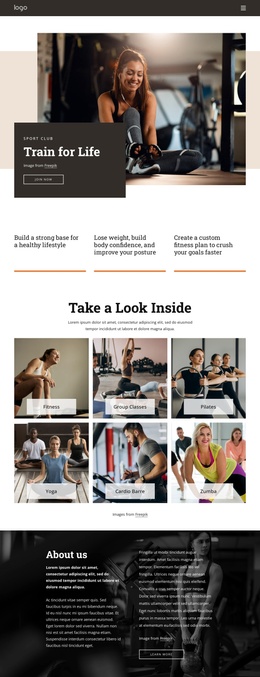
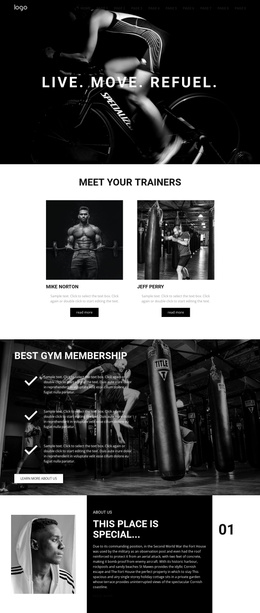
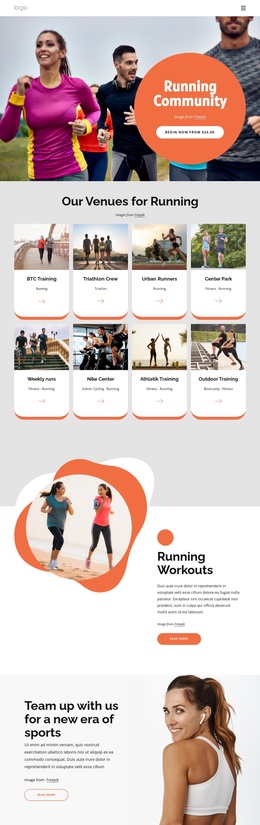
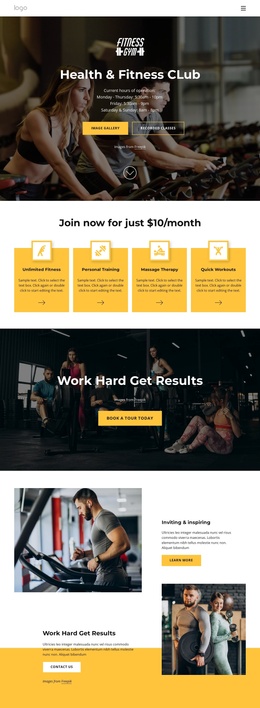
The activity cards create one clear information region for Athletics, Fitness, Pilates, and jump ropes, while the equipment section forms another region around cardiovascular and resistance training. That separation is useful for a CMS-managed fitness site because recurring informational content can remain distinct from the introductory welcome copy. The weekly class area adds a further content group, with Aqua Fitness, Pilates, Yoga, and Zumba presented as named program options rather than buried in a single paragraph.
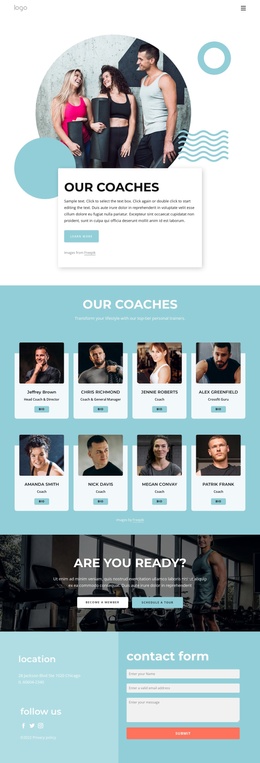
The visual sections support that organization without replacing it. The six-image Health & Fitness gallery can serve as a separate media-focused area, while the two testimonial slides provide a defined client-feedback region. These are structural facts about the design; the sample names and placeholder quotations should be replaced with verified content in a live project. Shared navigation, social links, and the dark footer give the page consistent regions around the main information. At the bottom, the contact form gathers name, phone, and email details beside a Contact Us prompt. In a Joomla implementation, this division gives menus and managed content a recognizable place within the existing fitness-center presentation.
Customize with Nicepage
Open this ready-made template in the Joomla Page Builder and customize it visually in the Nicepage editor. Replace demo content, edit page sections, and adapt the design to your project without rebuilding the template from scratch.
Work With This Template in Joomla
Customize and Install the Joomla Template
Start with this ready-made template instead of building the Joomla design from scratch. Customize its layout, content, typography, images, sections, and other design elements visually in the Nicepage application, then export and install the Joomla Template, Nicepage Extension, and supported content on your Joomla website.
Edit the Template Directly in Joomla
After installation, you can edit the Joomla Template directly in Joomla with the Nicepage Joomla Extension. Customize the Header, Footer, Colors, Fonts, typography, and Page Templates from the Joomla workflow while keeping the site design connected with your CMS content.
Edit Joomla Articles Visually
Use the Nicepage Joomla Extension to open and edit Joomla Articles visually from the Joomla Administrator. Change text, images, sections, layouts, and other page content in the Nicepage editor while continuing to manage the Articles through Joomla.
Joomla Content and Template Integration
Use the customized template together with Joomla Articles, module Positions, menus, forms, Blog Pages, and other supported CMS elements. With the Nicepage Extension used as the Site Style Source, shared design settings can be applied across Joomla Articles while Joomla continues to provide the CMS environment for managing site content.
This workflow combines a ready-made Joomla Template with visual customization, direct template editing in Joomla, and continued content management through the Nicepage Joomla Extension.