Get moving with our range of classes Joomla Template


Edit Template Offline
2. Create new page and search for id 6210045
Edit Template Online
Create Awesome Websites


Free Nicepage Builder
Keywords
Class Categories and Club Story Divide the CMS Content Areas
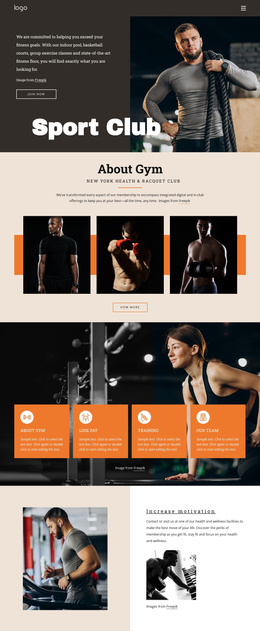
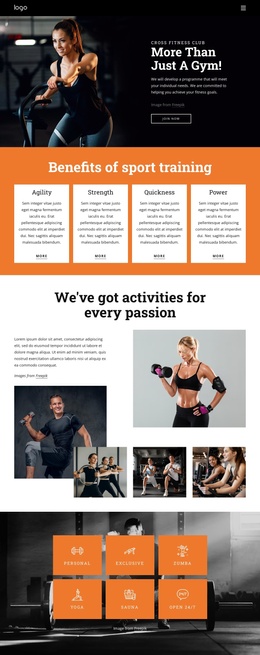
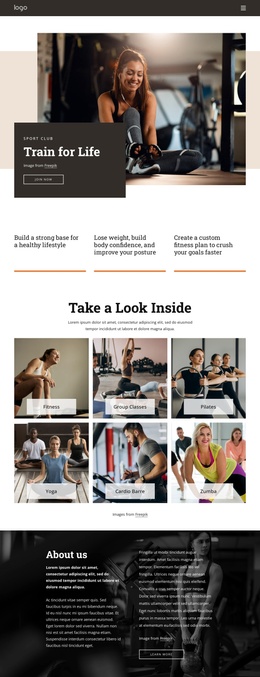
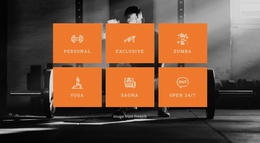
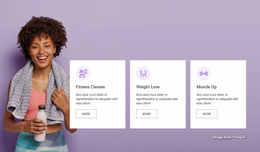
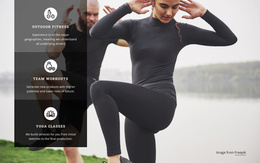
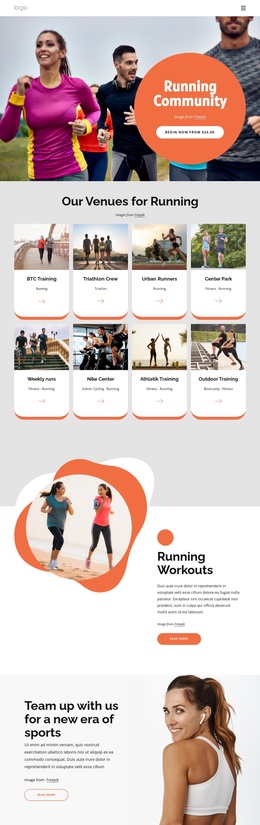
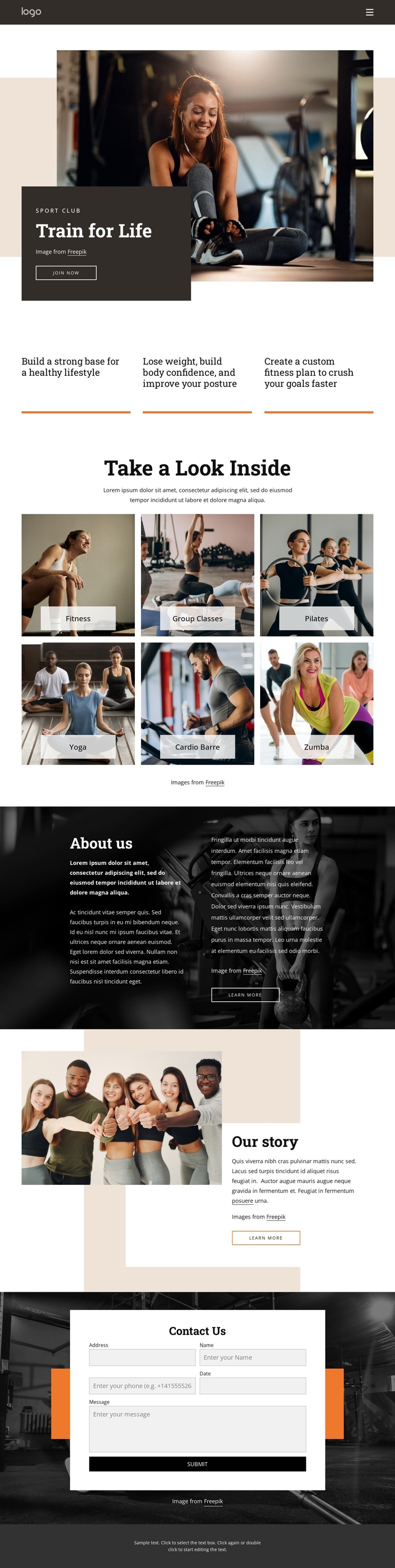
The activity gallery gives the design a useful set of recurring informational regions. Fitness, Group Classes, Pilates, Yoga, Cardio Barre, and Zumba are presented as six labeled image tiles, making the offerings easy to distinguish within the page’s visual system. In a Joomla-managed project, these categories can guide how class descriptions, imagery, or related information are organized while the shared photography-led presentation remains consistent. The three benefit statements above the gallery provide a separate introductory layer rather than competing with the class content.
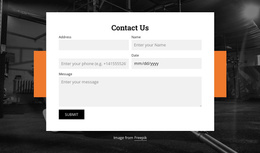
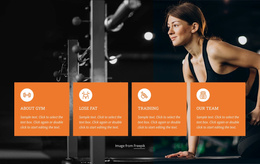
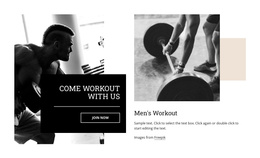
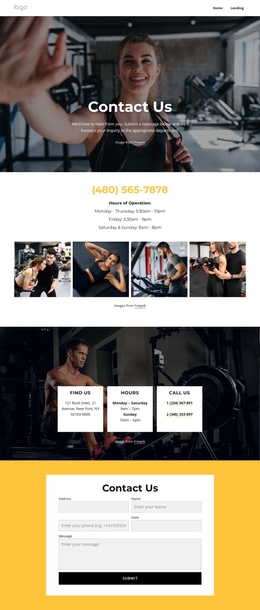
The “About us” and “Our story” sections serve different editorial roles. One uses a dark full-width photograph with two columns of explanatory text; the other combines a group image, a light text panel, a warm geometric background, and a story excerpt. Keeping those roles separate helps a CMS-oriented site maintain a clear distinction between club information and background narrative. The closing Contact Us section adds a structured inquiry area after visitors have encountered the offerings and story. Its form, surrounding image, and accent shape can remain part of the shared page design while the club’s content is managed through Joomla. The layout therefore supports organized site sections without claiming that specific Joomla articles or modules already exist.
Customize with Nicepage
Open this ready-made template in the Joomla Page Builder and customize it visually in the Nicepage editor. Replace demo content, edit page sections, and adapt the design to your project without rebuilding the template from scratch.
Work With This Template in Joomla
Customize and Install the Joomla Template
Start with this ready-made template instead of building the Joomla design from scratch. Customize its layout, content, typography, images, sections, and other design elements visually in the Nicepage application, then export and install the Joomla Template, Nicepage Extension, and supported content on your Joomla website.
Edit the Template Directly in Joomla
After installation, you can edit the Joomla Template directly in Joomla with the Nicepage Joomla Extension. Customize the Header, Footer, Colors, Fonts, typography, and Page Templates from the Joomla workflow while keeping the site design connected with your CMS content.
Edit Joomla Articles Visually
Use the Nicepage Joomla Extension to open and edit Joomla Articles visually from the Joomla Administrator. Change text, images, sections, layouts, and other page content in the Nicepage editor while continuing to manage the Articles through Joomla.
Joomla Content and Template Integration
Use the customized template together with Joomla Articles, module Positions, menus, forms, Blog Pages, and other supported CMS elements. With the Nicepage Extension used as the Site Style Source, shared design settings can be applied across Joomla Articles while Joomla continues to provide the CMS environment for managing site content.
This workflow combines a ready-made Joomla Template with visual customization, direct template editing in Joomla, and continued content management through the Nicepage Joomla Extension.