Yoga events and classes Joomla Template



Edit Template Offline
2. Create new page and search for id 3753270
Edit Template Online
Create Awesome Websites


Free Nicepage Builder
Keywords
Classes, Events, and Locations Form Reusable Content Regions
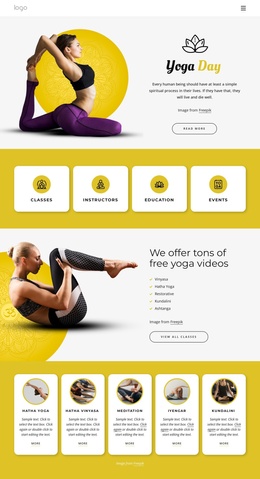
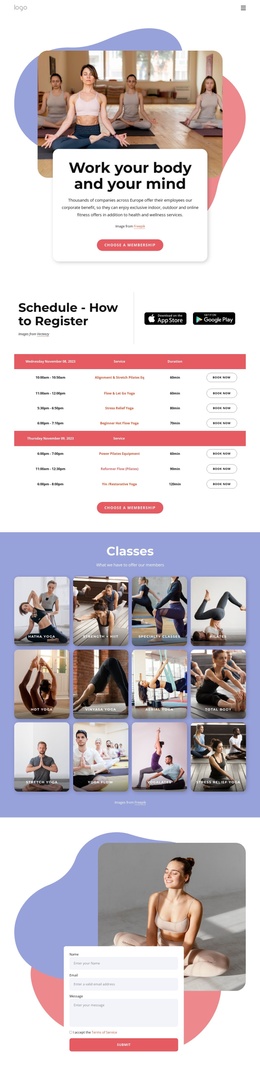
The four category cards provide an initial division between Classes, Instructors, Education, and Events. That separation is useful when interpreting the design as a Joomla-oriented content structure because each group has a clear informational role rather than being part of one undifferentiated text block. The free-video area reinforces the class-related content by naming Vinyasa, Hatha Yoga, Restorative, Kundalini, and Ashtanga before directing visitors toward all classes.
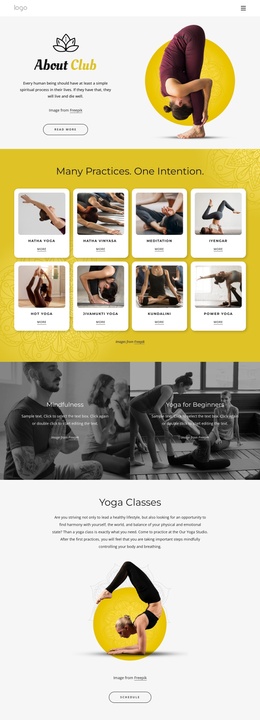
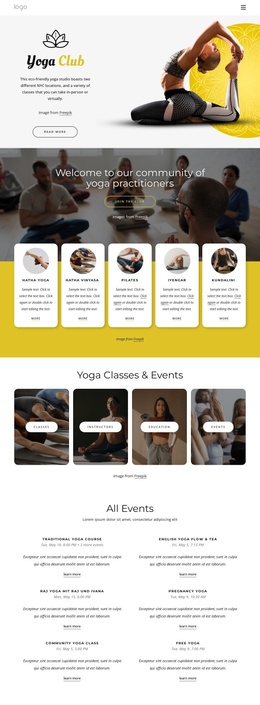
The repeated class cards create another structured region for yoga and meditation subjects. Hatha Yoga, Hatha Vinyasa, Meditation, Iyengar, and Kundalini share a consistent presentation, while the meditation app section uses device imagery, descriptive text, and two download badges for a separate promotional purpose. Membership content and the Yoga Guide add further informational areas around participation, corporate wellness, and yoga benefits without changing the page’s visual direction.
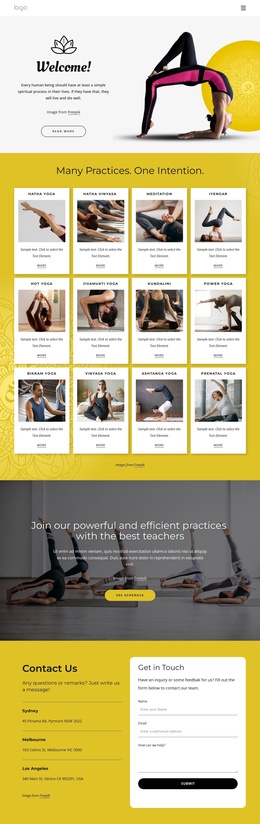
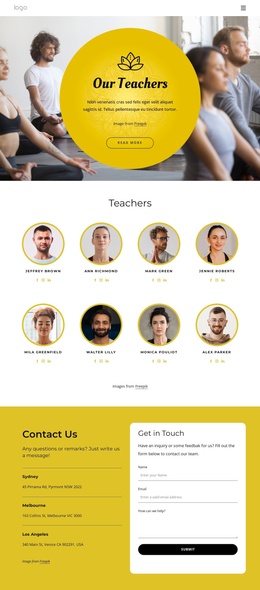
The navigation, mobile-navigation component, shared page flow, three listed locations, and contact form give the design a practical site-region interpretation. In a Joomla project, these areas could support organized site content and menus while retaining the same relationship between classes, educational material, app promotion, membership messaging, and contact information. The focus remains on mapping this particular page’s content regions to a CMS-managed structure, not on claiming that Joomla Articles or module positions already exist in the template.
Customize with Nicepage
Open this ready-made template in the Joomla Page Builder and customize it visually in the Nicepage editor. Replace demo content, edit page sections, and adapt the design to your project without rebuilding the template from scratch.
Work With This Template in Joomla
Customize and Install the Joomla Template
Start with this ready-made template instead of building the Joomla design from scratch. Customize its layout, content, typography, images, sections, and other design elements visually in the Nicepage application, then export and install the Joomla Template, Nicepage Extension, and supported content on your Joomla website.
Edit the Template Directly in Joomla
After installation, you can edit the Joomla Template directly in Joomla with the Nicepage Joomla Extension. Customize the Header, Footer, Colors, Fonts, typography, and Page Templates from the Joomla workflow while keeping the site design connected with your CMS content.
Edit Joomla Articles Visually
Use the Nicepage Joomla Extension to open and edit Joomla Articles visually from the Joomla Administrator. Change text, images, sections, layouts, and other page content in the Nicepage editor while continuing to manage the Articles through Joomla.
Joomla Content and Template Integration
Use the customized template together with Joomla Articles, module Positions, menus, forms, Blog Pages, and other supported CMS elements. With the Nicepage Extension used as the Site Style Source, shared design settings can be applied across Joomla Articles while Joomla continues to provide the CMS environment for managing site content.
This workflow combines a ready-made Joomla Template with visual customization, direct template editing in Joomla, and continued content management through the Nicepage Joomla Extension.