Health and fitness club Joomla Template



Edit Template Offline
2. Create new page and search for id 2646275
Edit Template Online
Create Awesome Websites


Free Nicepage Builder
Keywords
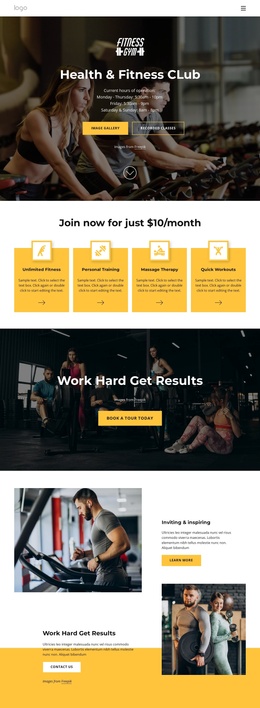
Services, facilities, and inquiries form structured club content
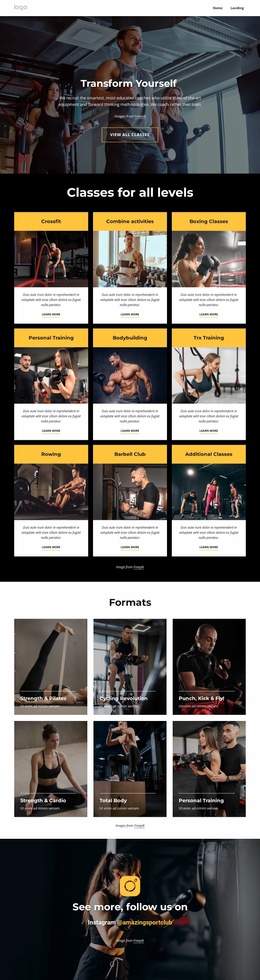
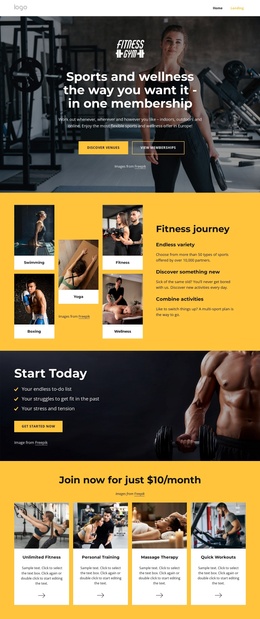
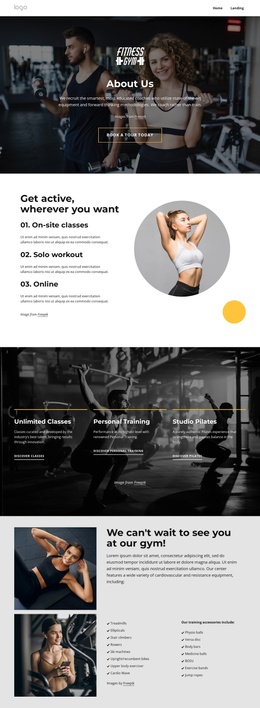
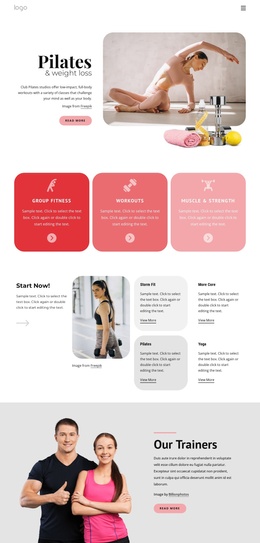
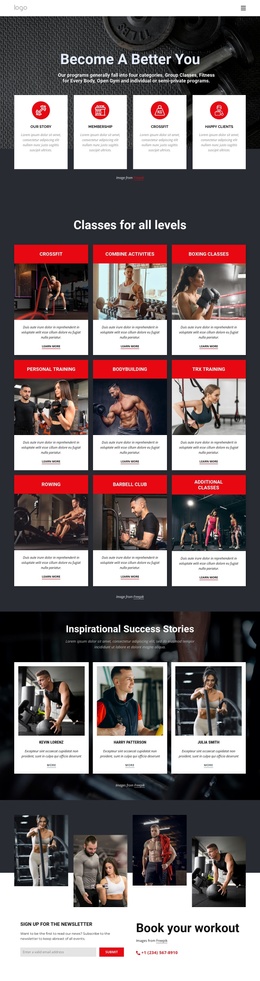
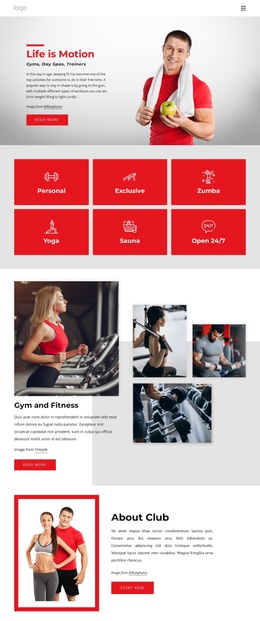
The service and facility sections divide the design into recurring informational regions that suit a structured CMS environment. Four service cards identify unlimited fitness, personal training, massage therapy, and quick workouts, while the later Amenities gallery groups pool and jacuzzi, studios, sauna, outdoor spaces, and a basketball court into a separate facilities presentation. These areas can be treated as coordinated content regions rather than one uninterrupted promotional message, with the shared navigation and footer maintaining the site-wide frame.
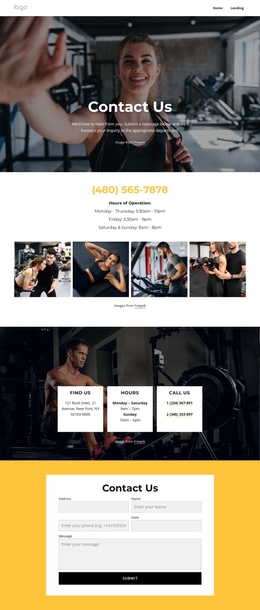
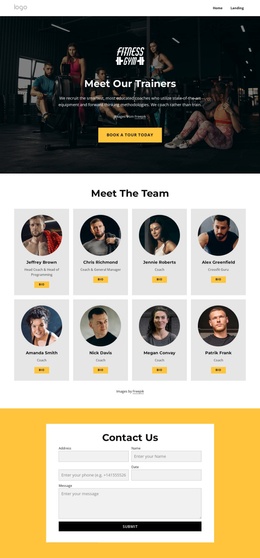
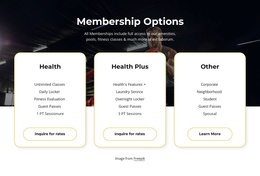
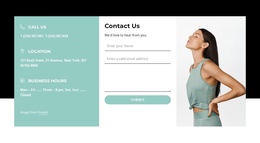
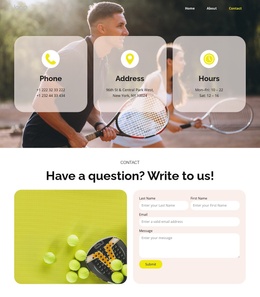
The membership section adds another clear content group through the Health, Health Plus, and Other plan cards. Their inquiry actions connect plan information to the contact request form, which includes name, phone, date, and message fields. Between those areas, the newsletter and workout-booking section provides a distinct response point, while trainer content and the personal-training banner support the club’s service story. In a Joomla project, this combination offers a practical division between structured club information, reusable navigation regions, facility imagery, and visitor inquiries. The design remains coherent because yellow accents, dark photography, white cards, and bold headings repeat across each content area.
Customize with Nicepage
Open this ready-made template in the Joomla Page Builder and customize it visually in the Nicepage editor. Replace demo content, edit page sections, and adapt the design to your project without rebuilding the template from scratch.
Work With This Template in Joomla
Customize and Install the Joomla Template
Start with this ready-made template instead of building the Joomla design from scratch. Customize its layout, content, typography, images, sections, and other design elements visually in the Nicepage application, then export and install the Joomla Template, Nicepage Extension, and supported content on your Joomla website.
Edit the Template Directly in Joomla
After installation, you can edit the Joomla Template directly in Joomla with the Nicepage Joomla Extension. Customize the Header, Footer, Colors, Fonts, typography, and Page Templates from the Joomla workflow while keeping the site design connected with your CMS content.
Edit Joomla Articles Visually
Use the Nicepage Joomla Extension to open and edit Joomla Articles visually from the Joomla Administrator. Change text, images, sections, layouts, and other page content in the Nicepage editor while continuing to manage the Articles through Joomla.
Joomla Content and Template Integration
Use the customized template together with Joomla Articles, module Positions, menus, forms, Blog Pages, and other supported CMS elements. With the Nicepage Extension used as the Site Style Source, shared design settings can be applied across Joomla Articles while Joomla continues to provide the CMS environment for managing site content.
This workflow combines a ready-made Joomla Template with visual customization, direct template editing in Joomla, and continued content management through the Nicepage Joomla Extension.