Enjoy the most flexible sports and wellness Joomla Template



Edit Template Offline
2. Create new page and search for id 2602329
Edit Template Online
Create Awesome Websites


Free Nicepage Builder
Keywords
Services, Navigation, and Contact Regions Suit CMS Content
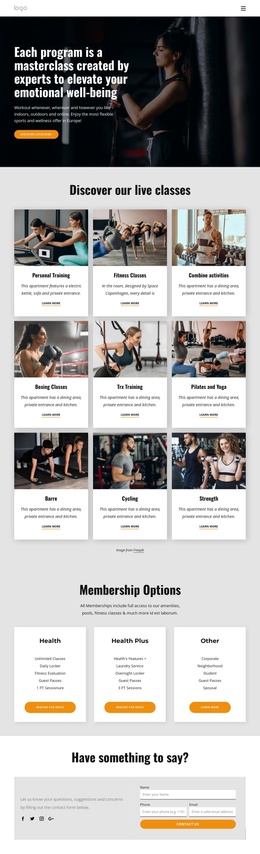
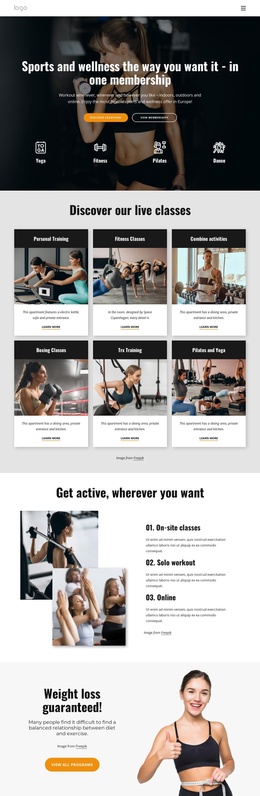
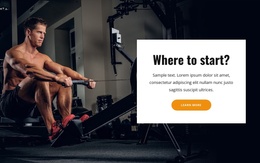
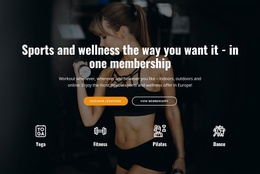
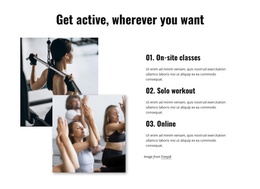
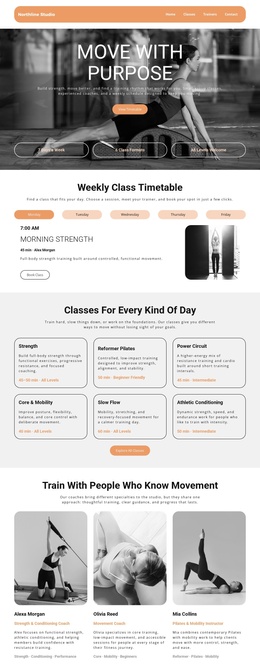
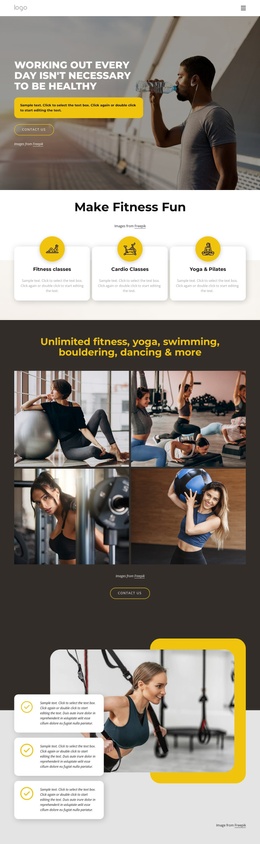
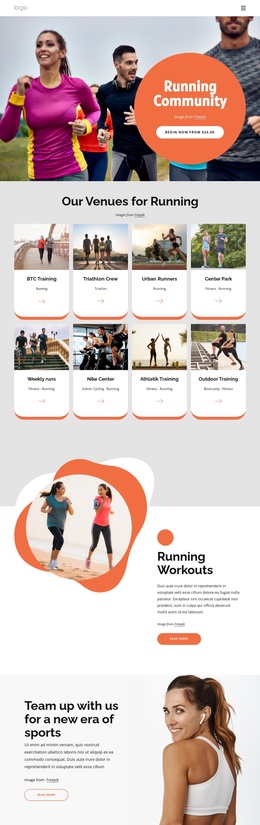
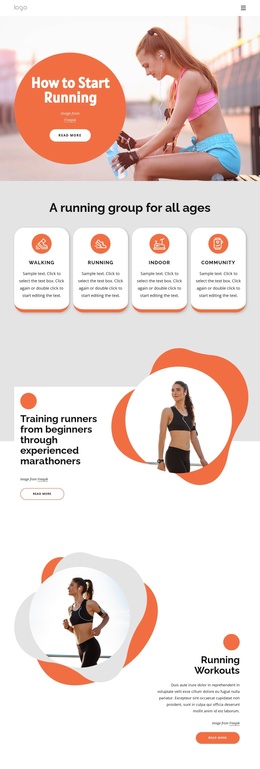
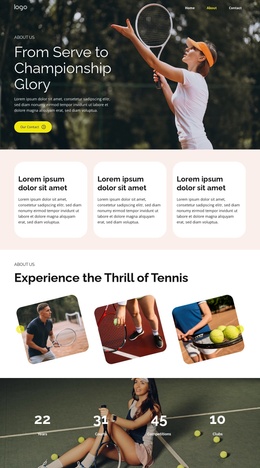
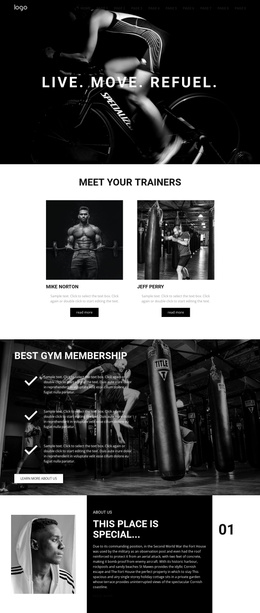
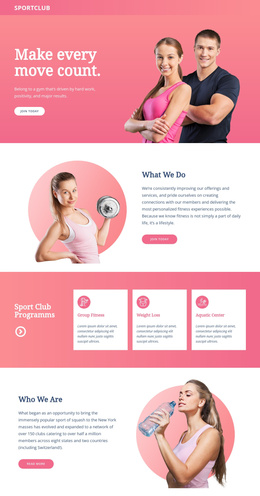
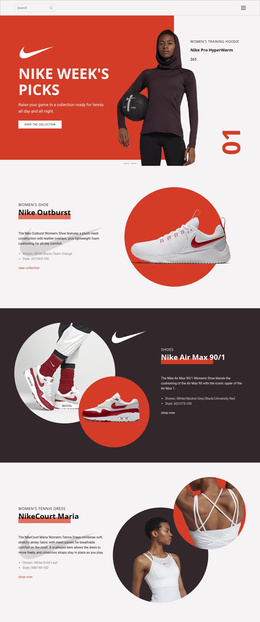
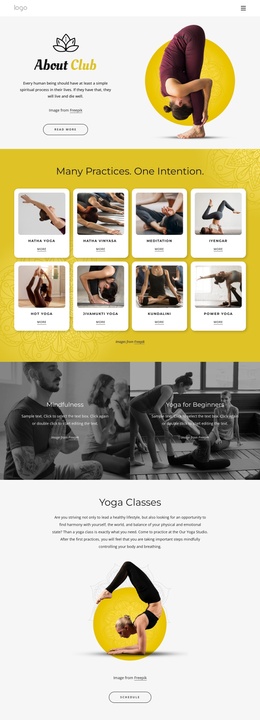
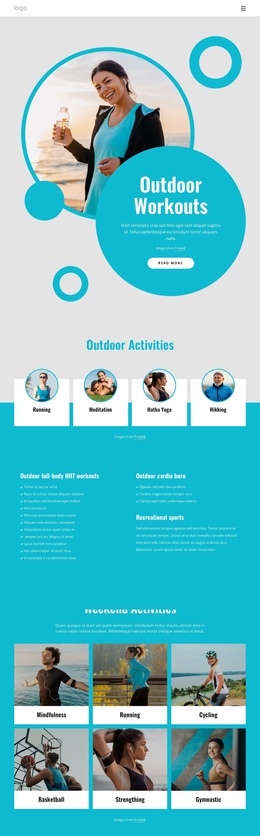
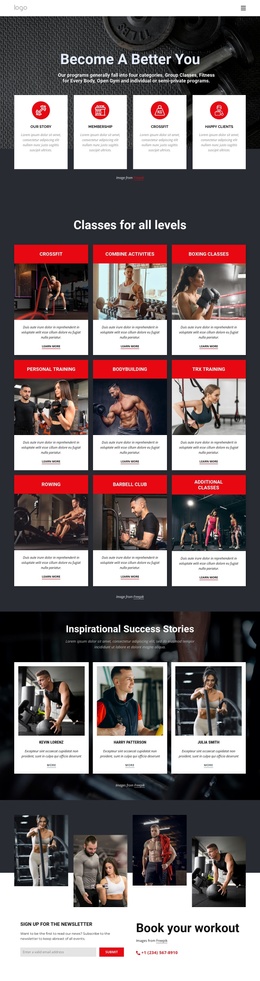
The hero, class grid, workout-format section, and lower contact regions divide this design into clear information areas for a sports and wellness site. The six class cards provide repeatable subject groups, including personal training, fitness, boxing, TRX, Pilates, and yoga. Their shared presentation makes them natural content regions to maintain consistently, while the separate sections for on-site, solo, and online workouts explain the club’s different activity formats without mixing their purposes.
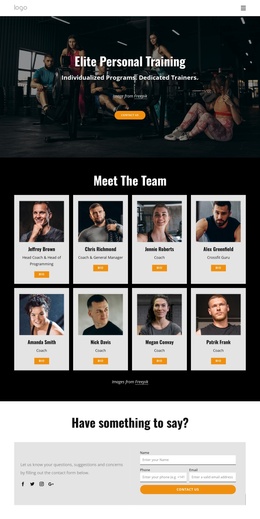
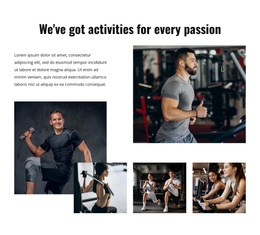
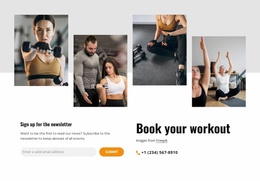
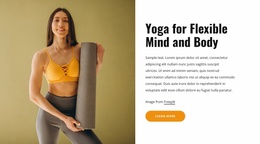
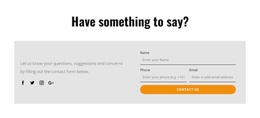
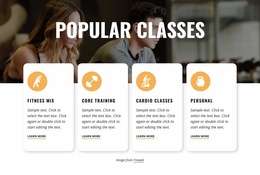
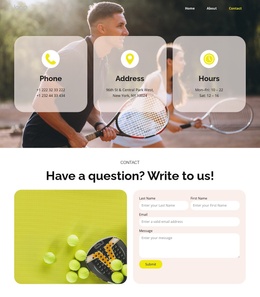
The Popular Classes block adds another structured group of offerings, and the yoga feature gives one activity a more detailed presentation. The trainer introduction contributes a people-focused region with four trainer images, while the newsletter panel and workout-booking contact establish a separate communication area. A phone link, social links, and a compact contact form then extend the page from informational content into direct contact and follow-up.
For a Joomla project, this arrangement provides recognizable regions for navigation, service information, recurring class content, trainer material, and contact communication. The design does not depend on presenting the sample phone number or placeholder wording as real business information; those values can be replaced while the underlying content structure remains coordinated. The shared header and dark footer also give the page stable site regions around its editable club content.
Customize with Nicepage
Open this ready-made template in the Joomla Page Builder and customize it visually in the Nicepage editor. Replace demo content, edit page sections, and adapt the design to your project without rebuilding the template from scratch.
Work With This Template in Joomla
Customize and Install the Joomla Template
Start with this ready-made template instead of building the Joomla design from scratch. Customize its layout, content, typography, images, sections, and other design elements visually in the Nicepage application, then export and install the Joomla Template, Nicepage Extension, and supported content on your Joomla website.
Edit the Template Directly in Joomla
After installation, you can edit the Joomla Template directly in Joomla with the Nicepage Joomla Extension. Customize the Header, Footer, Colors, Fonts, typography, and Page Templates from the Joomla workflow while keeping the site design connected with your CMS content.
Edit Joomla Articles Visually
Use the Nicepage Joomla Extension to open and edit Joomla Articles visually from the Joomla Administrator. Change text, images, sections, layouts, and other page content in the Nicepage editor while continuing to manage the Articles through Joomla.
Joomla Content and Template Integration
Use the customized template together with Joomla Articles, module Positions, menus, forms, Blog Pages, and other supported CMS elements. With the Nicepage Extension used as the Site Style Source, shared design settings can be applied across Joomla Articles while Joomla continues to provide the CMS environment for managing site content.
This workflow combines a ready-made Joomla Template with visual customization, direct template editing in Joomla, and continued content management through the Nicepage Joomla Extension.