Running club activities Joomla Template



Edit Template Offline
2. Create new page and search for id 4628996
Edit Template Online
Create Awesome Websites


Free Nicepage Builder
Keywords
Event Listings and Program Areas Shape the Joomla Content Structure
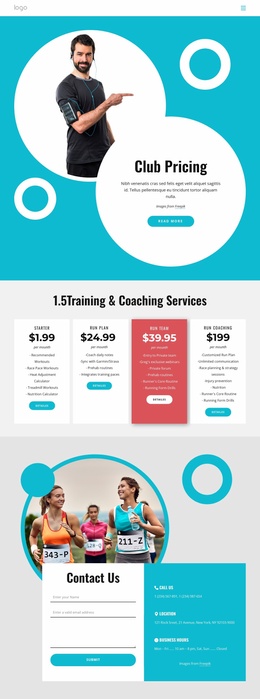
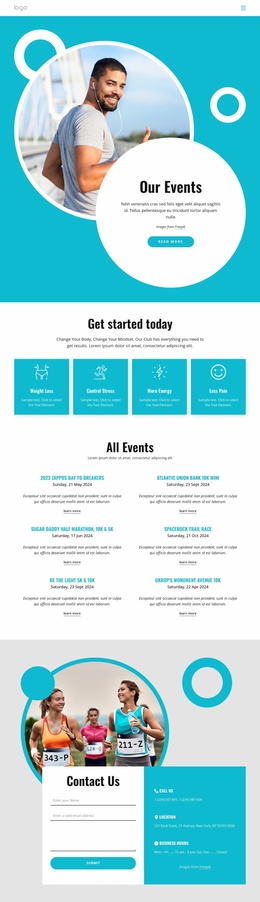
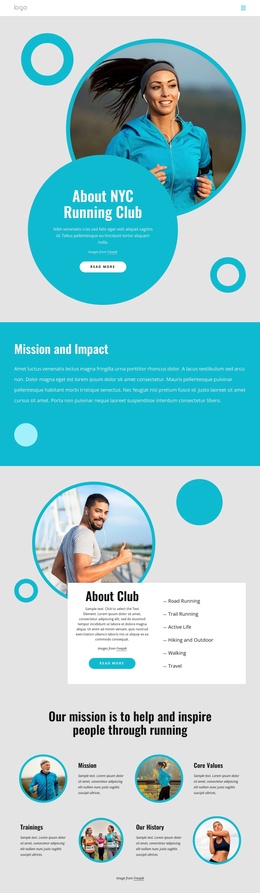
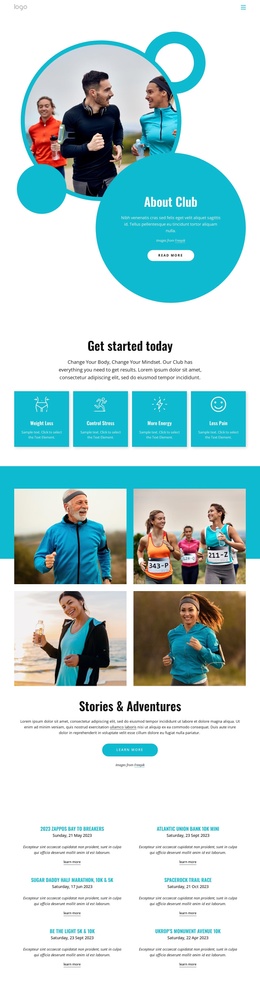
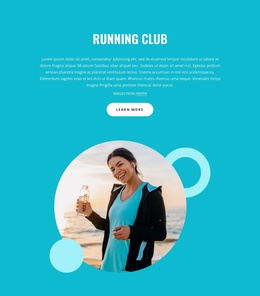
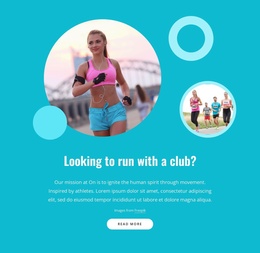
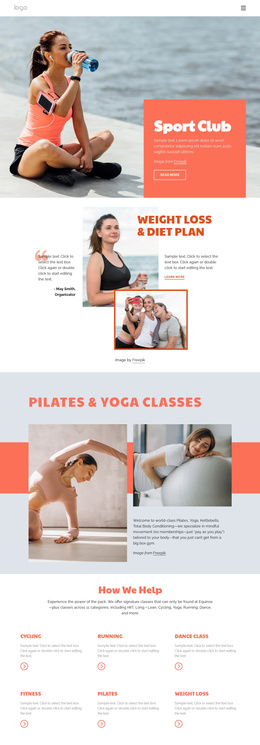
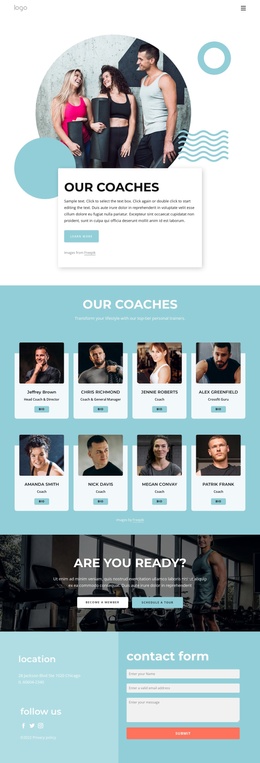
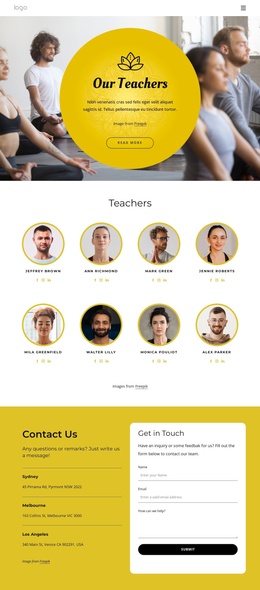
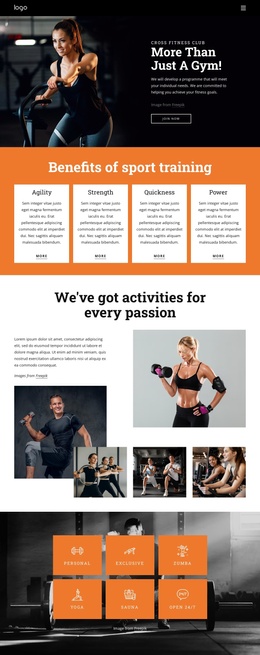
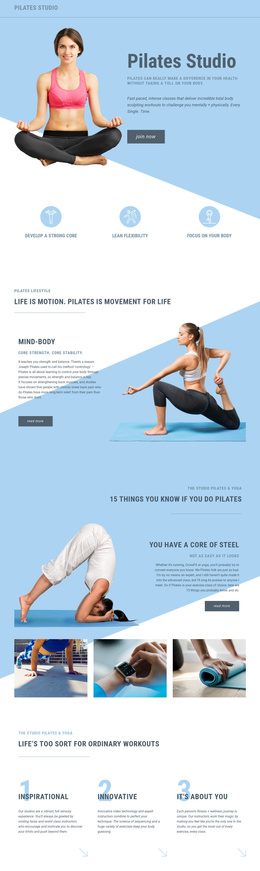
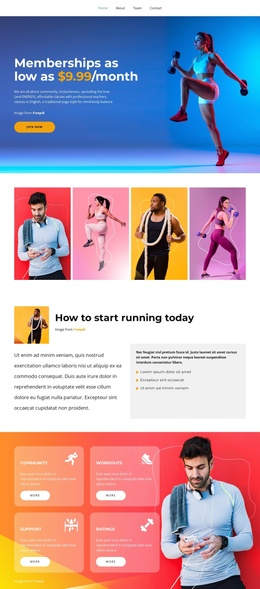
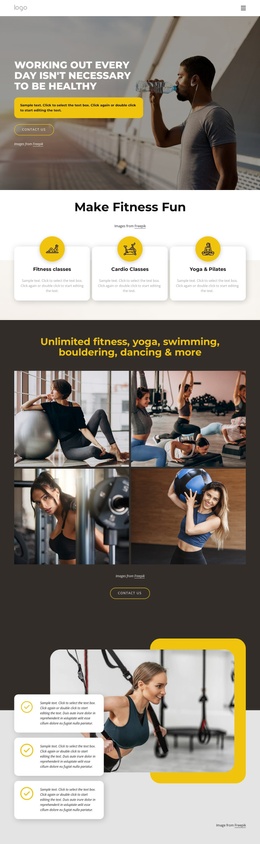
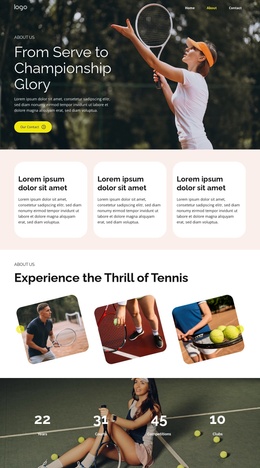
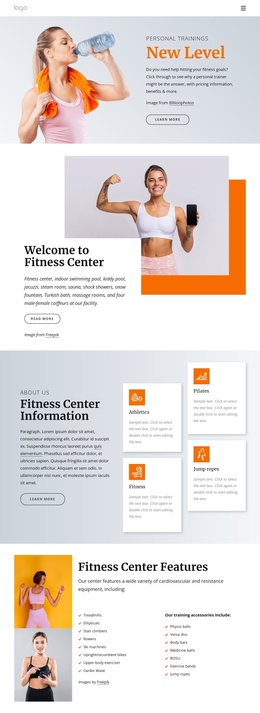
The six event entries create a repeated information area that can be understood as a set of structured club activities rather than as one long paragraph. Their two-column arrangement gives the page a clear listing region, while the event dates and Learn More links separate individual opportunities for exploration. Above that region, the About Club block introduces the organization through a centered text card, circular athletic imagery, and a Read More action, giving the content hierarchy a defined starting point.
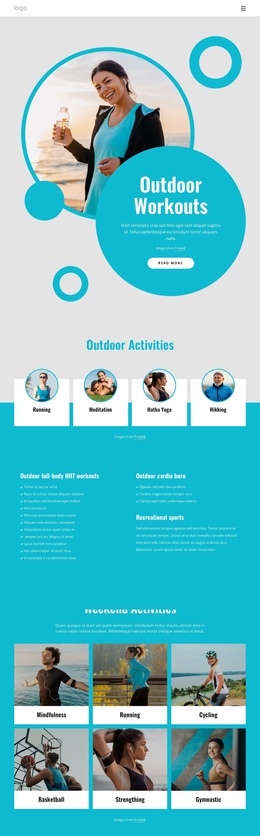
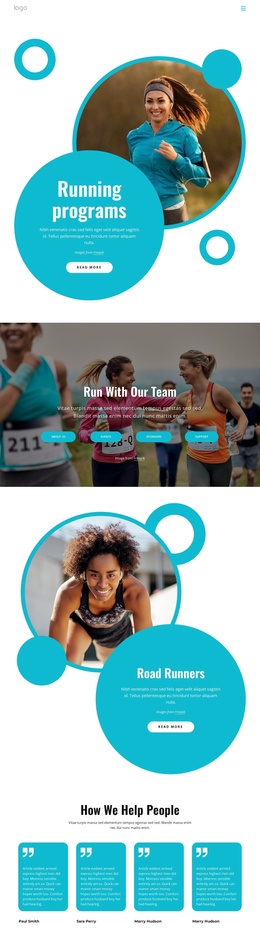
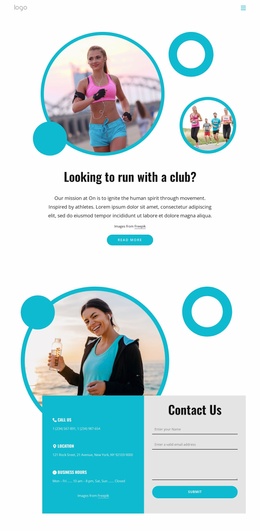
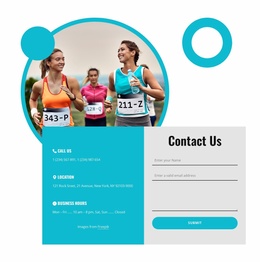
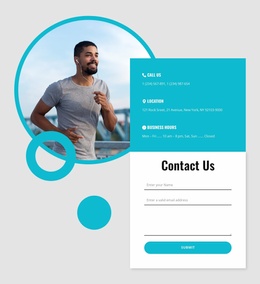
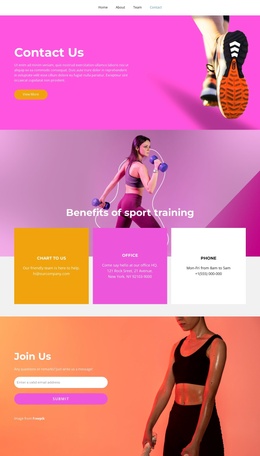
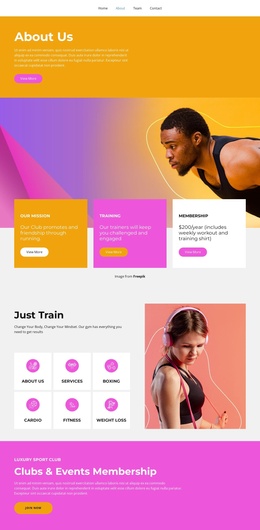
The eight program cards provide a second repeated content area with a different role. Labels such as Coaching Certification Program, Championship Event Series, Runner Friendly Community Program, and Runner Program show how the design groups ongoing offerings alongside time-based events. The four benefit cards add concise supporting information, and the Stories & Adventures collage supplies a visual narrative between the introductory and listing-oriented areas. At the end, phone, location, business-hours entries, and a contact form create a recognizable contact region, with New York, NY appearing in the verified contact information. These distinct regions make the design suitable for a Joomla-managed content arrangement where navigation, event information, program material, and contact content can remain visibly coordinated.
Customize with Nicepage
Open this ready-made template in the Joomla Page Builder and customize it visually in the Nicepage editor. Replace demo content, edit page sections, and adapt the design to your project without rebuilding the template from scratch.
Work With This Template in Joomla
Customize and Install the Joomla Template
Start with this ready-made template instead of building the Joomla design from scratch. Customize its layout, content, typography, images, sections, and other design elements visually in the Nicepage application, then export and install the Joomla Template, Nicepage Extension, and supported content on your Joomla website.
Edit the Template Directly in Joomla
After installation, you can edit the Joomla Template directly in Joomla with the Nicepage Joomla Extension. Customize the Header, Footer, Colors, Fonts, typography, and Page Templates from the Joomla workflow while keeping the site design connected with your CMS content.
Edit Joomla Articles Visually
Use the Nicepage Joomla Extension to open and edit Joomla Articles visually from the Joomla Administrator. Change text, images, sections, layouts, and other page content in the Nicepage editor while continuing to manage the Articles through Joomla.
Joomla Content and Template Integration
Use the customized template together with Joomla Articles, module Positions, menus, forms, Blog Pages, and other supported CMS elements. With the Nicepage Extension used as the Site Style Source, shared design settings can be applied across Joomla Articles while Joomla continues to provide the CMS environment for managing site content.
This workflow combines a ready-made Joomla Template with visual customization, direct template editing in Joomla, and continued content management through the Nicepage Joomla Extension.