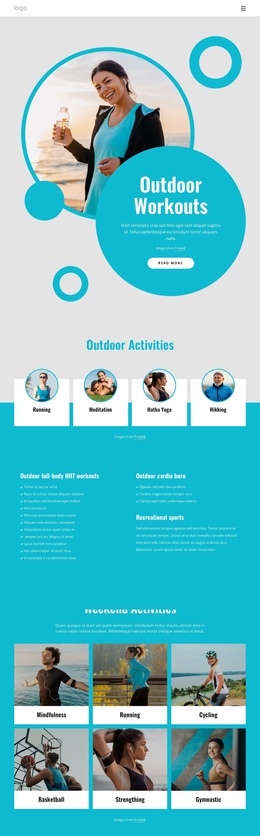
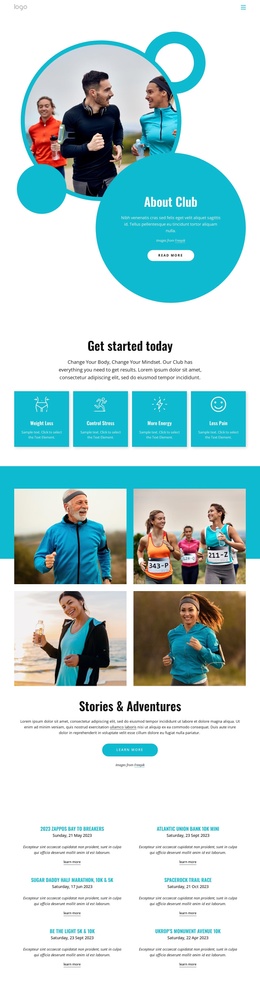
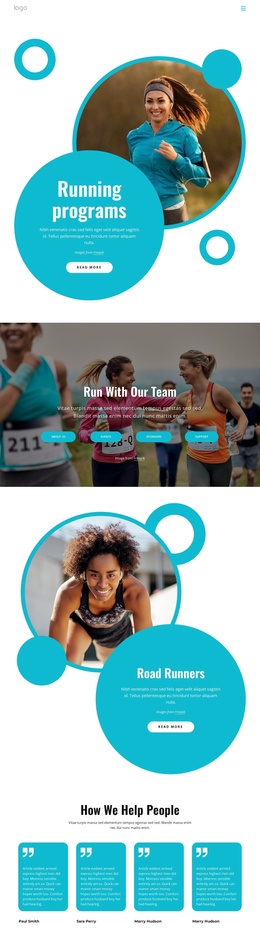
We offer running courses Joomla Template


Edit Template Offline
2. Create new page and search for id 6333705
Edit Template Online
Create Awesome Websites


Free Nicepage Builder
Keywords
Five Running Questions Lead Into Structured Contact Content
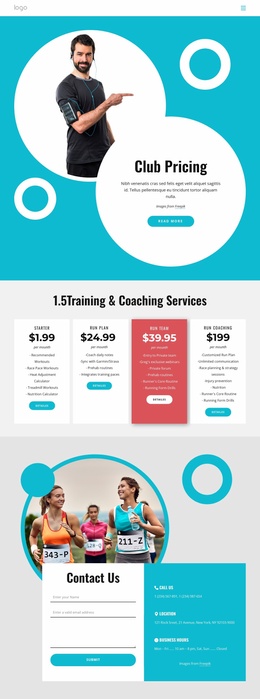
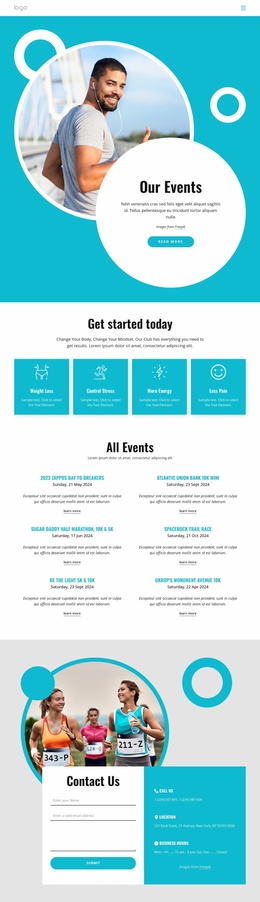
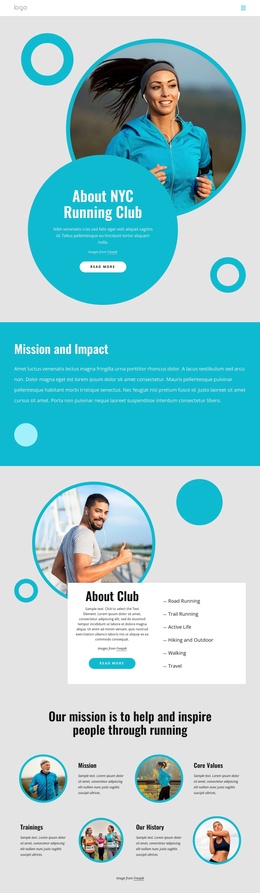
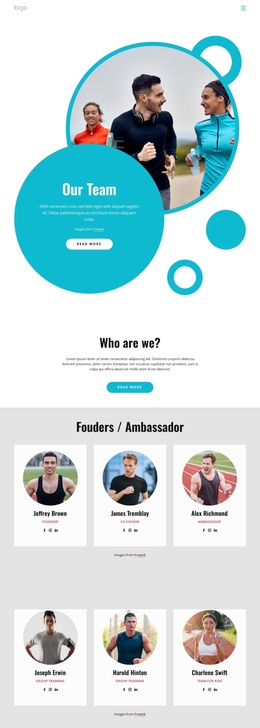
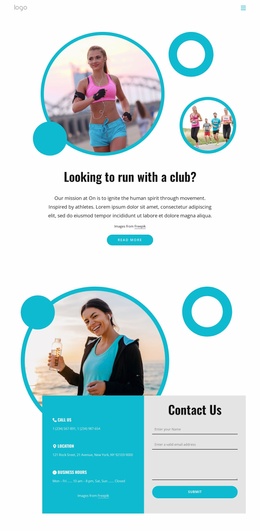
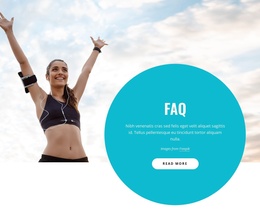
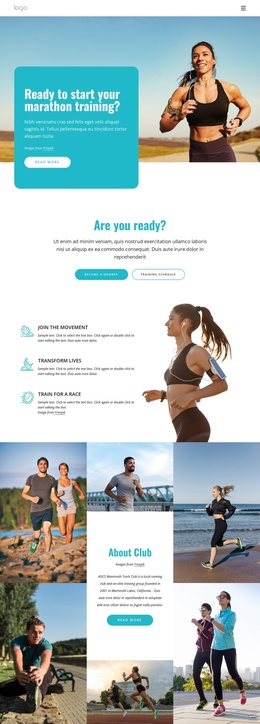
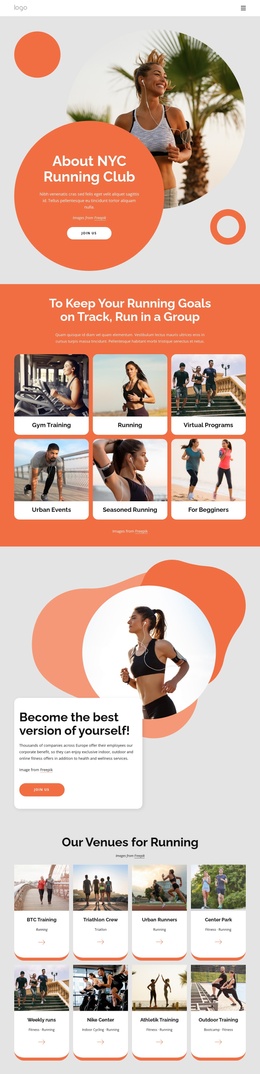
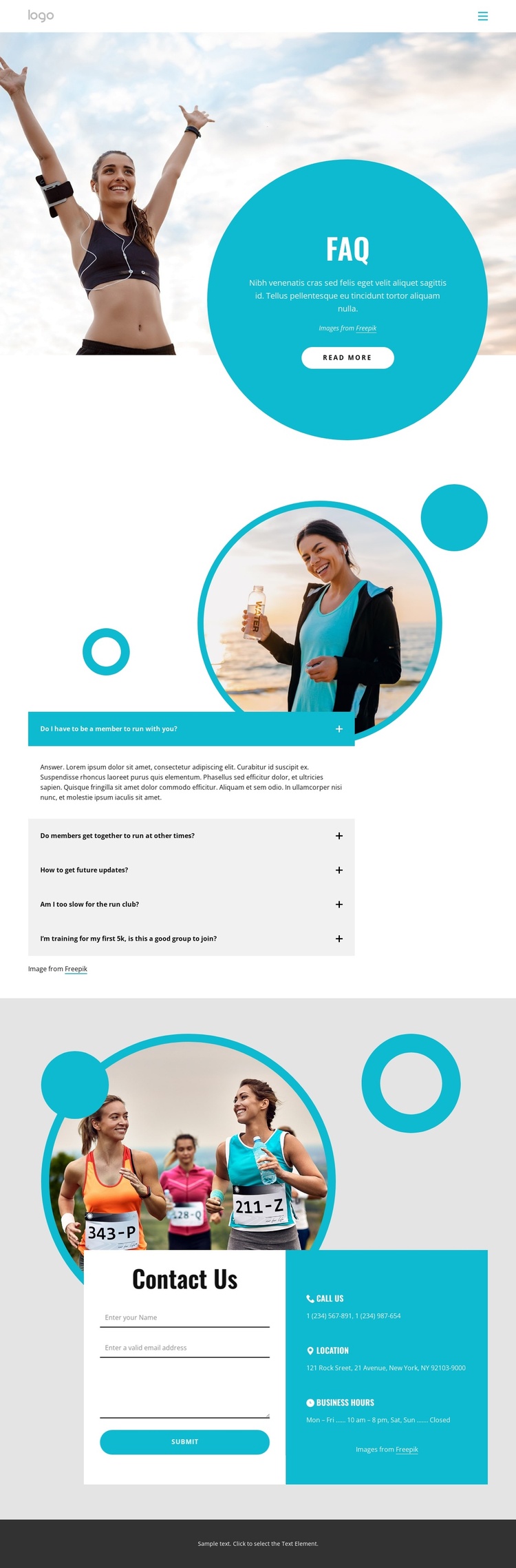
The five-question accordion gives this running club design a clear set of informational content areas. Visitors can approach common questions in expandable panels while the adjacent runner photograph reinforces the page’s focus on group running activities. Because the answers remain grouped within one dedicated FAQ section, the design separates explanatory content from the visual introduction instead of placing every detail into a dense uninterrupted text block.
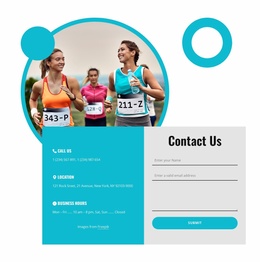
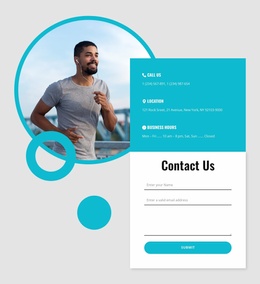
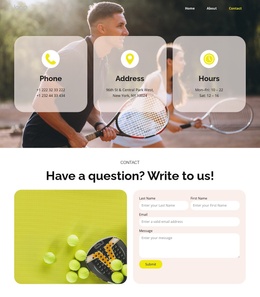
The compact header, single Home link, and prominent FAQ title create a simple navigation frame around that content. Below the accordion, the Contact Us section changes the page’s role from answering questions to receiving inquiries. Its two-column arrangement places the contact form beside three practical information groups: phone details, a location entry, and business hours. These are useful content regions for a Joomla-managed site because they distinguish frequently reviewed information from contact-oriented site content while preserving the same visual system.
The turquoise circular panel, rounded forms, spacious spacing, and runner-focused imagery can continue to coordinate these regions as the project develops. The sample phone number, address, hours, and question text should be replaced with verified club information, but their placement demonstrates where Joomla content can be organized within the design. The result is a focused FAQ page that can support a broader running-club site without losing its clear path from questions to contact.
Customize with Nicepage
Open this ready-made template in the Joomla Page Builder and customize it visually in the Nicepage editor. Replace demo content, edit page sections, and adapt the design to your project without rebuilding the template from scratch.
Work With This Template in Joomla
Customize and Install the Joomla Template
Start with this ready-made template instead of building the Joomla design from scratch. Customize its layout, content, typography, images, sections, and other design elements visually in the Nicepage application, then export and install the Joomla Template, Nicepage Extension, and supported content on your Joomla website.
Edit the Template Directly in Joomla
After installation, you can edit the Joomla Template directly in Joomla with the Nicepage Joomla Extension. Customize the Header, Footer, Colors, Fonts, typography, and Page Templates from the Joomla workflow while keeping the site design connected with your CMS content.
Edit Joomla Articles Visually
Use the Nicepage Joomla Extension to open and edit Joomla Articles visually from the Joomla Administrator. Change text, images, sections, layouts, and other page content in the Nicepage editor while continuing to manage the Articles through Joomla.
Joomla Content and Template Integration
Use the customized template together with Joomla Articles, module Positions, menus, forms, Blog Pages, and other supported CMS elements. With the Nicepage Extension used as the Site Style Source, shared design settings can be applied across Joomla Articles while Joomla continues to provide the CMS environment for managing site content.
This workflow combines a ready-made Joomla Template with visual customization, direct template editing in Joomla, and continued content management through the Nicepage Joomla Extension.