Planning your perfect vacation Joomla Template


Edit Template Offline
2. Create new page and search for id 6200982
Edit Template Online
Create Awesome Websites


Free Nicepage Builder
Keywords
Vacation Services and Contact Regions Fit a CMS Content Structure
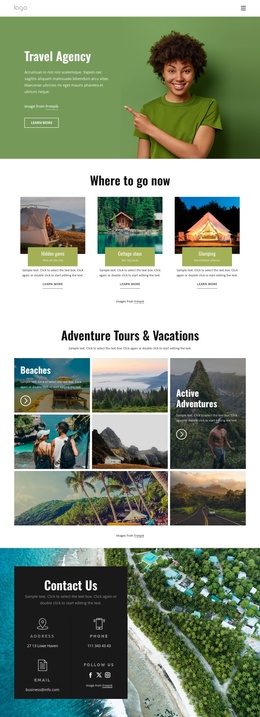
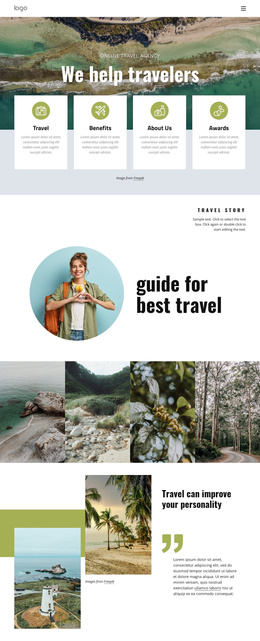
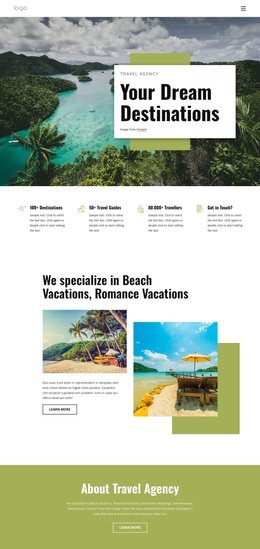
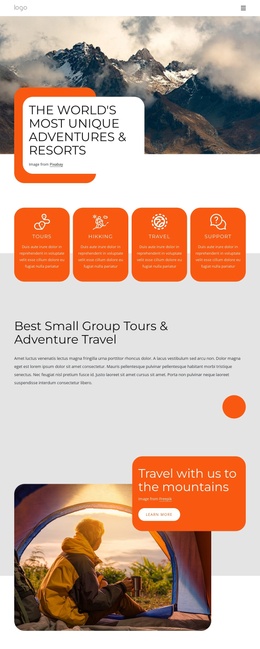
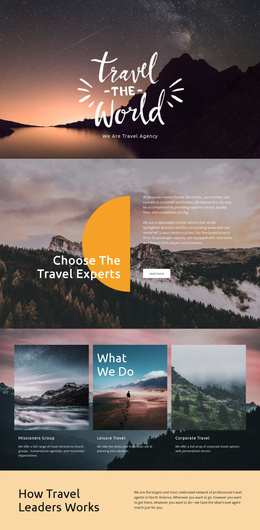
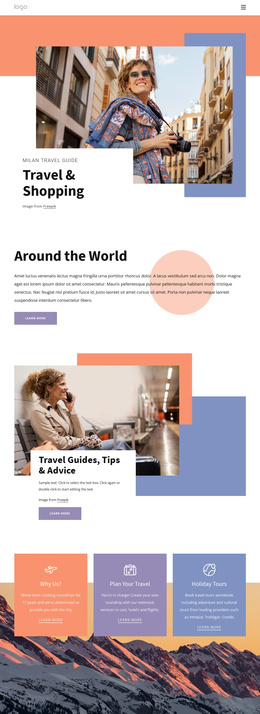
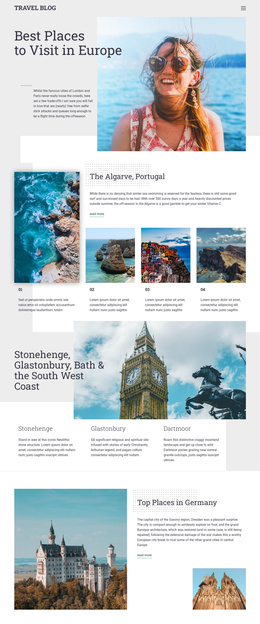
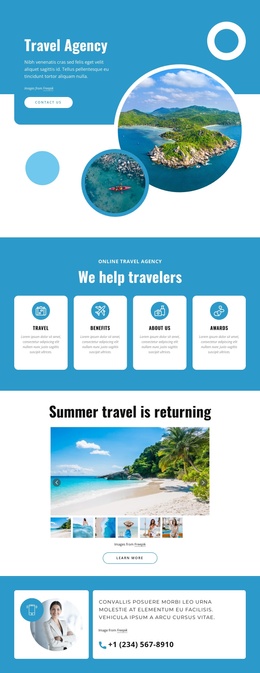
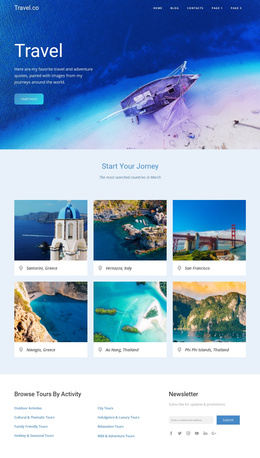
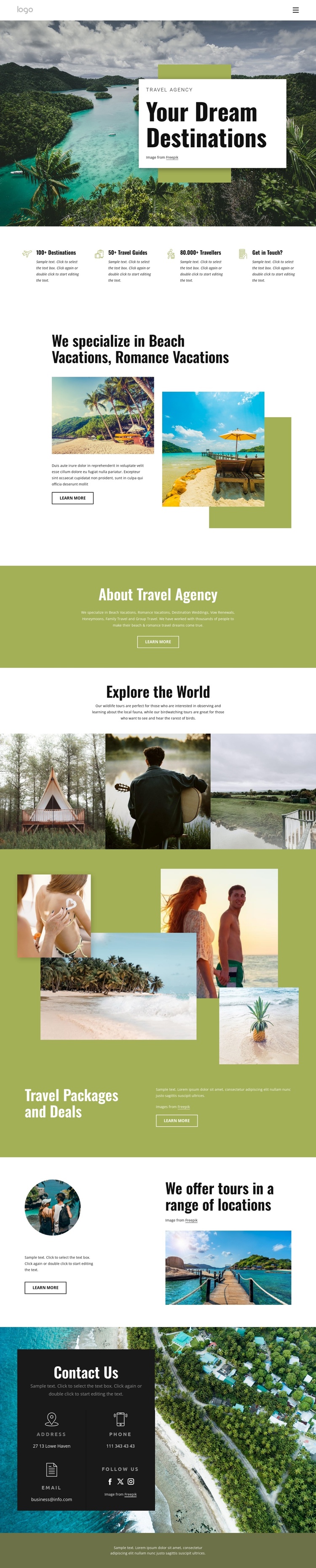
The page divides travel information into recognizable content regions that can be maintained as a structured Joomla site presentation. The opening hero establishes the travel agency context, while the four compact highlight cards summarize the page’s main subjects: destinations, guides, travelers, and a route toward contact. This gives the navigation and introductory content a clear relationship before visitors reach the more detailed service areas.
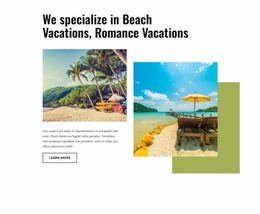
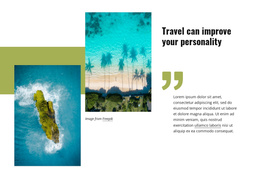
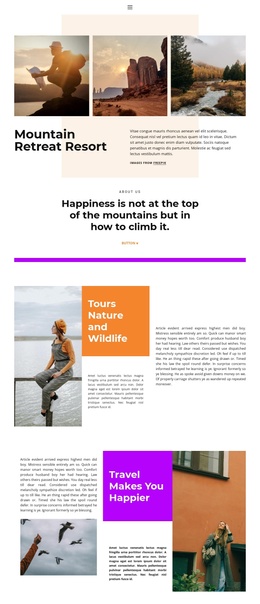
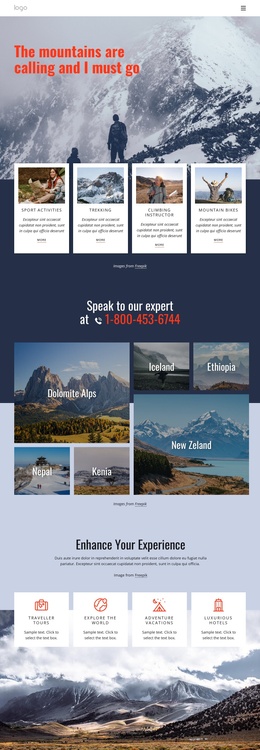
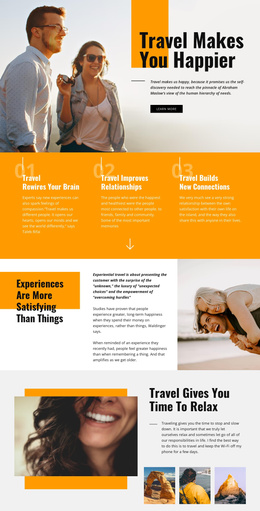
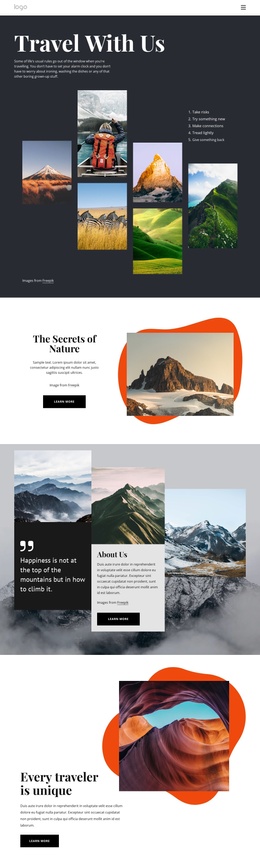
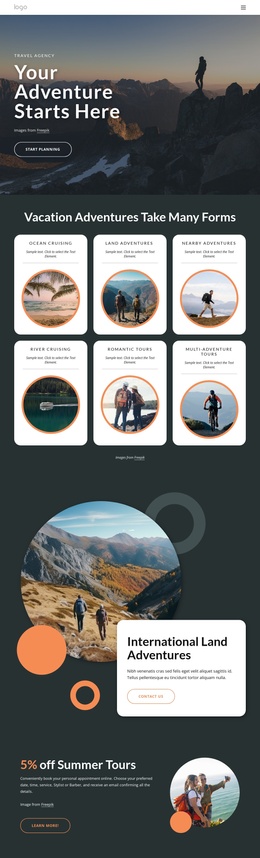
The split section for beach and romance vacations provides a focused service explanation, with imagery, supporting copy, and a “Learn more” action. Its surrounding content broadens the offering through destination weddings, vow renewals, honeymoons, family travel, and group travel. The gallery then gives the page a separate area for travel and wildlife imagery, including wildlife and birdwatching descriptions. These repeated informational regions are suitable for a CMS-managed arrangement because each one has a distinct editorial role without requiring the visual system to change.
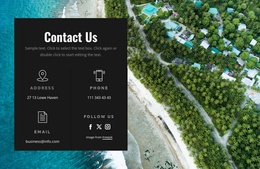
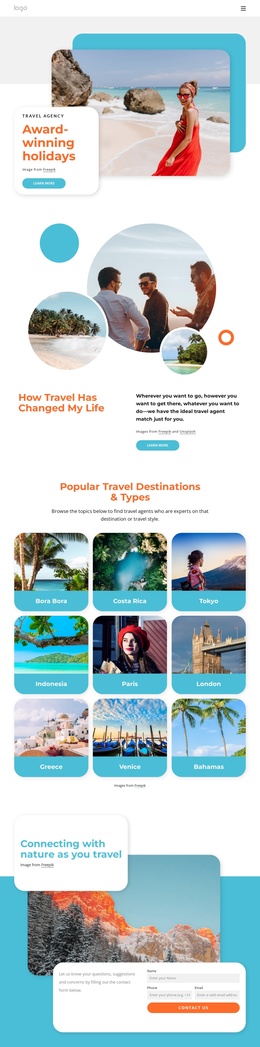
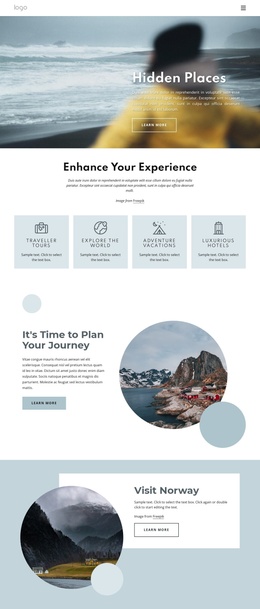
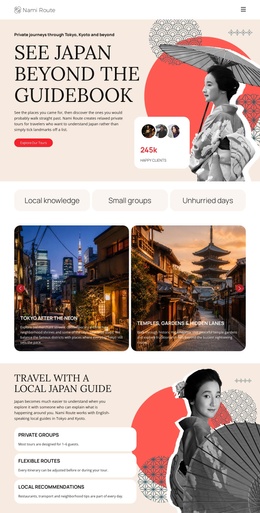
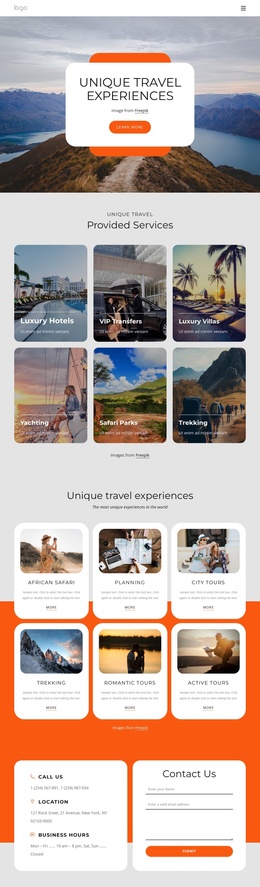
The packages-and-deals block and the location section add further structured topics, while the final dark contact panel gathers address, phone, email, and social-link labels into one shared region. In a Joomla implementation, that separation can help organize service, destination, promotional, and contact content around the existing design. The template-specific value lies in these relationships: inspiration leads to offerings, offerings lead to packages and locations, and the page ends with a clear contact area.
Customize with Nicepage
Open this ready-made template in the Joomla Page Builder and customize it visually in the Nicepage editor. Replace demo content, edit page sections, and adapt the design to your project without rebuilding the template from scratch.
Work With This Template in Joomla
Customize and Install the Joomla Template
Start with this ready-made template instead of building the Joomla design from scratch. Customize its layout, content, typography, images, sections, and other design elements visually in the Nicepage application, then export and install the Joomla Template, Nicepage Extension, and supported content on your Joomla website.
Edit the Template Directly in Joomla
After installation, you can edit the Joomla Template directly in Joomla with the Nicepage Joomla Extension. Customize the Header, Footer, Colors, Fonts, typography, and Page Templates from the Joomla workflow while keeping the site design connected with your CMS content.
Edit Joomla Articles Visually
Use the Nicepage Joomla Extension to open and edit Joomla Articles visually from the Joomla Administrator. Change text, images, sections, layouts, and other page content in the Nicepage editor while continuing to manage the Articles through Joomla.
Joomla Content and Template Integration
Use the customized template together with Joomla Articles, module Positions, menus, forms, Blog Pages, and other supported CMS elements. With the Nicepage Extension used as the Site Style Source, shared design settings can be applied across Joomla Articles while Joomla continues to provide the CMS environment for managing site content.
This workflow combines a ready-made Joomla Template with visual customization, direct template editing in Joomla, and continued content management through the Nicepage Joomla Extension.