Rest with a soul Joomla Template



Edit Template Offline
2. Create new page and search for id 1133181
Edit Template Online
Create Awesome Websites


Free Nicepage Builder
Keywords
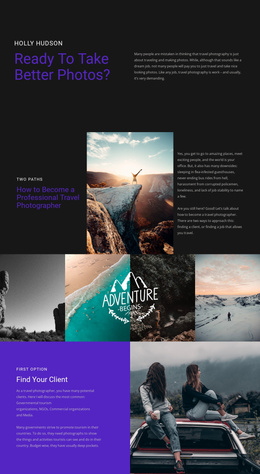
Tour Cards and Travel Regions Create Structured Joomla Content Areas
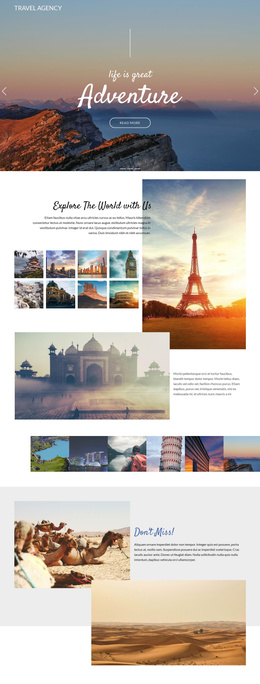
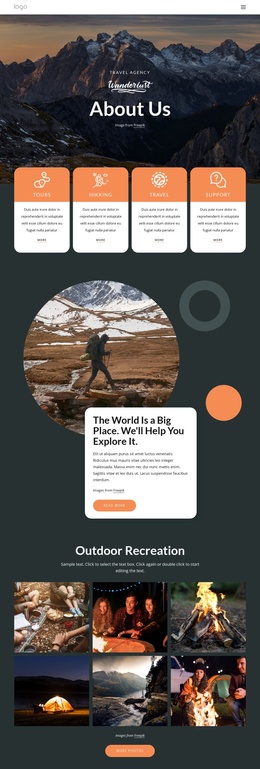
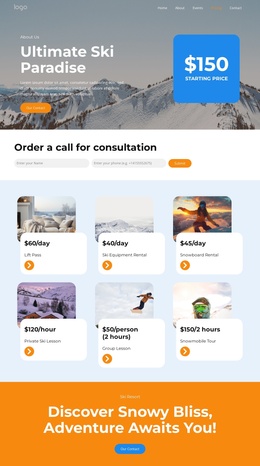
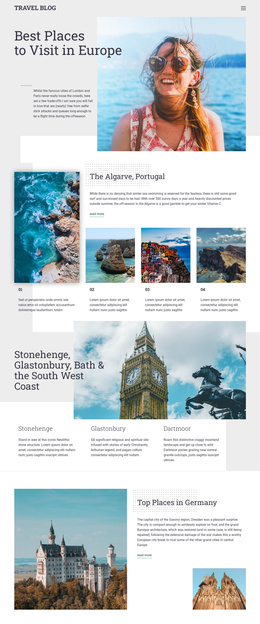
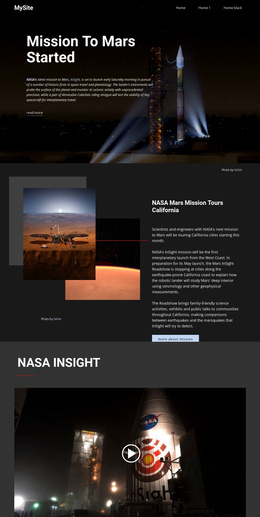
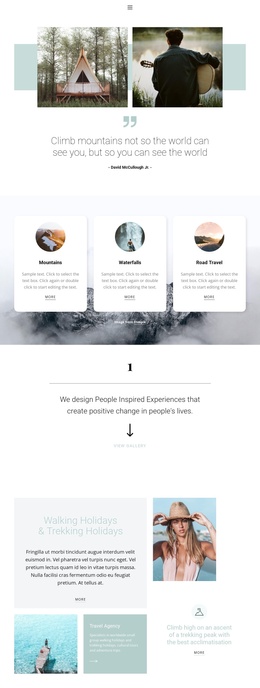
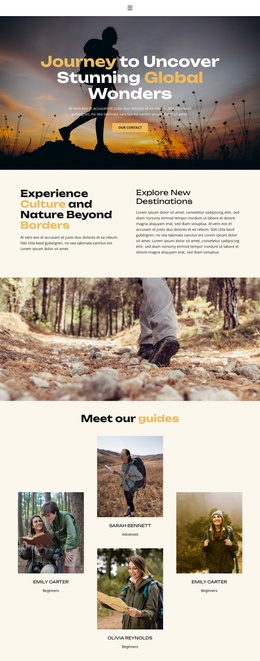
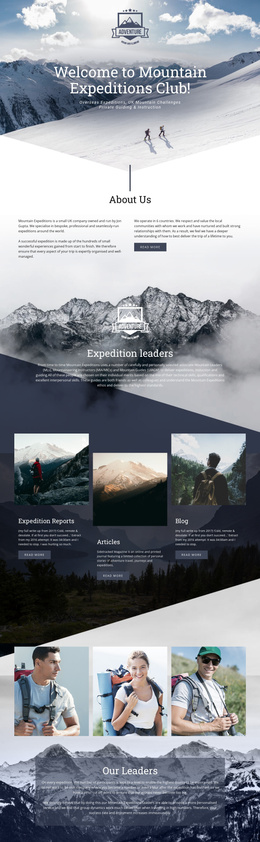
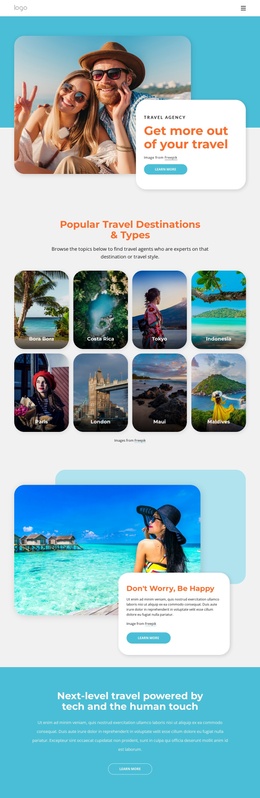
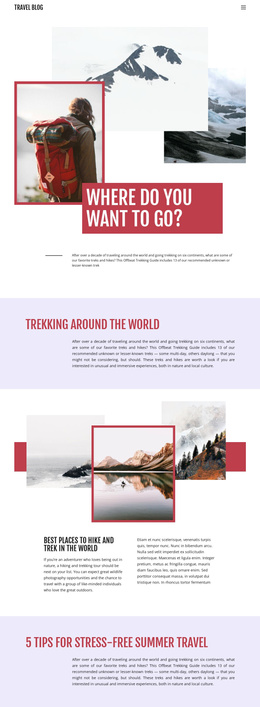
The three offering cards for Mountains travel, Surf travel, and Ocean travel give the design distinct content areas that can be organized within a Joomla-managed tourism site. Each card combines an image, tour name, description, and booking action, creating a repeatable pattern for presenting related travel options without losing the visual connection between them. The earlier three-image gallery establishes the broader travel subject, while the later cards move from general inspiration to specific tour choices.
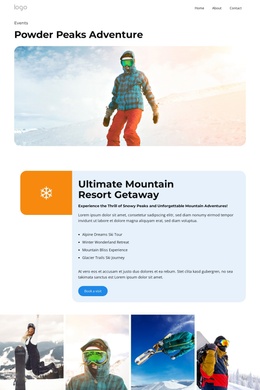
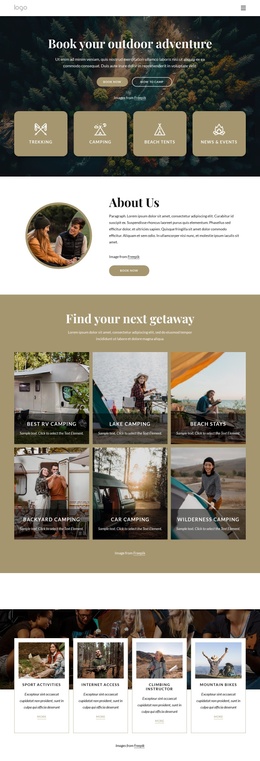
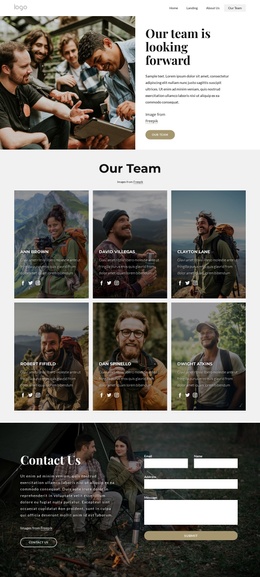
The surrounding sections provide additional structured regions for site content. Tours Nature and Wildlife appears in both a split image-and-text section and a full-width photographic banner, allowing the same broad offering to be introduced and then promoted visually. The three-item benefits group adds supporting information through Touring Variety, Travel experts, and Small Groups. Navigation links for Home, About, and Contact, together with social links and the final name-and-email inquiry form, create recognizable shared areas around the main content.
For Joomla projects, this arrangement suits a site where tour information, navigation, contact content, and recurring promotional regions need to remain coordinated. The design does not require every page to follow the same card content; its repeated visual patterns can instead support organized tourism content while the CMS manages the site’s sections and updates.
Customize with Nicepage
Open this ready-made template in the Joomla Page Builder and customize it visually in the Nicepage editor. Replace demo content, edit page sections, and adapt the design to your project without rebuilding the template from scratch.
Work With This Template in Joomla
Customize and Install the Joomla Template
Start with this ready-made template instead of building the Joomla design from scratch. Customize its layout, content, typography, images, sections, and other design elements visually in the Nicepage application, then export and install the Joomla Template, Nicepage Extension, and supported content on your Joomla website.
Edit the Template Directly in Joomla
After installation, you can edit the Joomla Template directly in Joomla with the Nicepage Joomla Extension. Customize the Header, Footer, Colors, Fonts, typography, and Page Templates from the Joomla workflow while keeping the site design connected with your CMS content.
Edit Joomla Articles Visually
Use the Nicepage Joomla Extension to open and edit Joomla Articles visually from the Joomla Administrator. Change text, images, sections, layouts, and other page content in the Nicepage editor while continuing to manage the Articles through Joomla.
Joomla Content and Template Integration
Use the customized template together with Joomla Articles, module Positions, menus, forms, Blog Pages, and other supported CMS elements. With the Nicepage Extension used as the Site Style Source, shared design settings can be applied across Joomla Articles while Joomla continues to provide the CMS environment for managing site content.
This workflow combines a ready-made Joomla Template with visual customization, direct template editing in Joomla, and continued content management through the Nicepage Joomla Extension.