Africa tours and holidays Website Template



Edit Template Offline
2. Create new page and search for id 5630298
Edit Template Online
Create Awesome Websites


Free Nicepage Builder
Keywords
Tour Categories and Service Areas Establish a Broader Site Foundation
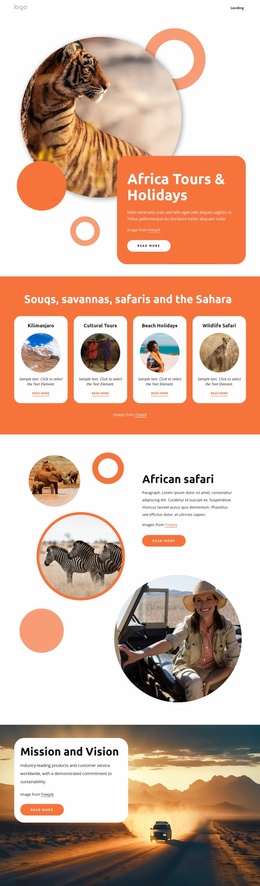
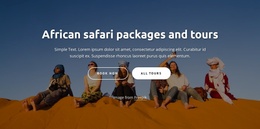
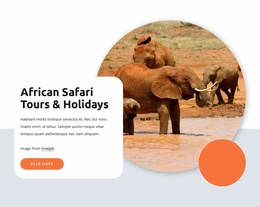
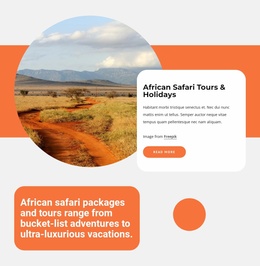
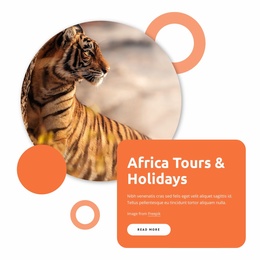
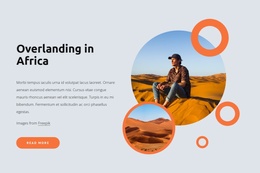
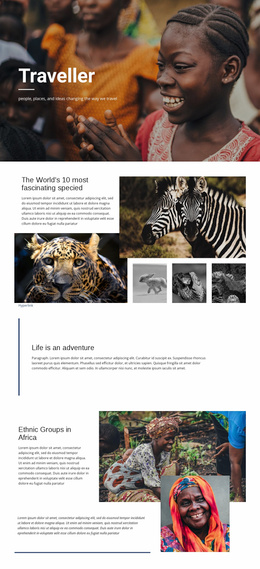
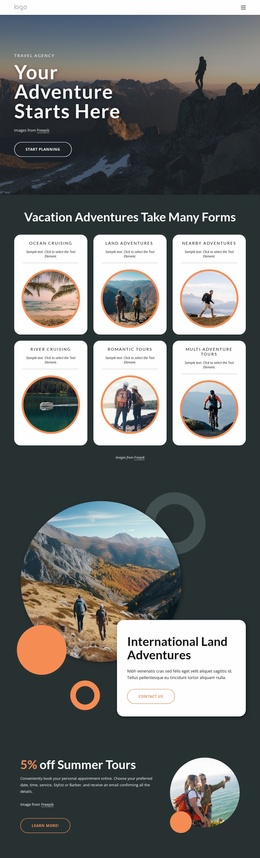
The four category cards give this design a useful starting information architecture for an African travel project. Kilimanjaro, Cultural Tours, Beach Holidays, and Wildlife Safari are presented as distinct entry points, so additional destination or experience pages could grow from clearly defined subject areas rather than from an undifferentiated home screen. The opening hero supports that structure by introducing Africa Tours & Holidays with a circular wildlife image, a rounded orange content card, and a Read More action.
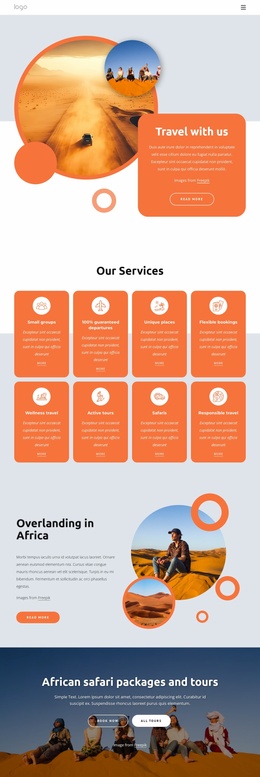
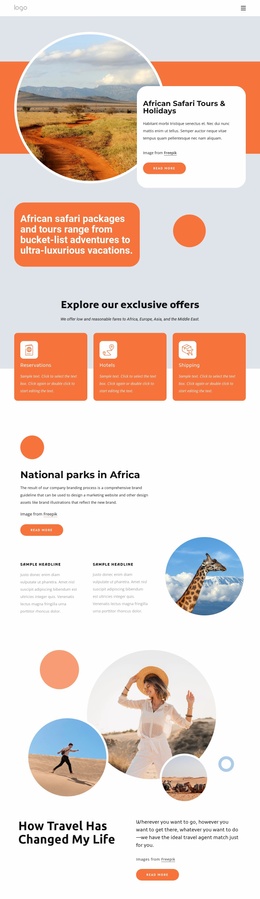
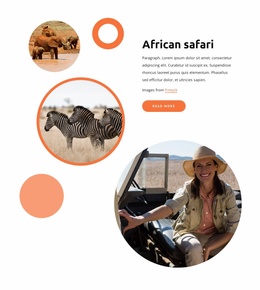
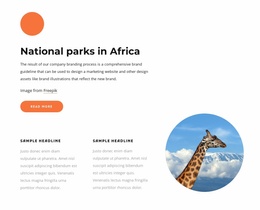
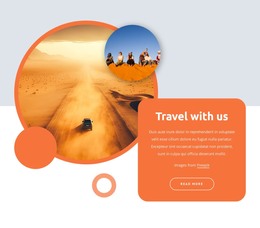
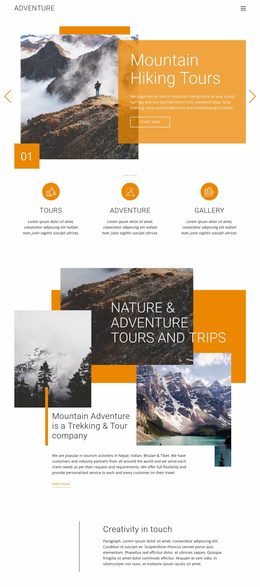
The page also covers several content roles that a broader website may need. The African safari sections provide space for destination storytelling and visual promotion, while the Mission and Vision block adds organizational context over a desert road image. A separate Africa Travel Deals area introduces four sample rows with dates, prices, and View More actions. Those values are placeholder content, but the section itself shows where current offers or seasonal packages could be presented. The service list extends the foundation with Wildlife Safaris, Gorilla Safaris, Bird Watching, Mountain Hiking, and Cultural Tours.
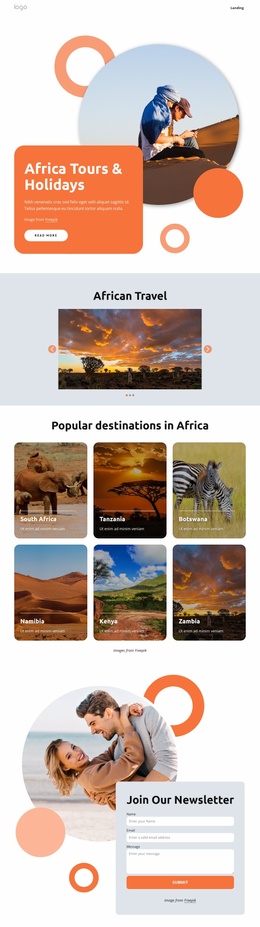
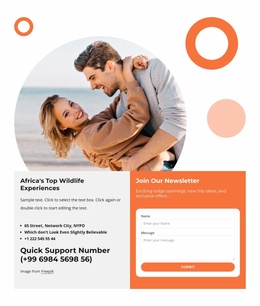
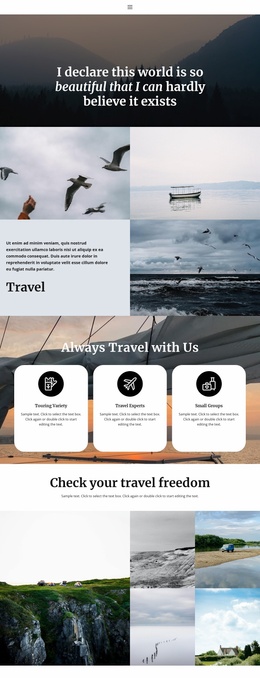
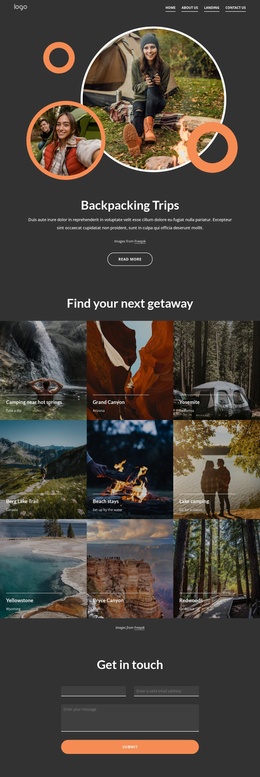
The newsletter section supplies an ongoing communication point through a subscription form beside a travel photograph. Together with the shared visual treatment of circular imagery, rounded cards, warm color areas, and a dark footer, these content zones provide a coherent basis for expanding a travel project while keeping destination, service, offer, and audience-engagement areas related.
Customize with Nicepage
Open this ready-made template in the Website Template Builder and customize it visually in the Nicepage editor. Replace demo content, edit page sections, and adapt the design to your project without rebuilding the template from scratch.
Build a Complete Website From This Template
Customize the Website Visually
Use this ready-made website template as a starting point for your project and adapt its pages visually in Nicepage. Change content, images, typography, navigation, sections, and other design elements while keeping the website together as a single editable project.
Manage Website Pages in One Project
Use the Pages panel to open, add, duplicate, and manage the pages of your website. Work on individual pages while keeping navigation and the overall site structure accessible from the same project, making it easier to develop a complete website instead of managing separate page files.
Expand the Website With Matching Designs
When you need additional pages or sections, use Page Design Sets to find Page and Block Designs created in the same visual style. Design Sets group matching designs together, making it easier to expand the website with new content while maintaining a consistent look across its pages and sections.
Organize Larger Multi-Page Websites
As the website grows, use Page Folders to organize related pages and keep larger multi-page projects easier to navigate in the editor. This is especially useful for websites with separate service pages, company information, contacts, landing pages, and other content areas.
This workflow makes the template a practical foundation for building and expanding a complete website while managing its pages, content, and visual design within one Nicepage project.