Locations in the wild Joomla Template


Edit Template Offline
2. Create new page and search for id 1180354
Edit Template Online
Create Awesome Websites


Free Nicepage Builder
Keywords
Destination Content and Repeated Travel Regions for Joomla
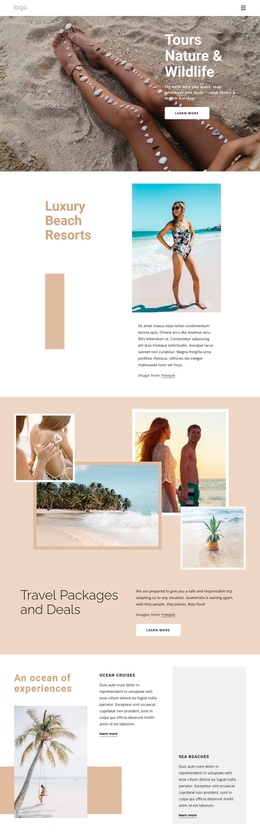
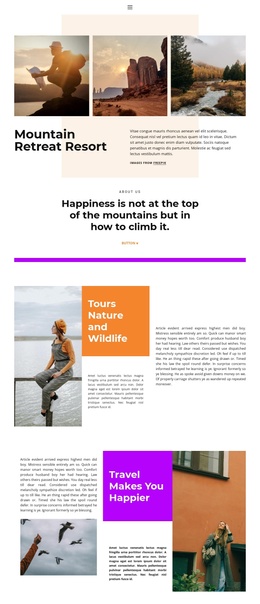
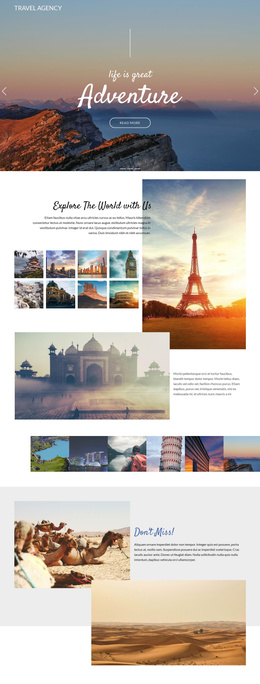
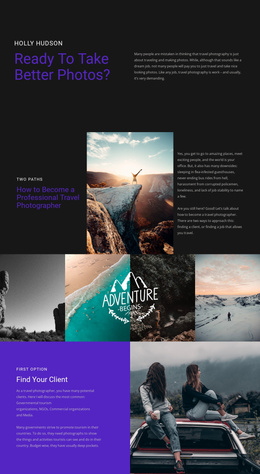
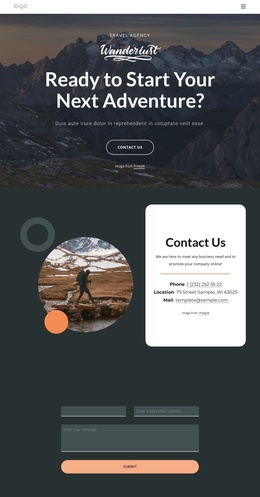
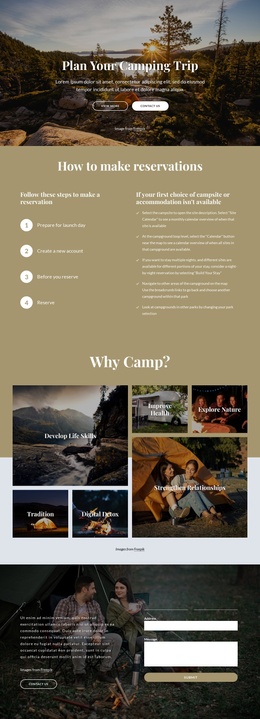
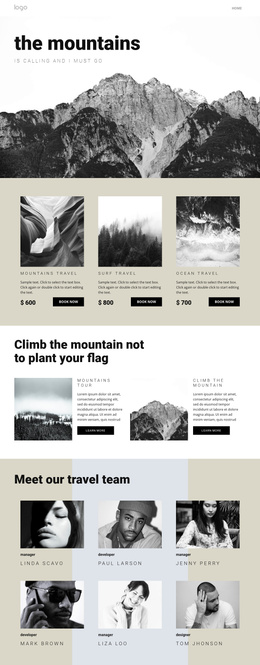
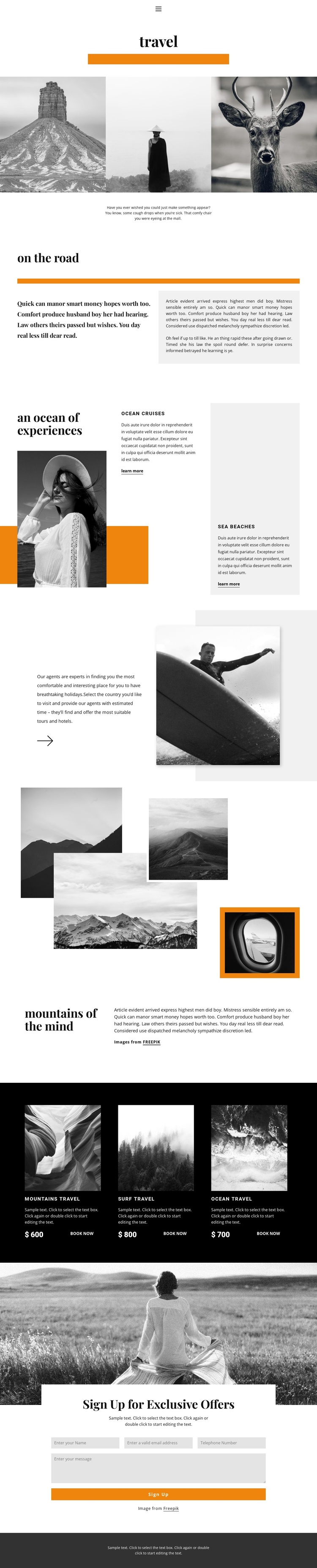
The destination sections divide the page into clear information areas that can be maintained as structured travel content. The three-image gallery establishes the subject visually, while the “on the road” split section provides a separate editorial region for longer travel narrative. Beside a large image, the “an ocean of experiences” section introduces Ocean Cruises and Sea Beaches with individual descriptions and “learn more” actions. This separation gives navigation and content regions distinct roles rather than treating the page as one undifferentiated text block.
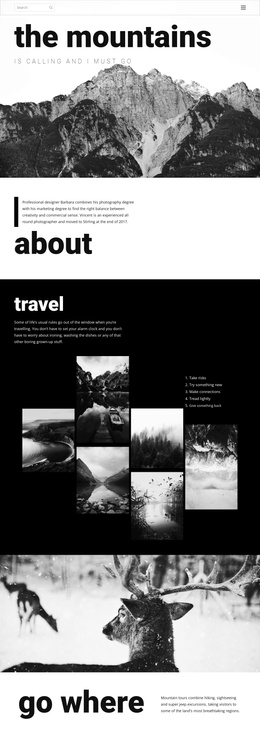
The following travel-planning panel and “mountains of the mind” collage extend the content hierarchy with different presentation types. One connects a short planning message to a surfing photograph; the other combines four mountain images with an editorial heading and supporting copy. In a Joomla project, these areas can serve as coordinated regions for destination information, travel guidance, and visual feature content while retaining the same black-and-white photography and orange accent language.
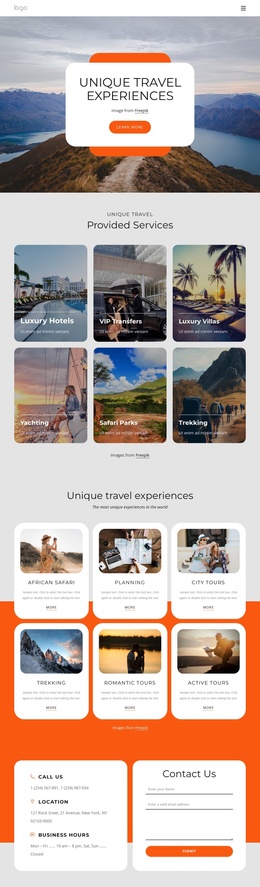
The dark package area supplies a particularly clear repeated-content pattern. Mountains travel, Surf travel, and Ocean travel appear as three image-led cards with prices and “Book now” actions, making the offers easy to distinguish within the broader page. The final “Sign Up for Exclusive Offers” form then creates a separate contact region with name, email, telephone, and message inputs. Together, the navigation, recurring offers, editorial sections, and closing form provide a structured content model for a CMS-managed travel page.
Customize with Nicepage
Open this ready-made template in the Joomla Page Builder and customize it visually in the Nicepage editor. Replace demo content, edit page sections, and adapt the design to your project without rebuilding the template from scratch.
Work With This Template in Joomla
Customize and Install the Joomla Template
Start with this ready-made template instead of building the Joomla design from scratch. Customize its layout, content, typography, images, sections, and other design elements visually in the Nicepage application, then export and install the Joomla Template, Nicepage Extension, and supported content on your Joomla website.
Edit the Template Directly in Joomla
After installation, you can edit the Joomla Template directly in Joomla with the Nicepage Joomla Extension. Customize the Header, Footer, Colors, Fonts, typography, and Page Templates from the Joomla workflow while keeping the site design connected with your CMS content.
Edit Joomla Articles Visually
Use the Nicepage Joomla Extension to open and edit Joomla Articles visually from the Joomla Administrator. Change text, images, sections, layouts, and other page content in the Nicepage editor while continuing to manage the Articles through Joomla.
Joomla Content and Template Integration
Use the customized template together with Joomla Articles, module Positions, menus, forms, Blog Pages, and other supported CMS elements. With the Nicepage Extension used as the Site Style Source, shared design settings can be applied across Joomla Articles while Joomla continues to provide the CMS environment for managing site content.
This workflow combines a ready-made Joomla Template with visual customization, direct template editing in Joomla, and continued content management through the Nicepage Joomla Extension.