New medicine center Joomla Template



Edit Template Offline
2. Create new page and search for id 2076157
Edit Template Online
Create Awesome Websites


Free Nicepage Builder
Keywords
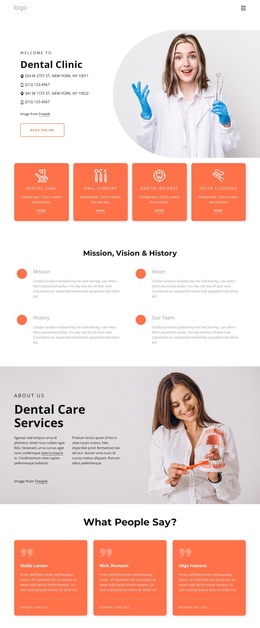
Department Cards and Contact Regions Organize Clinic Content
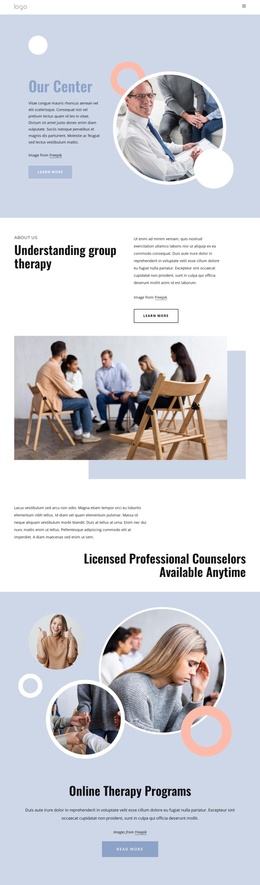
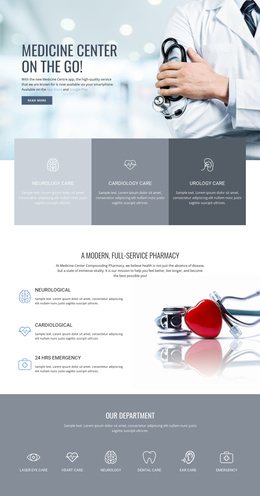
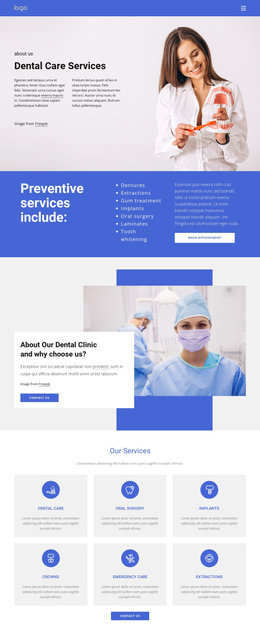
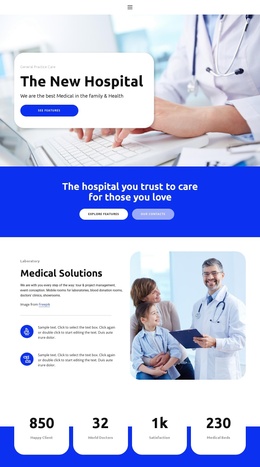
The three department cards and six specialist service cards divide the clinic’s information into recurring content regions. The department overview introduces the clinic’s network, professional dentists, and durable materials, while the image-led service cards provide more specific categories such as Laboratory Analysis, Heart of Surgery, Pediatric Clinic, Neurology Clinic, and Pathology Clinic. In a Joomla project, these distinct groups offer a practical way to keep structured healthcare information visually coordinated without treating every item as one undifferentiated text block.
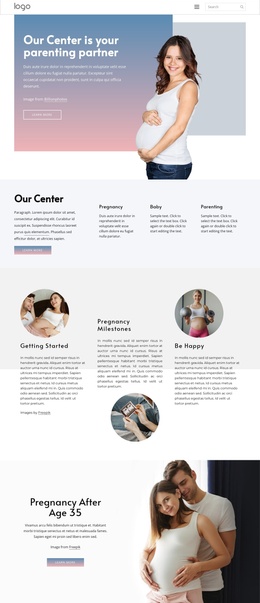
Navigation and shared site regions can frame that content. The doctor-led opening gives visitors an immediate introduction and contact action, the monitored-care section explains the approach, and the four-step process creates a consistent sequence around Appointment, Expert Doctor, Consultation, and Enjoy Life. The FAQ accordions then provide separate areas for medical-service and pregnancy questions, while the appointment and doctor-finding panels connect information with patient-facing actions.
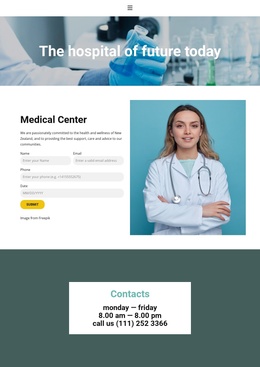
The closing contact panel is especially useful as a stable site region because it brings together weekday hours and a phone number over a medical background. Joomla can provide the content environment for maintaining these service, question, navigation, and contact areas while the visual relationships remain recognizable. The Nicepage Joomla Extension is an optional bridge when the project needs Joomla content and the page design to be edited together, but the template’s value here comes first from its clear division of clinic information.
Customize with Nicepage
Open this ready-made template in the Joomla Page Builder and customize it visually in the Nicepage editor. Replace demo content, edit page sections, and adapt the design to your project without rebuilding the template from scratch.
Work With This Template in Joomla
Customize and Install the Joomla Template
Start with this ready-made template instead of building the Joomla design from scratch. Customize its layout, content, typography, images, sections, and other design elements visually in the Nicepage application, then export and install the Joomla Template, Nicepage Extension, and supported content on your Joomla website.
Edit the Template Directly in Joomla
After installation, you can edit the Joomla Template directly in Joomla with the Nicepage Joomla Extension. Customize the Header, Footer, Colors, Fonts, typography, and Page Templates from the Joomla workflow while keeping the site design connected with your CMS content.
Edit Joomla Articles Visually
Use the Nicepage Joomla Extension to open and edit Joomla Articles visually from the Joomla Administrator. Change text, images, sections, layouts, and other page content in the Nicepage editor while continuing to manage the Articles through Joomla.
Joomla Content and Template Integration
Use the customized template together with Joomla Articles, module Positions, menus, forms, Blog Pages, and other supported CMS elements. With the Nicepage Extension used as the Site Style Source, shared design settings can be applied across Joomla Articles while Joomla continues to provide the CMS environment for managing site content.
This workflow combines a ready-made Joomla Template with visual customization, direct template editing in Joomla, and continued content management through the Nicepage Joomla Extension.