Dental practice in NYC Joomla Template



Edit Template Offline
2. Create new page and search for id 2774251
Edit Template Online
Create Awesome Websites


Free Nicepage Builder
Keywords
Service Groups and Staff Regions Create Manageable Clinic Content
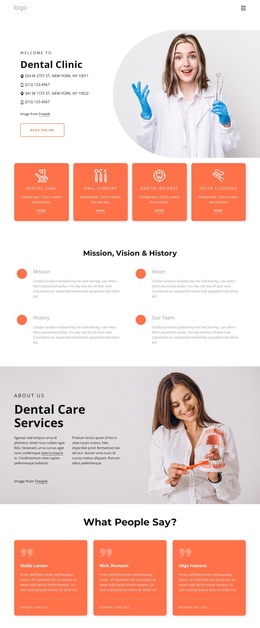
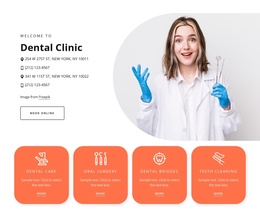
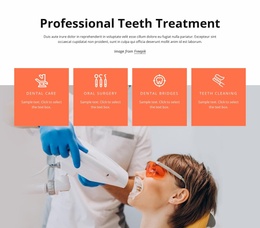
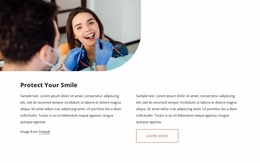
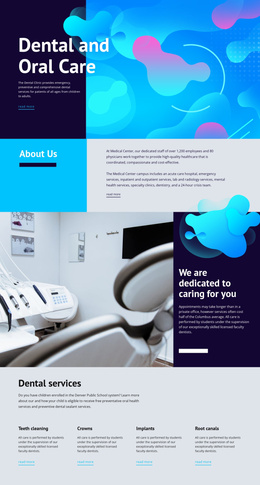
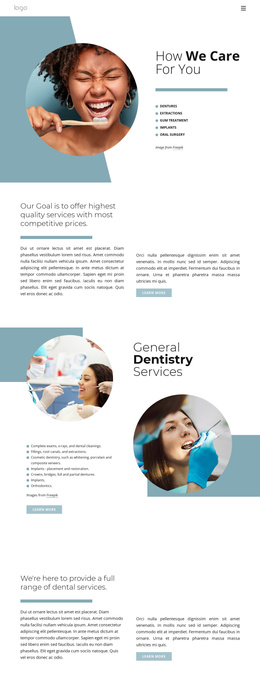
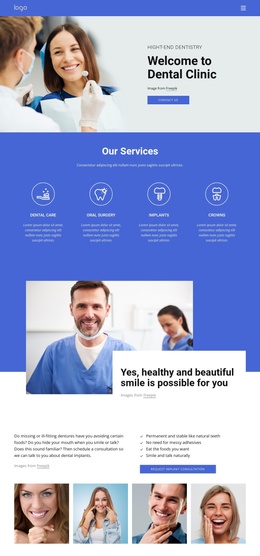
The four service cards provide a natural first content group for a clinic site: Dental Care, Oral Surgery, Dental Bridges, and Teeth Cleaning are presented as separate labeled areas rather than buried in one paragraph. That structure can support organized service information while the shared navigation and footer give the site a consistent frame. The Mission, Vision & History section adds a second group for institutional background, with four concise items that can remain distinct from clinical offerings.
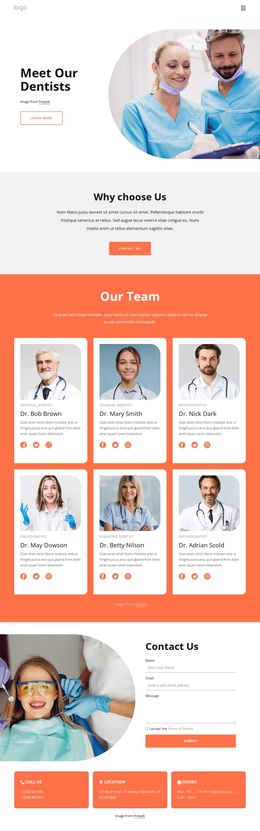
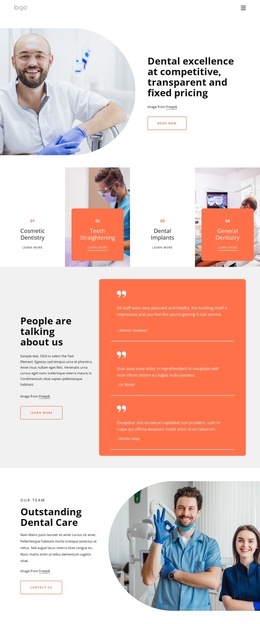
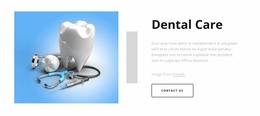
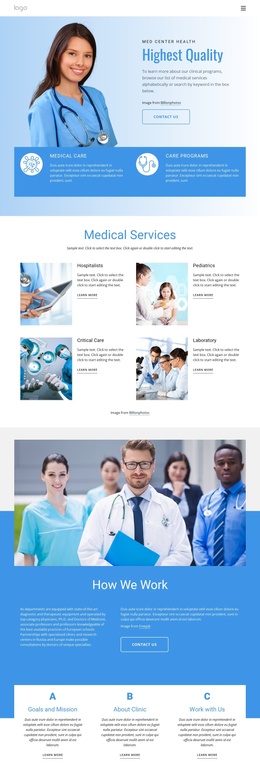
The page also separates people-focused content from service content. Three testimonial cards provide a patient-feedback region, while the six-card Our Team section presents dental profiles, specialties, portraits, and social links. Those repeated blocks create clear editorial areas for staff and supporting information. The Cosmetic Dentistry and Quality Oral Health Care sections then give specific service themes their own visual and content regions instead of combining every offering into one undifferentiated list.
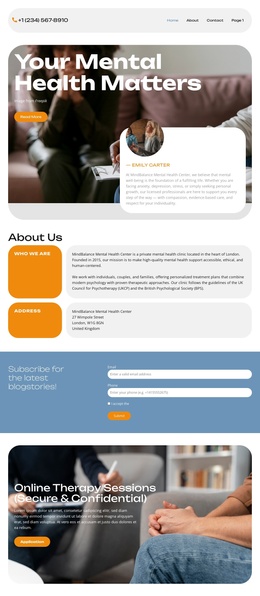
At the end, the Contact Us area joins a form with name, email, and message inputs to three practical information cards covering phone, location, and hours. This combination gives a Joomla-oriented site a structured contact region alongside menus, services, profiles, and testimonials. The design can therefore organize CMS-managed clinic information around recurring content areas without requiring the page to be treated as a generic technical layout.
Customize with Nicepage
Open this ready-made template in the Joomla Page Builder and customize it visually in the Nicepage editor. Replace demo content, edit page sections, and adapt the design to your project without rebuilding the template from scratch.
Work With This Template in Joomla
Customize and Install the Joomla Template
Start with this ready-made template instead of building the Joomla design from scratch. Customize its layout, content, typography, images, sections, and other design elements visually in the Nicepage application, then export and install the Joomla Template, Nicepage Extension, and supported content on your Joomla website.
Edit the Template Directly in Joomla
After installation, you can edit the Joomla Template directly in Joomla with the Nicepage Joomla Extension. Customize the Header, Footer, Colors, Fonts, typography, and Page Templates from the Joomla workflow while keeping the site design connected with your CMS content.
Edit Joomla Articles Visually
Use the Nicepage Joomla Extension to open and edit Joomla Articles visually from the Joomla Administrator. Change text, images, sections, layouts, and other page content in the Nicepage editor while continuing to manage the Articles through Joomla.
Joomla Content and Template Integration
Use the customized template together with Joomla Articles, module Positions, menus, forms, Blog Pages, and other supported CMS elements. With the Nicepage Extension used as the Site Style Source, shared design settings can be applied across Joomla Articles while Joomla continues to provide the CMS environment for managing site content.
This workflow combines a ready-made Joomla Template with visual customization, direct template editing in Joomla, and continued content management through the Nicepage Joomla Extension.